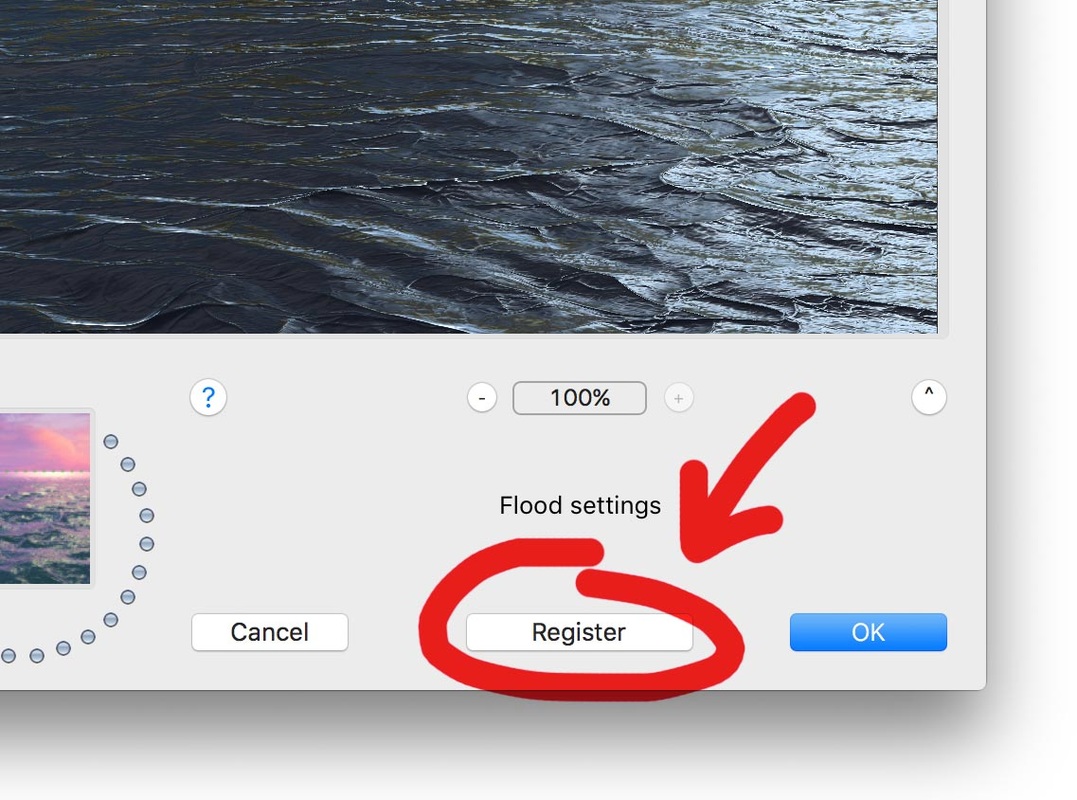
1. Simply find the plug-in on your hard drive and drag it to the Trash/Recycle Bin. Here's where to find the plug-in on Macintosh and on Windows.
2. Quit and restart Photoshop.
What is a plug-in filter?
A plug-in adds a new feature to a program. Photoshop, Paint Shop Pro, and some other popular paint software can accept plug-ins. Flaming Pear makes plug-ins that work with your paint software. They create complex effects too difficult to do by hand.
Plug-ins are useless by themselves; they can only work together with a host program like Photoshop.
Plug-ins that directly change pictures this way are called "filters." There are other types of plug-ins too; they do things like read and write unusual file formats, or talk to a scanner.