Since WordPress 5.0, the WordPress block editor has an easy way to add videos, images, tweets, audio, and other content from third-party services into your WordPress site by embedding. An example of this is embedding a YouTube video in your post or page.
When you are embedding content, you don’t need to upload the content to your WordPress site. You are creating a link to the content, from within your post or page.
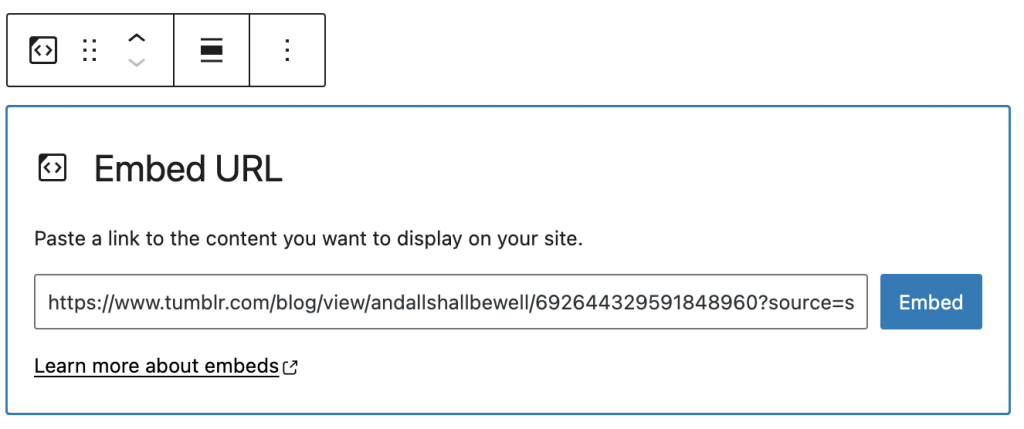
Using the generic Embed Block, you can paste the URL from the third-party site that you want to embed the content such as YouTube, Vimeo, TED, etc on your post or page.
You can also use Embed blocks build for specific third-party services such as YouTube Embed, Vimeo Embed, etc.