

Description
FORMERLY WP OFFLOAD S3 LITE
This plugin automatically copies images, videos, documents, and any other media added through WordPress’ media uploader to Amazon S3, DigitalOcean Spaces or Google Cloud Storage. It then automatically replaces the URL to each media file with their respective Amazon S3, DigitalOcean Spaces or Google Cloud Storage URL or, if you have configured Amazon CloudFront or another CDN with or without a custom domain, that URL instead. Image thumbnails are also copied to the bucket and delivered through the correct remote URL.
Uploading files directly to your Amazon S3, DigitalOcean Spaces or Google Cloud Storage account is not currently supported by this plugin. They are uploaded to your server first, then copied to the bucket. There is an option to automatically remove the files from your server once they are copied to the bucket however.
If you’re adding this plugin to a site that’s been around for a while, your existing media files will not be copied to or served from Amazon S3, DigitalOcean Spaces or Google Cloud Storage. Only newly uploaded files will be copied to and served from the bucket. The pro upgrade has an upload tool to handle existing media files.
Image Optimization
Although WP Offload Media doesn’t include image optimization features, we work closely with the author of EWWW Image Optimizer to ensure they always work well together. Not only do we recommend EWWW Image Optimizer but we officially support its integration with WP Offload Media.
PRO Upgrade with Email Support and More Features
- Upload existing Media Library to Amazon S3, DigitalOcean Spaces or Google Cloud Storage
- Control offloaded files from the Media Library
- Assets Pull addon – Serve your CSS, JS and fonts via CloudFront or another CDN
- WooCommerce integration
- Easy Digital Downloads integration
- Priority email support
The video below runs through the pro upgrade features…
Screenshots
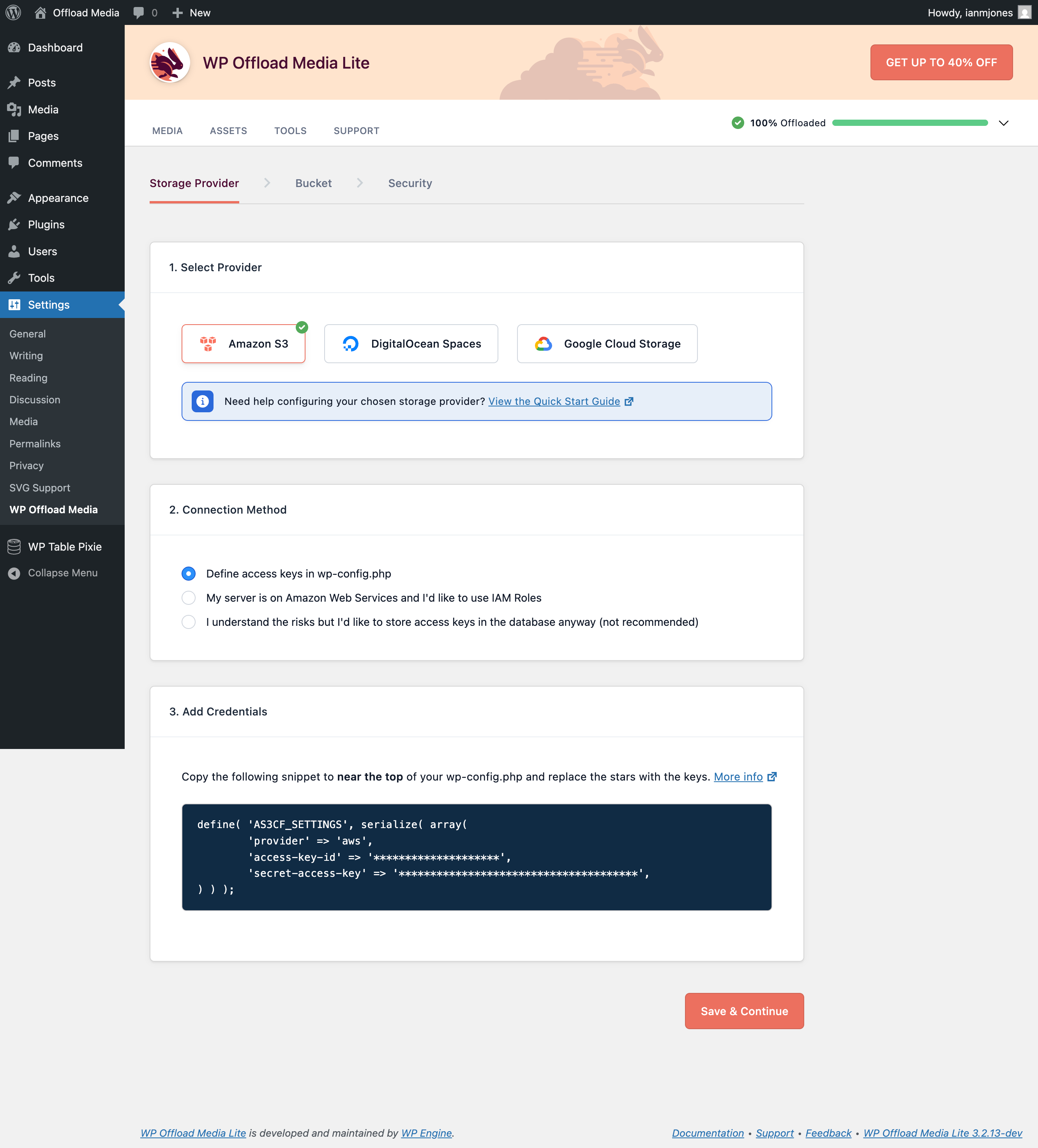
Select Cloud Storage Provider 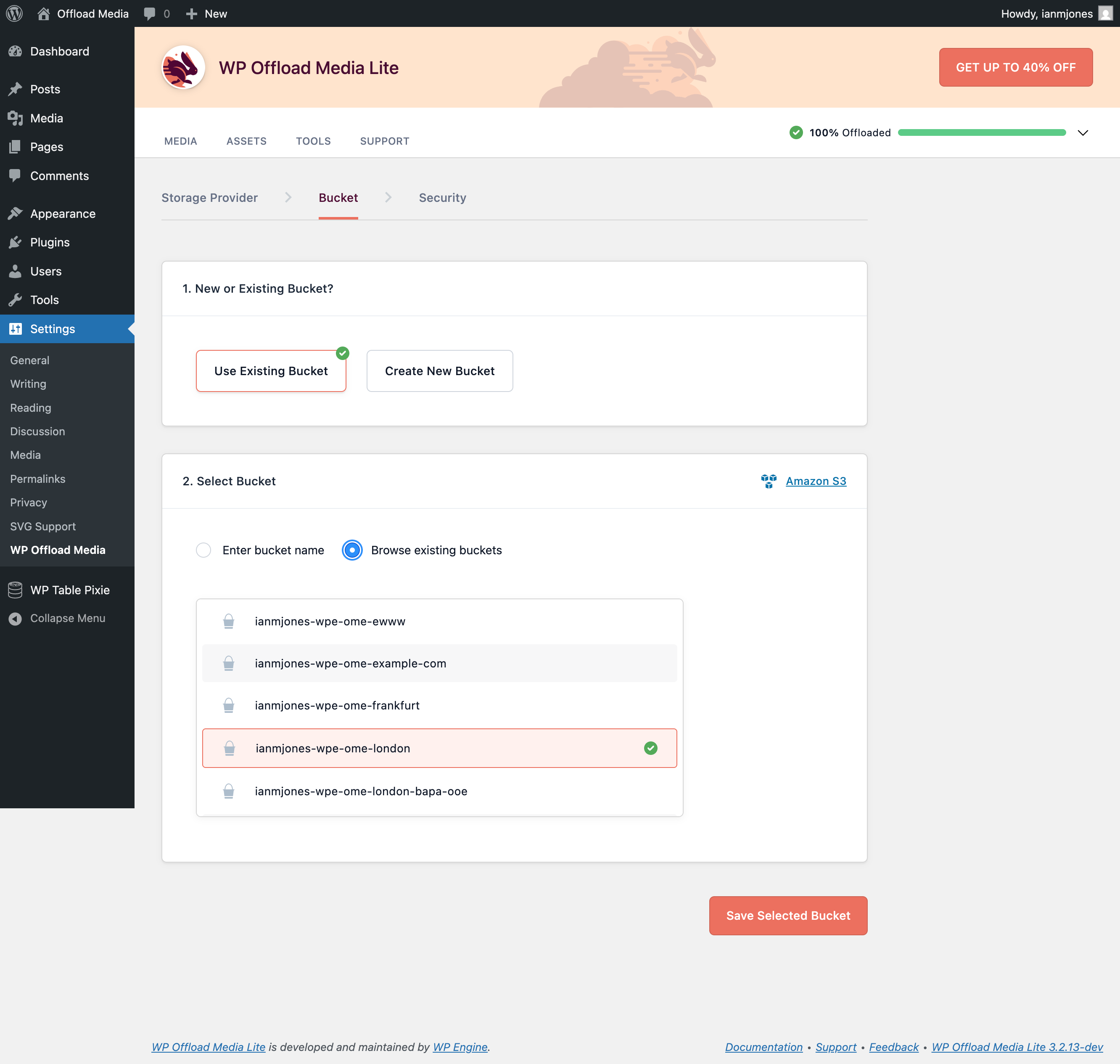
Select or Create Bucket 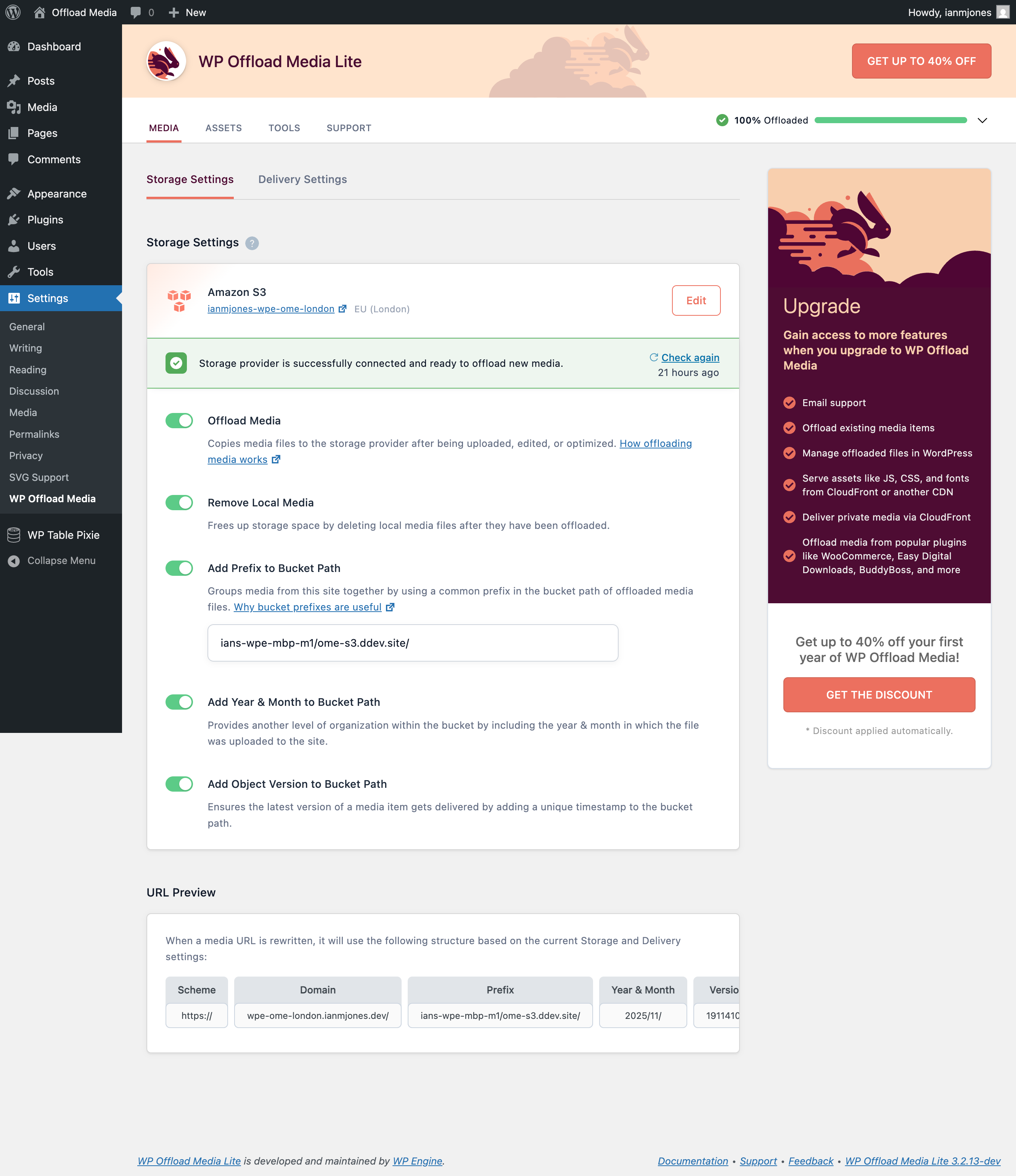
Settings Screen 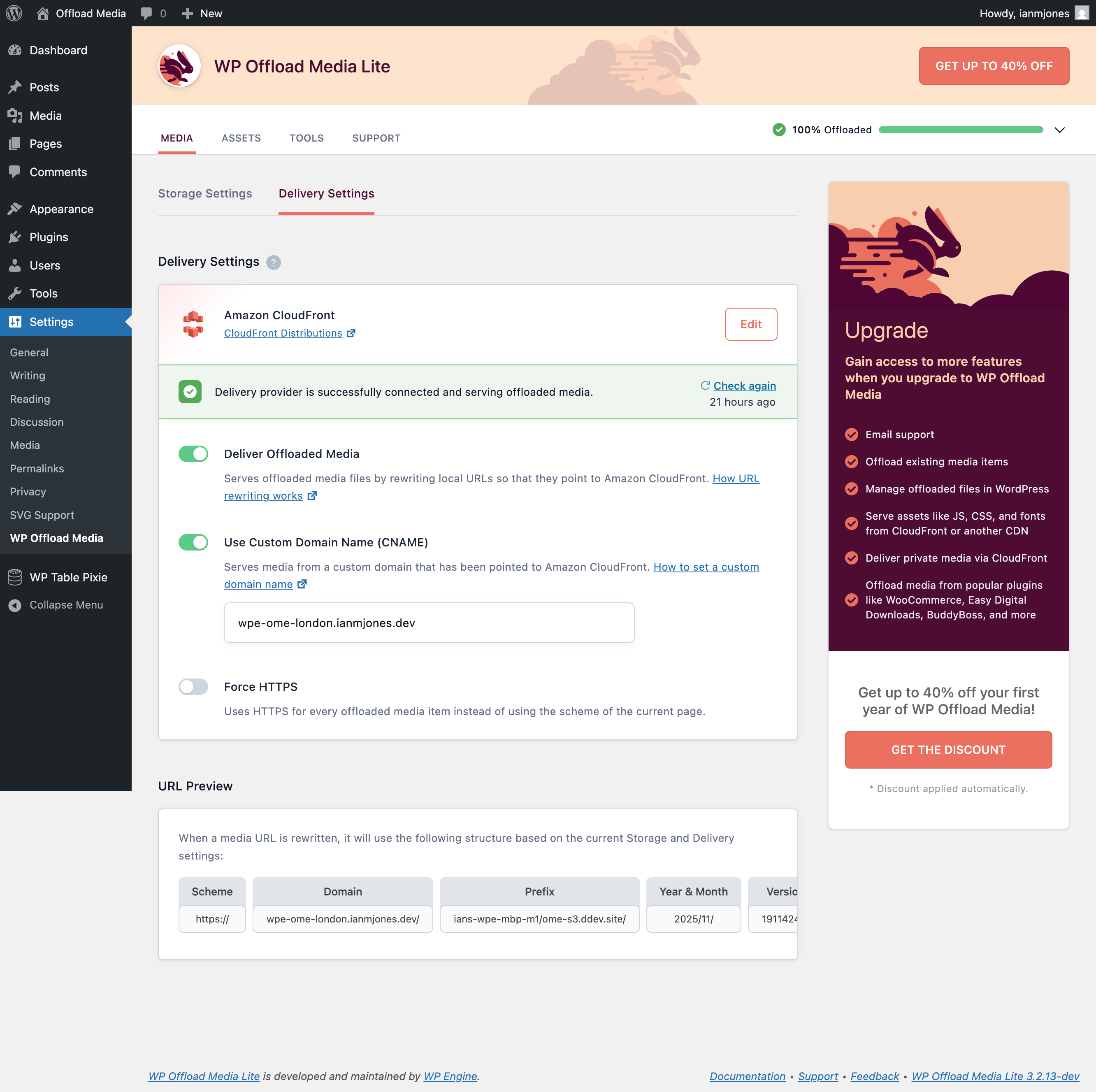
Custom Domain Used With CDN


Installation
- Install this plugin using WordPress’ built-in installer
- Access the Offload Media option under Settings
- Follow the instructions to set up your AWS or DigitalOcean access keys and configure
Check out the Quick Start Guide for more information on configuring WP Offload Media.
FAQ
-
What are the minimum requirements?
-
You can see the minimum requirements here.
-
Do you offer email support?
-
If you upgrade to the pro version of WP Offload Media, we will gladly provide you with email support. We take pride in delivering exceptional customer support. We do not provide email support for the free version.
Reviews


Contributors & Developers
“WP Offload Media Lite for Amazon S3, DigitalOcean Spaces, and Google Cloud Storage” is open source software. The following people have contributed to this plugin.
Contributors


“WP Offload Media Lite for Amazon S3, DigitalOcean Spaces, and Google Cloud Storage” has been translated into 1 locale. Thank you to the translators for their contributions.
Interested in development?
Browse the code, check out the SVN repository, or subscribe to the development log by RSS.
Changelog
WP Offload Media Lite 3.2.11 – 2025-01-22
- New: Amazon S3 regions Asia Pacific (Thailand) and Mexico (Central) are now selectable
WP Offload Media Lite 3.2.10 – 2024-12-12
- New: DigitalOcean regions Toronto (TOR1) and London (LON1) are now selectable
- New: Google Cloud Storage regions Africa (Johannesburg), Dual-Region (Belgium/London), Dual-Region (London/Frankfurt) and Dual-Region (Frankfurt/Zürich) are now selectable
- New: Google Cloud Storage SDK has been updated to v1.39.0 (requires PHP 7.4+)
- Bug fix: Speed of adding new media is no longer affected by the number of records in the postmeta table
WP Offload Media Lite 3.2.9 – 2024-10-04
- Security: The plugin can now serve updates from WP Engine servers, however this update mechanism is not included when installed directly from WordPress.org
- New: Amazon S3 region Asia Pacific (Malaysia) is now selectable
- New: AWS PHP SDK has been updated to v3.319.4
- New: PHP and JS dependencies have been updated
WP Offload Media Lite 3.2.8 – 2024-07-11
- Delivery status indicator is now more accurate when Amazon S3 Object Ownership is configured in combination with a delivery provider other than Amazon CloudFront
- Corrupt
_wp_attachment_metadatano longer causes a fatal error when offloading media
WP Offload Media Lite 3.2.7 – 2024-02-13
- New: Amazon S3 regions Canada West (Calgary), Asia Pacific (Melbourne) and Israel (Tel Aviv) are now selectable
- New: DigitalOcean region Bangalore (BLR1) is now selectable
- New: Google Cloud Storage regions Europe (Berlin), Europe (Turin), Middle East (Doha) and Middle East (Dammam, Saudi Arabia) are now selectable
- Improvement: The as3cf_object_meta filter now also runs during storage settings validation
- Bug fix: Private media URLs now work as expected in audio and video shortcodes
- Bug fix: Performance improved for ACF image fields when filesize metadata is missing for offloaded and removed files
- Bug fix: URLs for offloaded media in ACF URL and link fields are now properly rewritten
- Bug fix: Media library files with apostrophes in their filenames no longer cause database errors
- Bug fix: URL rewriting no longer breaks slashed serialized data with NULL values
- Bug fix: URL rewriting on a dev site now works without a bucket being set
WP Offload Media Lite 3.2.6 – 2024-01-11
- New: WordPress 6.4 compatible
- New: AWS PHP SDK has been updated to v3.295.8
- Improvement: Delivery settings check request headers updated to avoid provider’s erroneous hot-link protection
- Bug fix: Corrupted amazonS3_cache records no longer cause a fatal error
- Bug fix: Safety improved when handling serialized content
WP Offload Media Lite 3.2.5 – 2023-08-24
- New: WordPress 6.3 compatible
- New: PHP 8.2 compatible
- New: AWS PHP SDK has been updated to v3.279.0
- New: Google Cloud Storage SDK has been updated to v1.33.0 (requires PHP 7.4+)
- New: Links to plugin documentation, support, feedback, and changelog are now available in the footer of WP Admin
- Bug fix: Delivery settings check no longer logs false message about not being able to remove test object from bucket