⚡ NEW: Profile/chemicalhalo - Complete Album!

Skip to main content

chemicalhalo2022

5
Posts
A member registered Oct 04, 2022

Recent community posts

I've been using this thing non-stop like 5+ hours a day. It just is so much fun.

I've spent the past day or so reading up on the embeddings/textual inversion and google colab/Dreambooth options as well to train the stable diffusion model more, but it seems every option becomes difficult to various reasons - and the other options require you to pay to run a server farm to train the model for you.

Is there any chance you are working on or can put together a UI so we can train and create our own model.ckpt file directly in the software? I've looked at other options but require installing Ubuntu in Windows, or having to go through all that difficult Python scripts when we just want to be able to drag and drop images, click go and come back to a sweet new file.

Please, if you could just include a simple UI it would mean the world to myself and so many others. Your option to generate unlimited images makes it far better than the other stable diffusion UIs. 
Hello, thanks again for the reply. I really want to reiterate how amazing you are at creating software. I use Unity to create VR environments and have spent 1000s of hours as its my daily tool besides Blender and wish I had even 1% of the knowledge you do to create something as impressive as this.

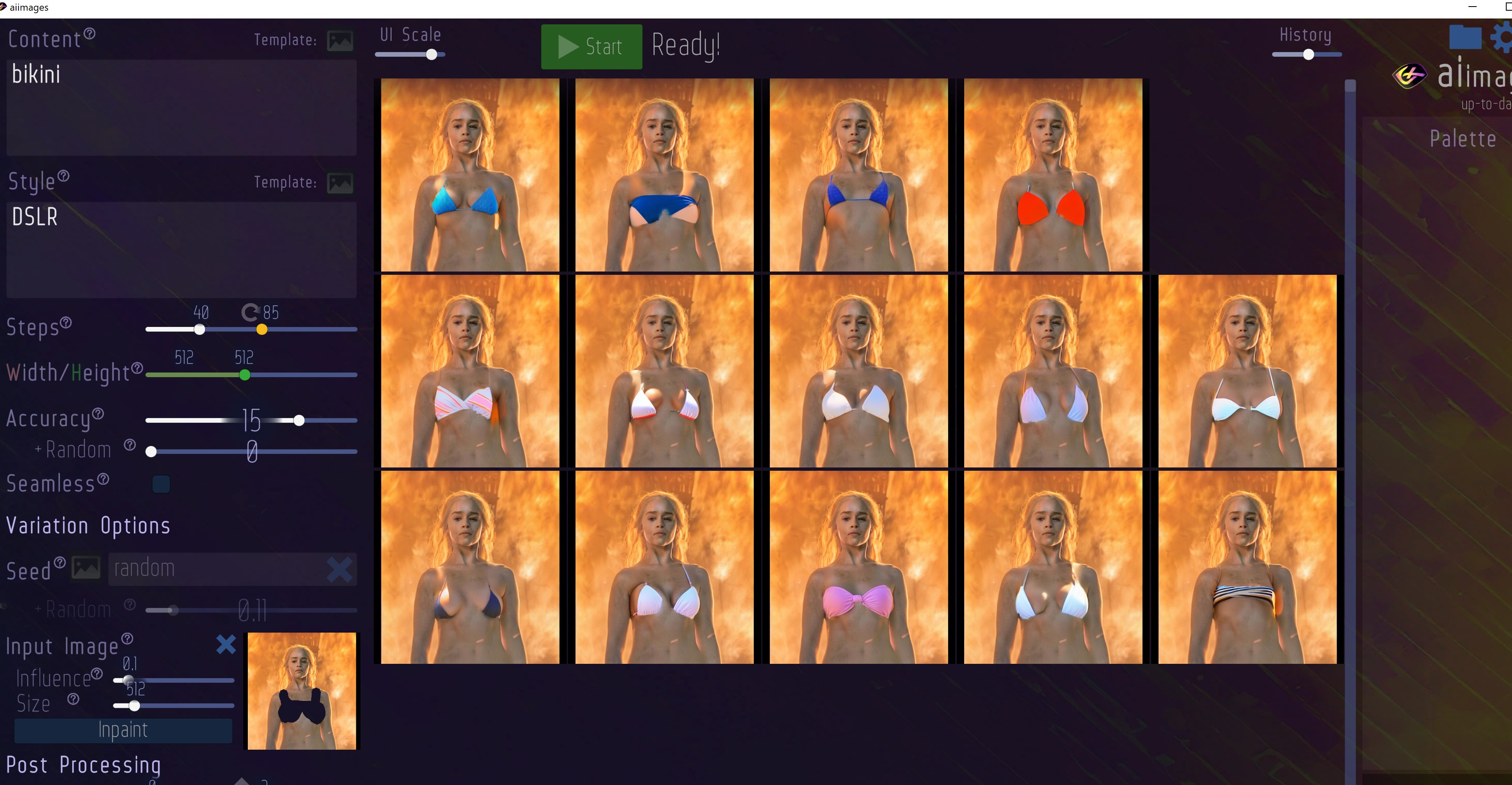
Well, the reason I ask is because I want to "mass import" images, and if you use the load from the PC I am always getting "black" in the section that I use to inpaint, unless I actually physically replace another image by copying another file over with the same file name. I found a trick to mass import 100s of files at once, but an official method to just drag and drop PC files to load into the history to have quick access to make quick inpaints would be really useful since I am using the tool to inpaint hundreds of images and loading individual images straight from the PC always causes the black issue (I can screenshot or share more details if others aren't having this issue). I tried with dozens of images using the load from box, and is always black when I try to use (not created from software, just images on the HD, works fine if I use the load image to use one from aiimages).

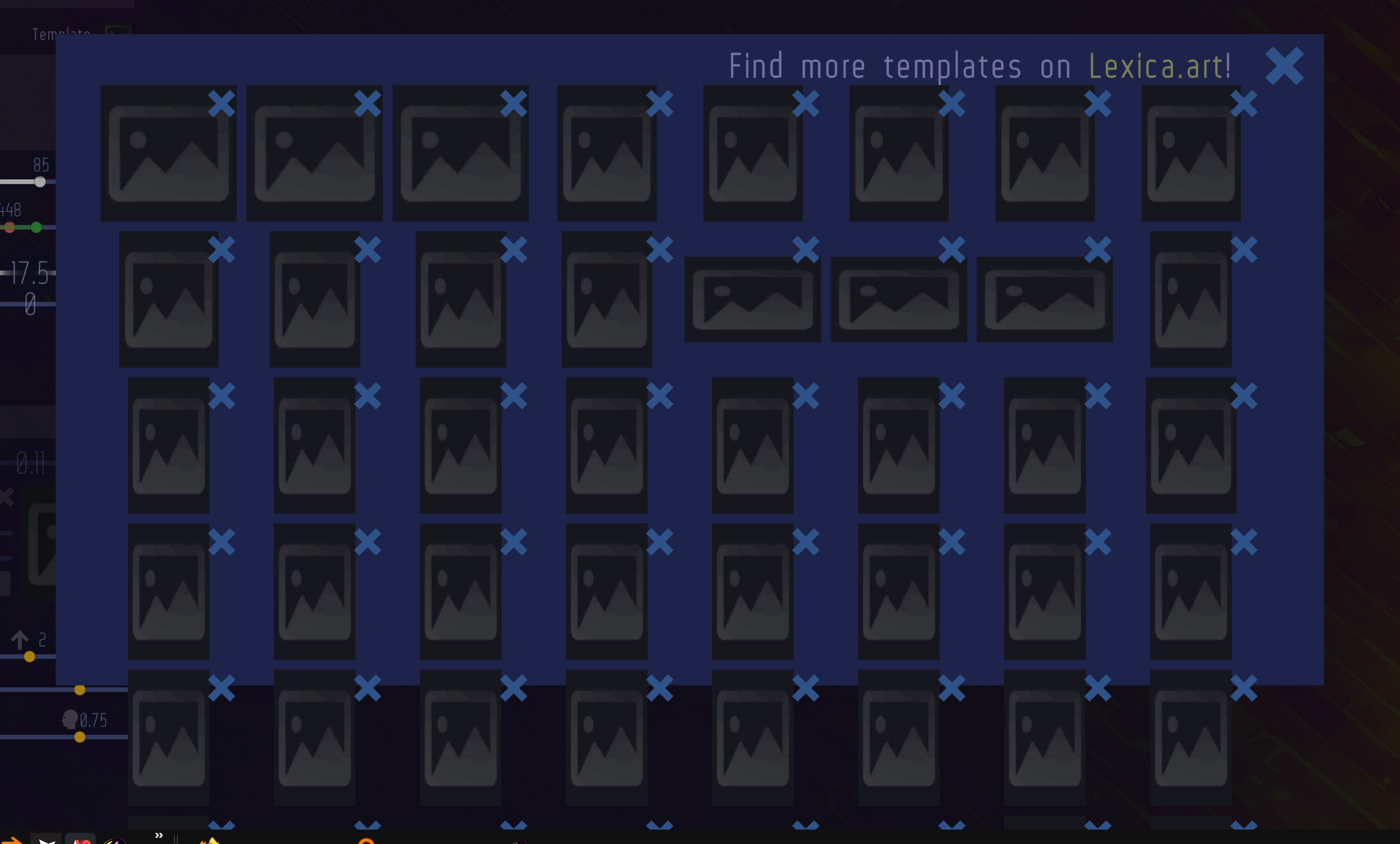
I also noticed one minor problem and is maybe my PC resolution (4k, using 200% windows scaling) and is a bug, or is no one else has had any reason to create 40+ templates, but it runs off the screen and you can't scroll down / see more of the templates past a certain point.

Even modifying the UI scale in software, and using the scroll bar or do anything it still runs off the page. I have about 60 templates and can't see past the 40 on screen. Could you please look into this? The reason it is blank is because I moved the images out of the folder to take screenshots so them  being blank is not an issue.


Thanks for your time (again!) in answering questions and helping us users in the comments by the way. Its really cool to see a developer passionate about making their product better especially since is such a game changer in the technological landscape. Every person I've seen talk about aiimages says is the best GUI and easiest setup and boy does it work...I'm at 10 gig of images created, nothing takes more than like 20 seconds and can just set a prompt, leave the room and come back to see 1000s of new images. I'm going to use aiimages actually to completely texture an environment and models from blender and Unity to see what kind of amazing thing can be created with just prompts and I bet the answer is "better than if I spent hours (days if not months) in photoshop!"

Embeddings please in the next version also if it isn't too much trouble :)

(1 edit)

If others are curious you can use any image you want in this software if you just rename another png to another png that was created by the software in the outputs folder, and restart the software - it will show you the new images to then inpaint. It also doesn't care about the previous images file size or resolution. Make sure you put clothes on any undressed women you come across since only a sinner would use it to do the opposite. 

Hopefully we can get a feature to replace these files instead of having to rename them ourselves though or if someone else has another solution.

(1 edit)

Hello I don't know why but I can't reply to the earlier comment from you so thanks again for the assistance in implementing waifu diffusion. If you could please add the embedding feature so we could train it on images it doesn't have access to so we can add our own art styles/imagery it would be greatly appreciated. I think you have created the best software ever compiled into exe format, congratulations.


Also, is there something I am missing in how to get the img2img work? It doesn't seem to work with outside images. Even if you replace the PNG file with another file it doesn't show the correct output in the software, but then if you go to the outputs folder you can see it is being modified. This is great, because we can use your img2img feature with any image we want but it doesn't properly show the outputs. Maybe I am creating more work for myself but I can't seem to use outside images unless created with the software? Is this intentional? Because i would like to propose a method to simply "replace" files with other png on your hard drive, since that DOES show the proper data when generated, just requires having to rename each file individually to something in the outputs and then overwriting which takes a while to do lots of images.

Hello, first off thank you this is absolutely incredible. My first foray into the world of stable diffusion and I can't believe what I am seeing! Is there any way in the future we will have the ability to train it to get better results? It seems they didn't train it anything explicit to make  hentai art with. Thank you.