
Over the years, Kinsta has made significant progress in streamlining website management via the MyKinsta dashboard. This powerful dashboard enables users to manage their sites and perform various maintenance actions, including restarting the PHP engine and clearing their site’s cache.
However, the introduction of Kinsta API takes website management to a whole new level. Developers can now leverage the power of Kinsta API to enhance the management process, create custom interfaces, and even build scheduler applications to automate essential tasks.
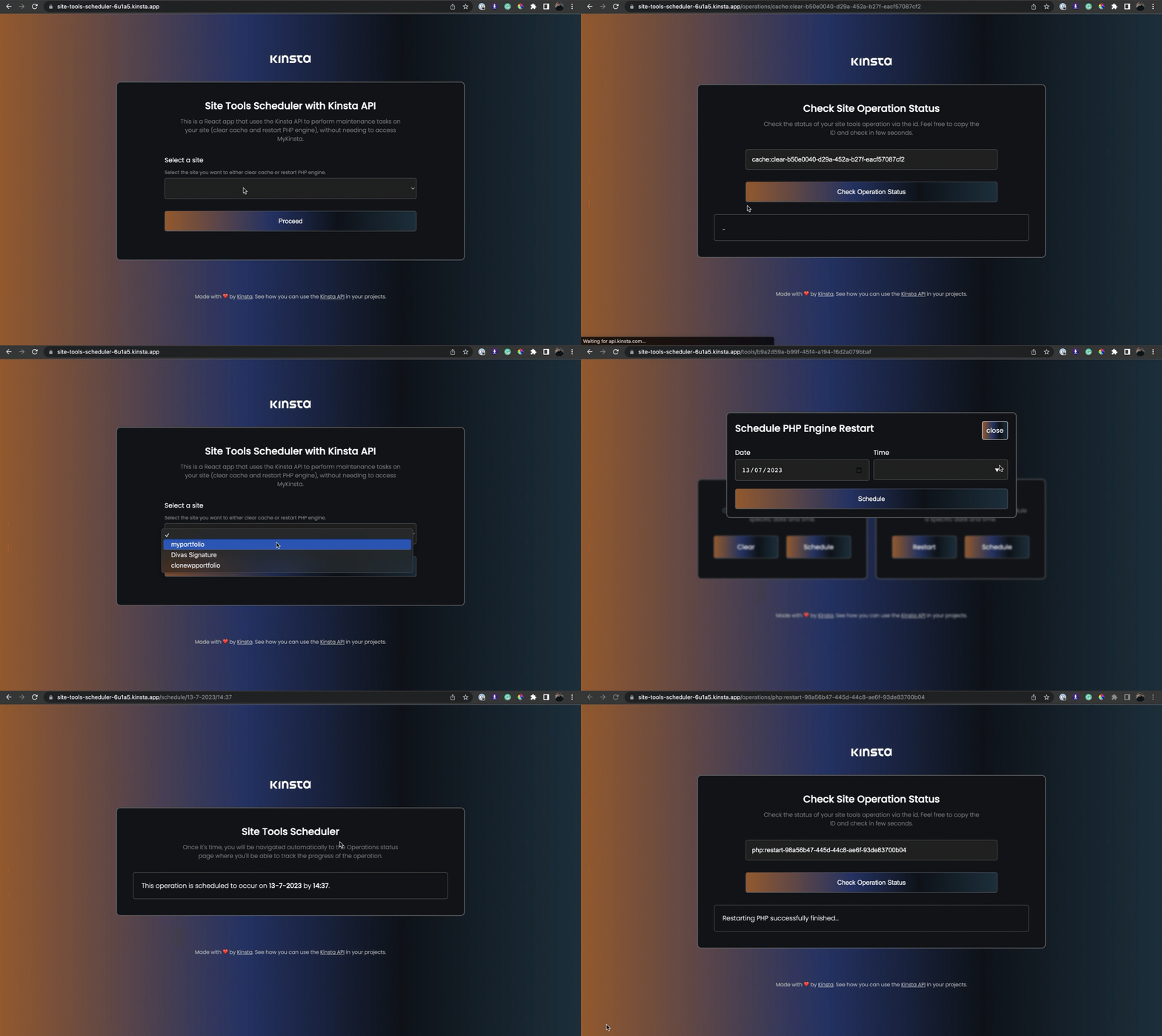
This tutorial delves into the world of Kinsta API and explains how to build a React application for scheduling essential maintenance tasks like PHP engine restarts and cache clearing with the Kinsta API.
Here’s a live demo of the site tools scheduler application.
Understanding the Kinsta API
The Kinsta API is a powerful tool that allows you to interact with Kinsta’s managed WordPress Hosting platform programmatically. It can help automate various tasks related to the services provided by Kinsta, including site creation, retrieving site information, getting the status of a site, and much more.
To use Kinsta’s API, you must have an account with at least one WordPress site,