
Beschrijving
As the most powerful and easiest to use Instagram plugin for WordPress, Smash Balloon Social Photo Feed helps you create, customize and embed Instagram feeds on your website in just a few clicks! Absolutely no coding needed.
Designed for both WordPress beginners and advanced users, you can use Social Photo Feed to seamlessly integrate your Instagram widgets and keep your site effortlessly updated.
Explore the Pro Version | See Pro in Action
Over 1 million users worldwide trust Social Photo Feed to easily showcase Instagram content on their websites.
Embed Your Instagram Feed in 3 Steps
Smash Balloon Instagram Feed makes it a breeze to set up your feeds on your site:
- Create your feed and choose an Instagram widget source
- Customize your feed in a few clicks
- Add your Instagram feed to your site
Check Out the Pro Version | Try the Pro Demo
Free Features
- NEW! Supports local WebP image format for faster loading times
- oEmbed Support Automatically powers your Instagram oEmbeds
- Setting Up is Simple: Get started in seconds, no hassle, no fuss
- Showcase Multiple Accounts: Display photos from various Instagram accounts in one unified feed or separate them into individual feeds
- Multiple Feeds Anywhere: Add as many feeds as you want on the same page or spread them across different pages on your site
- Responsive & Mobile-Ready: Your feeds will look stunning on any screen size, on any device and in any container width
- Volledig aanpasbare feeds: – pas de breedte, hoogte, aantal foto’s, aantal kolommen, afbeeldingsgrootte, achtergrondkleur, afbeeldingsafstand en meer aan!
- Visual Customizer: Customize your feed layout, color scheme, header style, post settings, lightbox, and much more – in just a few clicks
- Photo Display Options: Choose to display thumbnail, medium, or full-size photos directly from your feed
- Beautiful Feed Header: Add a striking header to top off your feed beautifully
- “Follow on Instagram” Button: Increase followers by adding a “follow on Instagram” button at the bottom of your feed
- Flexible Photo Order: Display your Instagram photos in chronological order or mix it up with a random arrangement
- Infinite Scroll: Keep your visitors engaged by loading more of your Instagram photos with a handy “Load More” button
- Built-in Block: Easily add your feed to posts and pages with our convenient block for the block editor
- Instagram Widget: Embed on your site’s widget-ready areas such as sidebar and footer in seconds
- GDPR naleving – integreert automatisch met veel van de populaire GDPR cookie toestemmingsplugins én bevat een 1-klik gemakkelijke GDPR instelling
- Designed for All Users: Perfect for beginners and advanced users alike
- Advanced Customization: Add your own custom CSS and JavaScript for advanced customizations
- Page Builder Compatible: Fully compatible with Elementor, Divi, Beaver Builder and other popular page builders
Get More with Instagram Feed Pro
Want to truly maximize your Instagram content and make it work harder for your brand?
While Smash Balloon’s Social Photo Feed offers a free way to get started, our Pro version offers advanced features to help you get complete control over the way you show your Instagram photos and videos to your website visitors.
The Pro version, known as Instagram Feed Pro, allows you to:
-
Display hashtag feeds – Curate dynamic content around specific Instagram hashtags
Check Out Instagram Hashtag Feed Demo -
Show stunning lightboxes – View photos, Instagram reels and videos in a popup lightbox directly on your site
-
Add interactive elements – Display captions and show the number of likes and comments for each post
-
Embed Instagram carousel – Showcase eye-catching carousels from your posts
See Instagram Carousel Feed Demo -
Choose from multiple layout options – Use “Masonry” or “Highlight” layouts
View “Highlight” Layout in Action -
Use advanced feed moderation – Hide or show specific posts in just a few clicks
-
Filter Instagram posts – Display Instagram content based on hashtags, keywords or specific user posts
-
Create shoppable feeds – Add customized links to each post, like link in bio, so you can direct your site visitors to the page you’d like
-
Use professionally-designed themes – No need to start from scratch! Design beautiful feeds in minutes with pre-made feed themes to instantly create beautiful and unique feeds
Plus, enjoy these Pro benefits:
- Priority Support: Get quick and dedicated help from our support team
- Regular Updates: Benefit from continuous plugin improvements and new features
Check Out the Pro Version | Try the Pro Demo
Why Over 1 Million Users Love Smash Balloon
Trusted by over 1 million websites, Smash Balloon is the leading solution for seamlessly integrating Instagram feeds onto your site.
Our 4.9/5 star average rating from 4,000+ glowing reviews speaks for itself.
What Our Users Are Saying
“Awesome plugin and support – Awesome plugin that just works! Contacted support this week and they’ve quickly given a custom solution for a specific query I had! Very happy customer!”
– @tomteaweb“The best Instagram feed plugin – Whenever I need to display the Instagram feed in a WordPress site, I choose this plugin. It is not only easy to set up, but even in the free version you have enough features to have a nice feed. Do not spend more time looking for another Instagram feed plugin: This is the best!”
– @yordansoares“Simple and concise – Excellent plugin. Simple and non-bloated. I had a couple small issues with the plugin when I first started using it, but a quick comment on the support forums got a new version pushed out the next day with the fix. Awesome support!”
– @joshjones“Great plugin, greater support! – I’ve definitely noticed an increase in followers on Instagram since I added this plugin to my sidebar. Thanks for the help in making some adjustments…looks and works great!”
– @bnotp
Fast, Professional and Helpful Support
At Smash Balloon, we’re dedicated to providing the most customizable, robust, and well-supported Instagram plugin available.
Have a question, need help with a feature, or want to request a new feature?
Our dedicated support team is just a quick message away, ready to provide top-notch assistance for both free and premium versions:
- Documentation
- Free Support – Please open a ticket in the Support forum
- Premium Support – Premium users can reach out to us via this Contact Support form
You can instantly unlock priority support when you upgrade to Instagram Feed Pro now.
7 Reasons Why You Need Smash Balloon Social Photo Feed
- Boost Social Engagement – Increase engagement between you and your Instagram followers
- Save Time – Automatically display your Instagram photos on your website
- Display Your Content Your Way – Customize your feeds to blend seamlessly with your site
- Keep Your Site Looking Fresh – Automatically push new Instagram content to your site
- Super Simple Setup – Get started in 30 seconds with no Developer account needed
- Powers Instagram oEmbeds – Maintain working Instagram embeds across your site
- Professional Feed Themes – Use ready-made themes for quick, beautiful displays
Wat kan het doen?
- Display Instagram photos from any account you own
- Completely responsive and mobile ready
- Display multiple feeds on the same page
- Toon berichten van meerdere Instagram gebruikersIDs
- Built-in customization options
- Infinite scroll with ‘Load More’ button
- Plus more features added regularly!
Completely Customizable Feeds
- Set number of photos to display
- Choose number of columns and photo sizes
- Show/hide feed elements (header, buttons)
- Control width, height and background color
- Set spacing between photos
- Toon foto’s in chronologische of willekeurige volgorde
- Customize button text and colors
- Add custom CSS or JavaScript
- Style multiple feeds differently
- Plus more options added regularly!
Leer meer over de Pro versie of probeer de Pro demo
What’s Next
If you like our WordPress Instagram plugin, then consider checking out our other projects:
OptinMonster – Get more email subscribers with the most popular conversion optimization plugin for WordPress.
WPForms – #1 drag & drop online form builder for WordPress (trusted by 5 million sites).
AIOSEO – The original WordPress SEO plugin to help you rank higher in search results (trusted by over 3 million sites).
MonsterInsights – See the stats that matter and grow your business with confidence. Best Google Analytics plugin for WordPress.
SeedProd – Create beautiful landing pages with our powerful drag & drop landing page builder.
WP Mail SMTP – Improve email deliverability for your contact form with the most popular SMTP plugin for WordPress.
WPCode – must have WordPress code snippet management plugin to help you future-proof website customization (trusted by 1.5 million sites).
Duplicator – popular WordPress backup and migration plugin used by over 1 million websites.
WP Simple Pay – #1 Stripe payments plugin for WordPress. Start accepting one-time or recurring payments without a shopping cart.
PushEngage – Connect with visitors after they leave your website with the leading web push notification plugin.
RafflePress – Best WordPress giveaway and contest plugin to grow traffic and social followers.
TrustPulse – Add real-time social proof notifications to boost your store conversions by up to 15%.
SearchWP – The most advanced custom WordPress search plugin to improve WordPress search quality.
AffiliateWP – #1 affiliate management plugin for WordPress. Add a referral program to your online store.
Easy Digital Downloads – The best WordPress eCommerce plugin to sell digital products (eBooks, software, music, and more).
WPCharitable – Top-rated WordPress donation and fundraising plugin for WordPress.
Visit WPBeginner to learn from our WordPress Tutorials and about the best WordPress plugins.
Privacy Policy
=Data Collection=
Instagram Feed does not collect any personal data from your Meta accounts (Instagram, Facebook). All data retrieved from the Meta API is used solely for the purpose of displaying your feed on your WordPress site.
=External Connections=
This plugin connects to three external sites:
-
Smashballoon.com: Used for connecting and authenticating your sources. Occasionally, it sends dynamic notices to users. These notices can include information about major API changes, critical updates, and marketing messages.
-
Instagram.com and Facebook.com: Used to fetch posts so your visitors can view them directly on your site without needing to leave.
=Data Usage=
All data retrieved from the Meta API is used solely for displaying your Instagram feed on your WordPress site. No personal data is collected, stored, or shared beyond this purpose.
Schermafbeeldingen
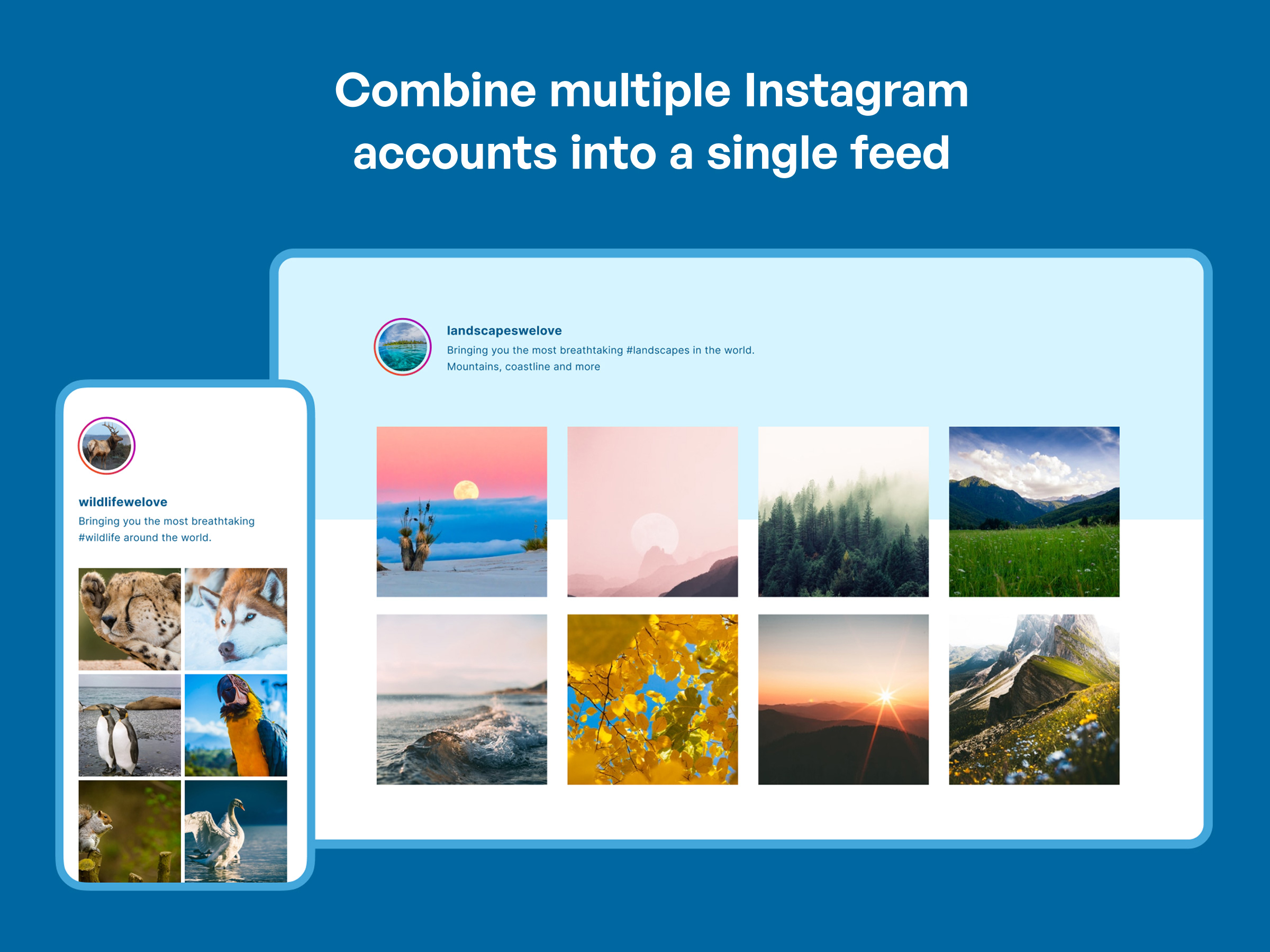
Toon eenvoudig feeds van al je Instagram-accounts 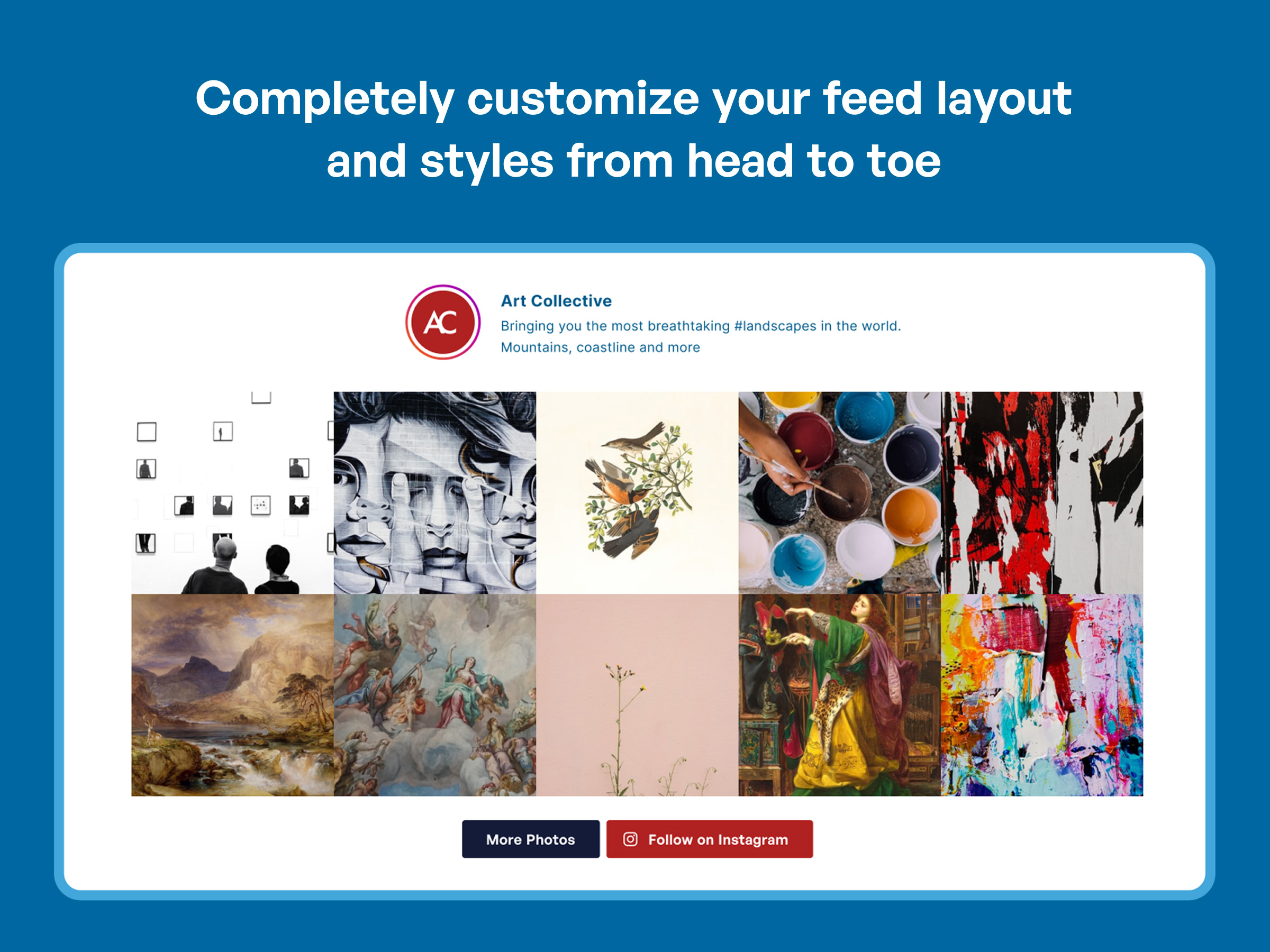
Je Instagram feed is volledig aanpasbaar en responsief 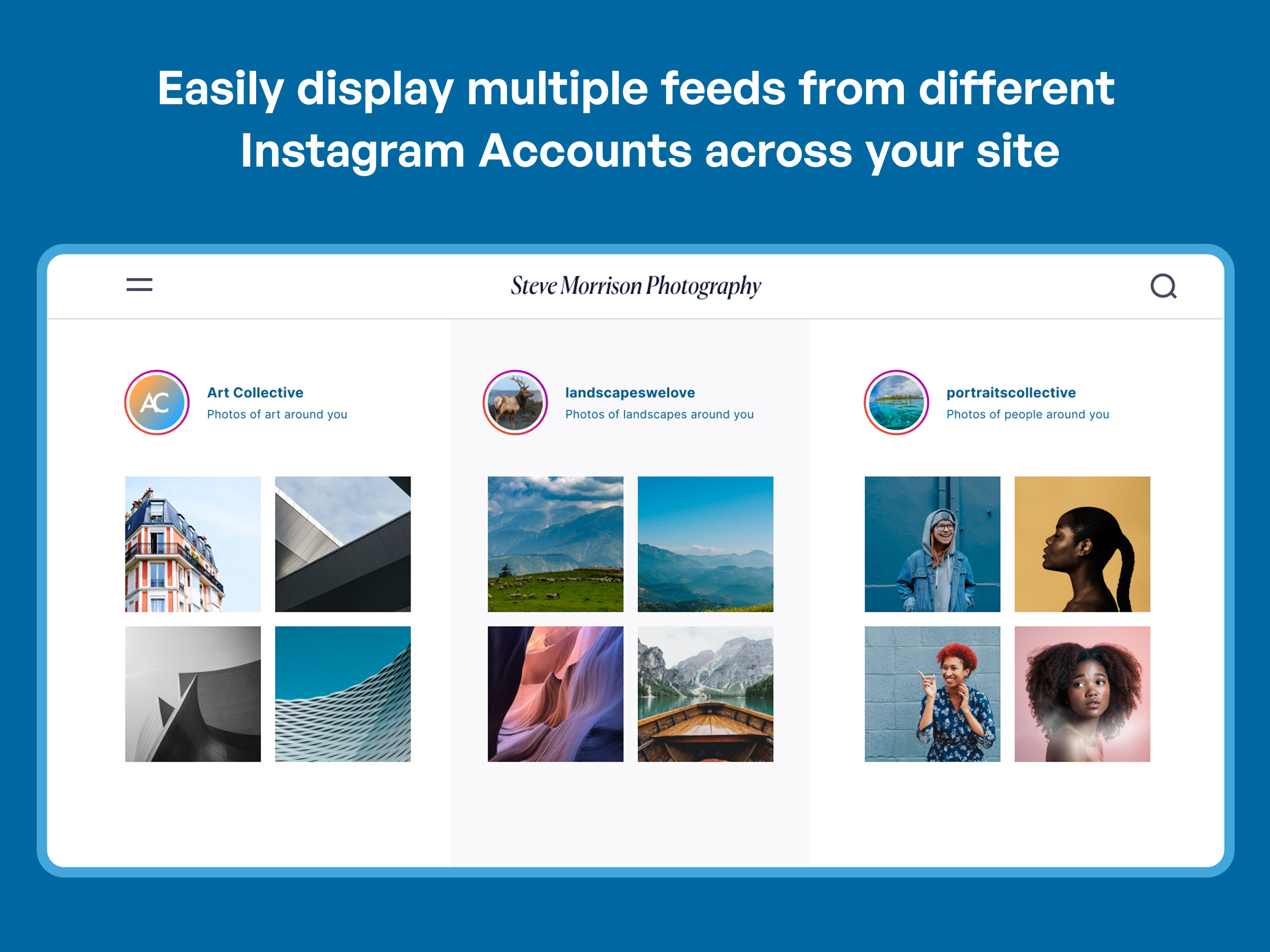
Combineer meerdere accounts in één feed 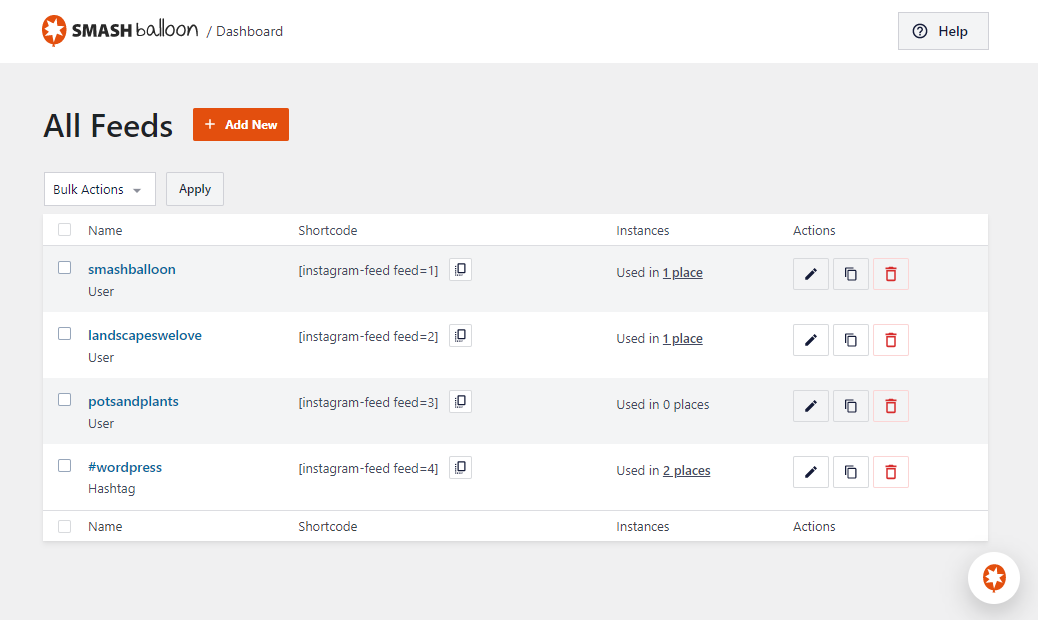
Super snel en gemakkelijk om te beginnen. Klik gewoon op de knop om een Instagram-account te koppelen. 
Aangepaste lay-outs, stijlen, kleuren en meer 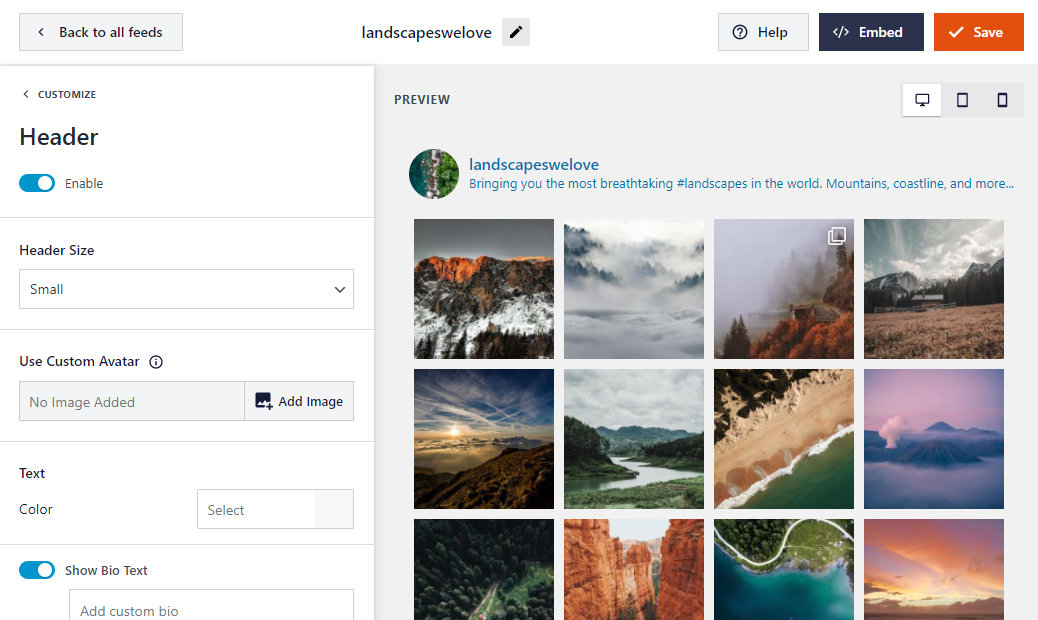
Just copy and paste the shortcode into any page, post or widget on your site. You can also use the block editor with our handy Instagram Feed block. 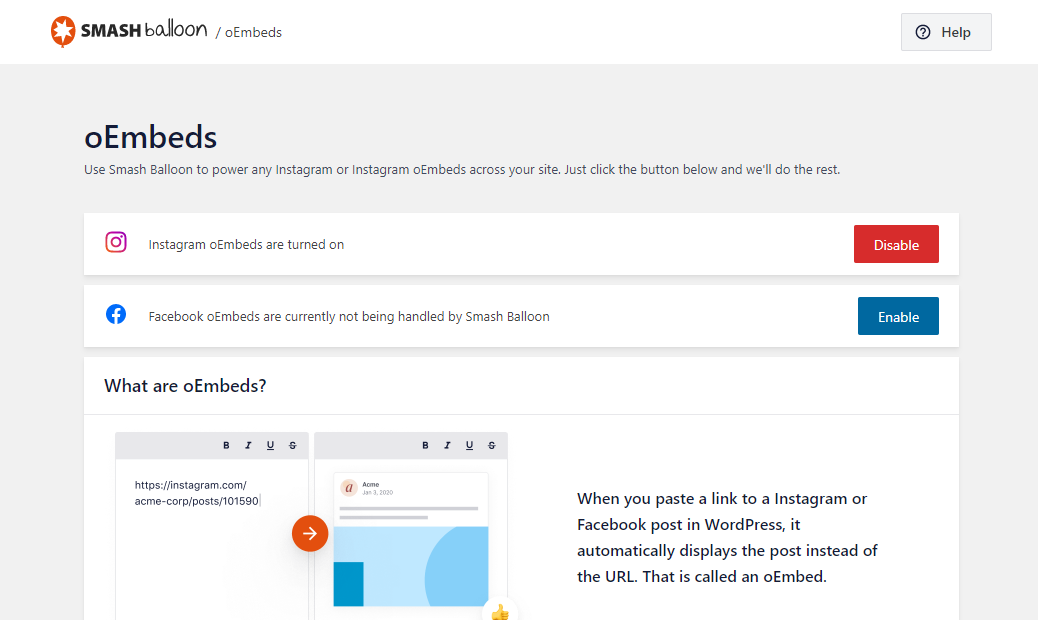
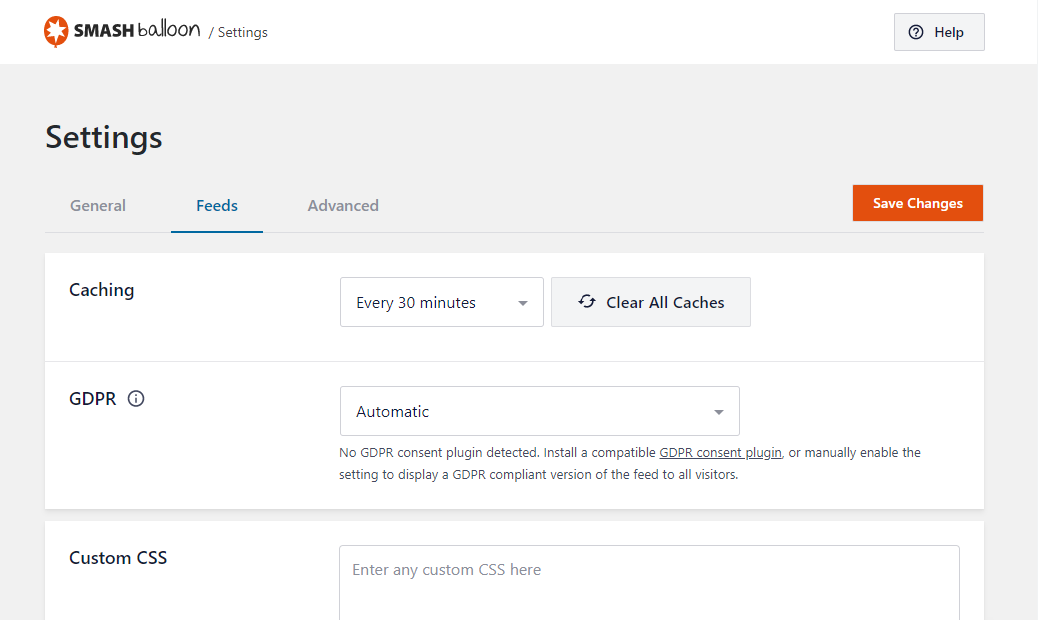


Blokken
Deze plugin voorziet 1 blok.
- Instagram Feed
FAQ
-
Kan ik meerdere Instagram-feeds op mijn website of op dezelfde pagina weergeven?
-
Yep. You can display multiple Instagram feeds by using our built-in feed creation tool, for example:
[instagram-feed feed=2]. -
Kan ik foto’s van meer dan één Instagram-account in één feed weergeven?
-
Yep. You can connect multiple accounts and include them as sources when creating a feed.
-
Ondersteund deze plugin Instagram oEmbeds?
-
Ja. In versie 2.5 is ondersteuning toegevoegd om de plugin je Instagram oEmbeds te laten zien aangezien officiële ondersteuning hiervoor niet langer beschikbaar is in de WordPress core. Verbind gewoon je account op de oEmbeds instellingen pagina in de plugin en wij doen de rest. Geen ontwikkelaar app of account nodig.
-
Can I display a feed with in a widget or with a block?
-
Yes. Use the Instagram widget or Instagram block to display your feed in a sidebar or other widget area.
-
How do I connect my Instagram account?
-
We’ve made it super easy. Just follow the steps outlined when onboarding and you will have a connected account with simple clicks.
-
My feed isn’t displaying. Why not!?
-
Hier zijn enkele algemene verklaringen voor:
- Je access token is mogelijk niet geldig. Probeer nogmaals op de blauwe Instagram login knop op de plugin’s Instellingen pagina te klikken en kopieer en plak het Instagram token dat het je geeft in het plugin’s access token veld.
- The plugin’s JavaScript file isn’t included in your page. This is most likely because your WordPress theme is missing the WordPress wp_footer function which is required for plugins to be able to add their JavaScript files to your page. You can fix this by opening your theme’s footer.php file and adding the following directly before the closing tag between two php tags:
wp_footer(); - Je website bevat mogelijk een JavaScript-fout die voorkomt dat JavaScript wordt uitgevoerd. De plugin gebruikt JavaScript om de Instagram-foto’s op je pagina te laden en heeft dus JavaScript nodig om te kunnen werken. Je zou alle bestaande JavaScript-fouten op je website moeten verwijderen zodat de plugin in je feed kan worden geladen.
Als je nog steeds een probleem hebt met het weergeven van je feed, open je een ticket in het ondersteuningsforum met een link naar de pagina waar je de Instagram feed probeert te tonen en, indien mogelijk, een link naar je Instagram-account.
-
Zijn er veiligheidsproblemen met het gebruik van een access token op mijn website?
-
Helemaal niet. Het access token dat in de plugin wordt gebruikt is een “alleen-lezen” token, wat betekent dat het nooit kwaadwillig kan worden gebruikt om je account te manipuleren.
-
Kan ik de foto’s op ware grootte of de Instagram-video’s rechtstreeks op mijn website bekijken?
-
Dit is een functie van de Pro versie van de plugin, waarmee je de foto’s kan bekijken in een pop-up lightbox, video’s kan ondersteunen, onderschriften kan tonen, foto’s per hashtag kan tonen + meer!
-
Hoe sluit ik mijn feed direct in op een WordPress pagina template?
-
Je kan je feed rechtstreeks insluiten in een template bestand door gebruik te maken van de WordPress do_shortcode functie:
<?php echo do_shortcode('[instagram-feed]'); ?>. -
Mijn feed werkt niet meer – alles wat ik zie is het laadsymbool
-
Als je Instagram-foto’s niet laden en je alleen een laadsymbool ziet, zijn er een paar veelvoorkomende redenen:
1) Er is een probleem met het Instagram access token dat je aan het gebruiken bent
You can obtain a new access token on the Instagram Feed Settings page by using the “connect” button to reconnect the account.
Occasionally the connect button inside the plugin does not successfully update the access token. You can try this link as well.
2) De plugin zijn JavaScript bestand wordt niet toegevoegd op je pagina
Dit komt waarschijnlijk doordat de wp_footer functie van WordPress in je WordPress thema ontbreekt. Deze functie is nodig om plugins in staat te stellen hun JavaScript bestanden aan je pagina toe te voegen. Je kunt dit oplossen door het footer.php bestand van je thema te openen en het volgende toe te voegen direct voor de afsluitende tag:
3) Er is een JavaScript-fout op je website die voorkomt dat het JavaScript-bestand van de plugin wordt uitgevoerd
Je kunt erachter komen of dit het geval is door met de rechtermuisknop op je pagina te klikken, ‘Element inspecteren’ te selecteren en vervolgens op het tabblad ‘Console’ te klikken, of door de optie ‘JavaScript Console’ te selecteren in de Developer Tools van je browser.
Als er een JavaScript-fout optreedt op je website, zie je deze in het rood vermeld staan, samen met het JavaScript-bestand dat de fout veroorzaakt.
4) De feed dat je probeert te tonen heeft geen Instagram berichten
Als je een Instagram-feed probeert te tonen waaraan nog geen berichten zijn toegevoegd, kan het zijn dat er alleen een laadsymbool wordt getoond voor de Instagram-feed of helemaal niets. Zodra je een Instagram-bericht hebt toegevoegd, moet de Instagram-feed normaal worden weergegeven
5) De shortcode dat je aan het gebruiken bent is foutief
Het kan zijn dat er een fout zit in de Instagram Feed shortcode die je gebruikt of dat je een noodzakelijk argument mist.
-
What are the available options that I can use to customize my feed?
-
There are plenty of options to customize your feed! See the list below:
* General Options
* width of feed – The width of your feed.
* height of feed – The height of your feed.
* background color – The background color of the feed. Any hex color code.
*
* Photo Options
* sorting – Sort the Instagram posts by Newest to Oldest (none) or Random (random)
* number of posts – The number of posts to display initially.
*
* desktop columns – The number of columns in your feed when displayed on desktop devices
* tablet columns – The number of columns in your feed when displayed on tablet devices
* mobile columns – The number of columns in your feed when displayed on mobile or phone devices
*
*