

Description
Meet Depicter, the next generation of Master slider, the ultimate tool for creating engaging WordPress slider, carousel, hero section, popup, post slider, product slider, WooCommerce slider, testimonial slider, gallery slider.
Start using Depicter, it’s free!
Overview
Master Slider is a free SEO friendly, responsive image and video slider that truly works on all major devices, and it has super smooth hardware accelerated transitions. It supports touch navigation with pure swipe gesture that you have never experienced before.
Demos | Features | Documentation | Videos | Support
With our 8 Starter Samples, creating slideshows has never been so fast and enjoyable!
Looking for a perfect Free WordPress theme optimized for both Master Slider and Elementor? Get Phlox theme
Master Slider is built using WordPress best practices both on the front and the back end. This results in an efficient, robust and intuitive plugin. It works with any theme, including WordPress Default Themes.
Features
• The Most SEO Friendly Slider Plugin in Market!
• Easy to Use Interface
• Simply Create Fully Responsive and Device Optimized Sliders with 8 starter samples
• Use Sliders Cross-browser and Works Well on All Popular Browsers! (Tested IE8+ and other modern browsers)
• Superlative Lightweight Outputs in Compare with Other Plugins
• HTML5 Valid and Clean Markups
• Touch Swipe Navigation
• Manage Slideshows with Autoplay Timing Options!
• 24h Support with Expert Agents (check out our rates on WordPress)
• Drag and Drop Slider Creation
• Extremely User Friendly Admin Panel
• CSS3 Transitions with jQuery Fallback
• Hardware Accelerated CSS3 3D Transforms
• Optimized for Any Screen Sizes and Touch Devices
• Smart Loading Assets
• 6+ Interactive Slide Transitions
• Smart auto crop
• Loop and linear sliding
• Shuffle Ordering Slides Option
• Auto-height Slider
• Vertical and Horizontal Direction Navigation
• Fully Customizable Thumbnail and Tabs
• Vertical and Horizontal Bullets
• Mouse Wheel Navigation
• Customizable Arrows
• Exclusive Widget and Shortcodes
• Scroll Handle Slide Indicator
• Smart Memory Management
• 6 Modern and Unique Skins
• Timer-bar and Circle Timer UI Controls
• Custom User Roles and Capabilities
• 5 Image Positioning Options (fill, fit, tile,…)
• Advanced Import And Export Tool
• Built-in Cache Boosting
• Translate Ready
• Multisite Compatible
• Extensive Developer API
* Full List of Features
Compatible Browsers
- IE8+
- Firefox
- Safari
- Opera
- Chrome
- iOS browser
- Android browser
Master Slider Pro Features
- Full-width, Full-screen and Boxed Layout
- Post Slider – with Advanced Filtering Tool (Any Post-type)
- WooCommerce Product Slider – With Advanced Filtering Tool
- Flickr Slider – Make Slider Dynamically From Flickr Photosets or User Latest Photos
- Facebook Slider – Make Image Gallery Dynamically From Facebook Public Images
- HD Video Backgrounds for Slides
- Embedding YouTube and Vimeo Videos
- Animated Layers
- 4 Different Layer Types (Text, Image, Button and Video)
- Huge Verity of Layer Transitions
- Transition In and Out Available for Each Layer
- Hotspots and Tooltips over Slides
- Deep-linking
- Parallax Effect while Scrolling
- Layers Parallax Effect while Swiping
- Layers Parallax Effect while Moving Mouse over Slide
- Boxed with Visible Nearby Slides
- Auto Height and Auto Fill Layout
- Binding Special Actions to Layers (Go to slide, scroll down, play, pause, ..)
- Custom Pattern and Color Overlay
- Auto Resizing and Aligning Layers while Resizing
- Option to Linking Slides, Layers and Hotspots
- 30+ Ready to Use Sample Sliders (One Click Import)
- Nice Looking and Easy to Use Layout
- WYSIWYG Drag & Drop Editor
- Easy to Use Timeline animation tool
- Visual Style Editor
- Visual Transition Effect Editor
- Visual Button Editor
- Easy Aligning Layers over Stage
- Snapping Option on Drag & Drop Layers
- 9 Different Positioning Origin Points for Each Layer
- Realtime Animation Preview
- Moving Layers by Arrow Keys
- Using WordPress Native Text Editor
- Using Google Fonts (600+ Fonts)
- Full List of Pro Features
Upgrade to Pro Version
Demo for PRO Version
Documentations
If you have any question about working with “Master Slider”, you can take a look at online documentations
Translation
French. Special thanks to Thomas
Brazilian Portuguese. Special thanks to WebPress
Serbian. Special thanks to Borisa Djuraskovic
You can start translating Master Slider by our online translation service.
Screenshots

Slider without thumbnail (light skin 1) 
Slider with thumbnail on bottom (light skin 1) 
Slider with thumbnail on right (light skin 5) 
Slider with thumbnail on left (light skin 3) 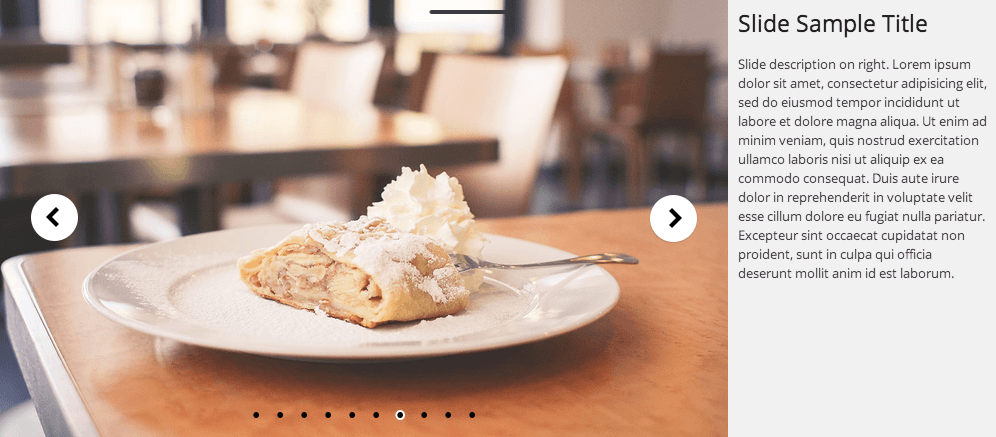
Slider with slide info on right (light skin 3) 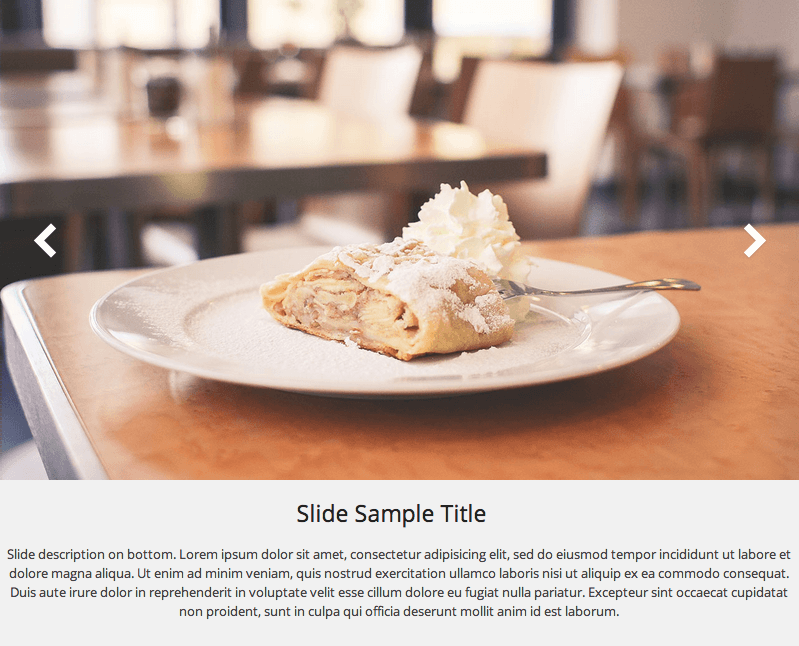
Slider with slide info on bottom (light skin 1) 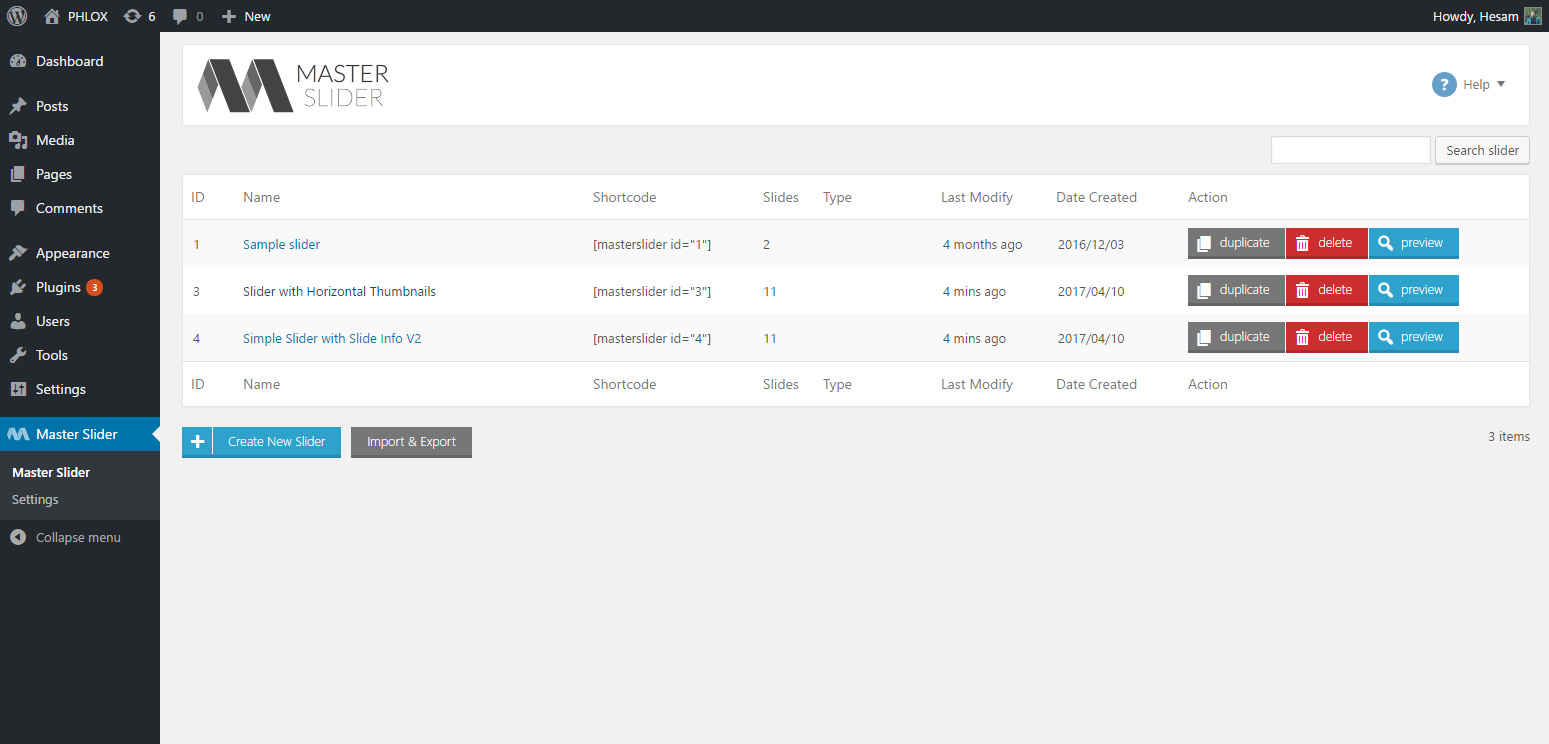
Sliders listing table 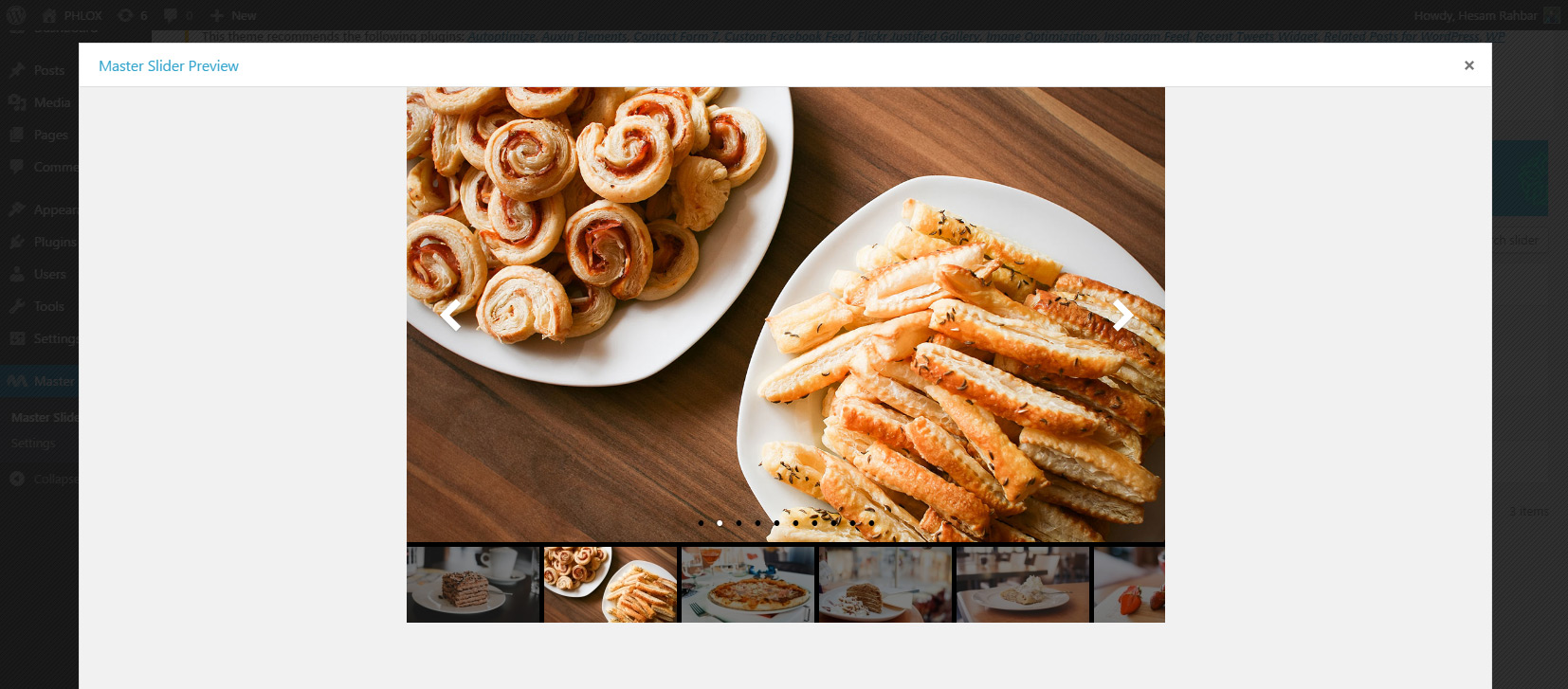
Slider setting 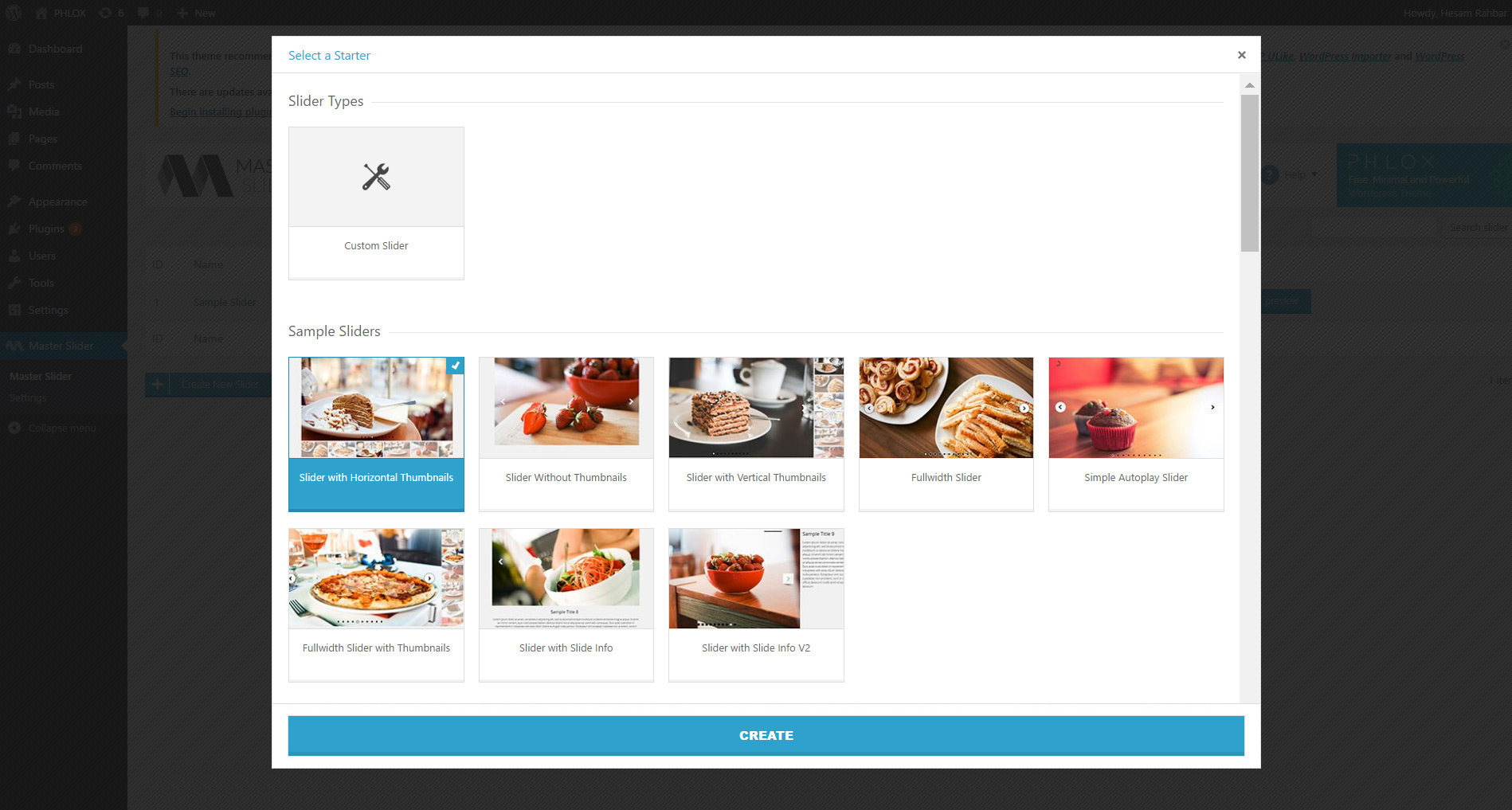
Drag and Drop slide creation 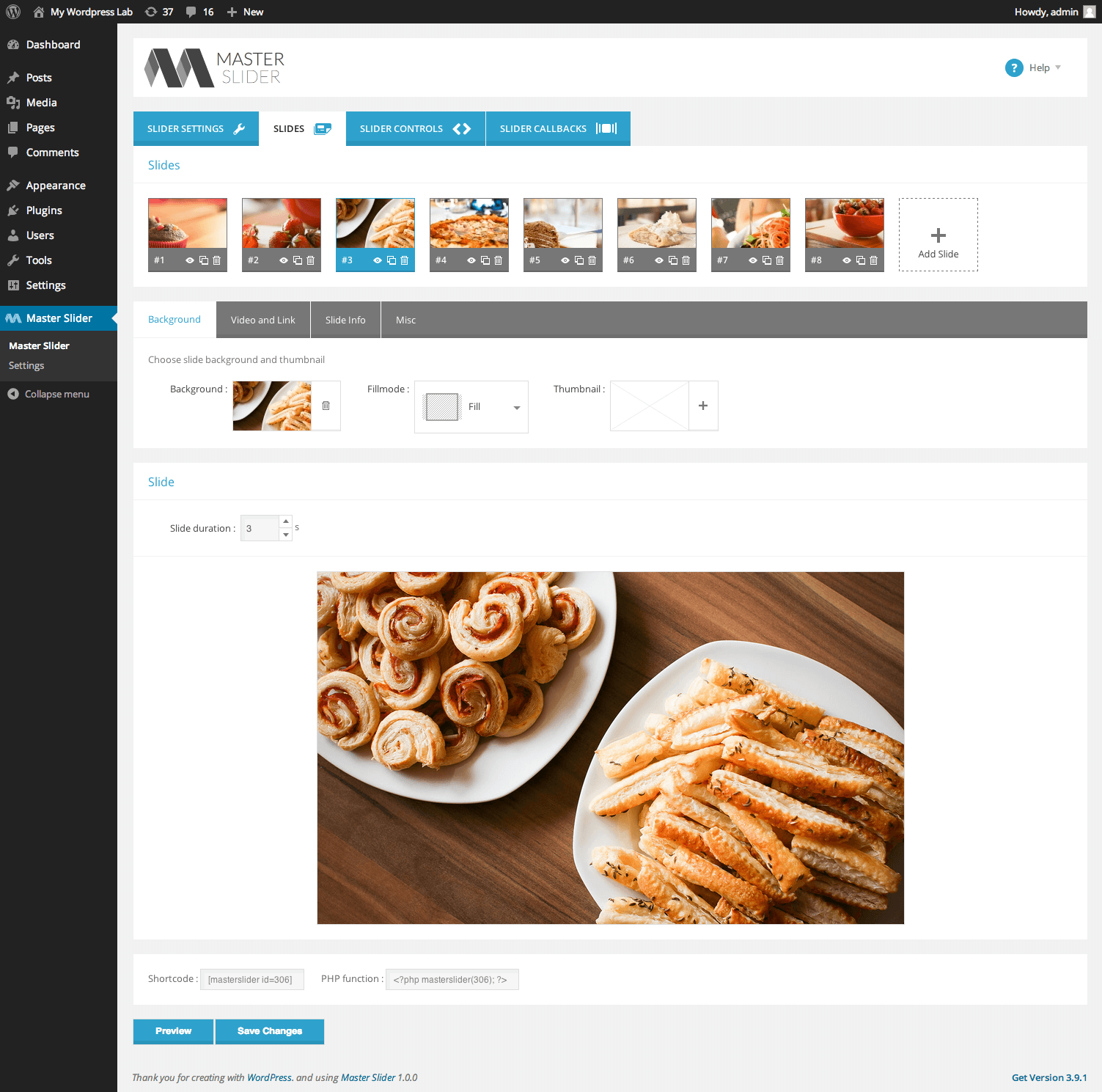
6 Highly customizable slider controls 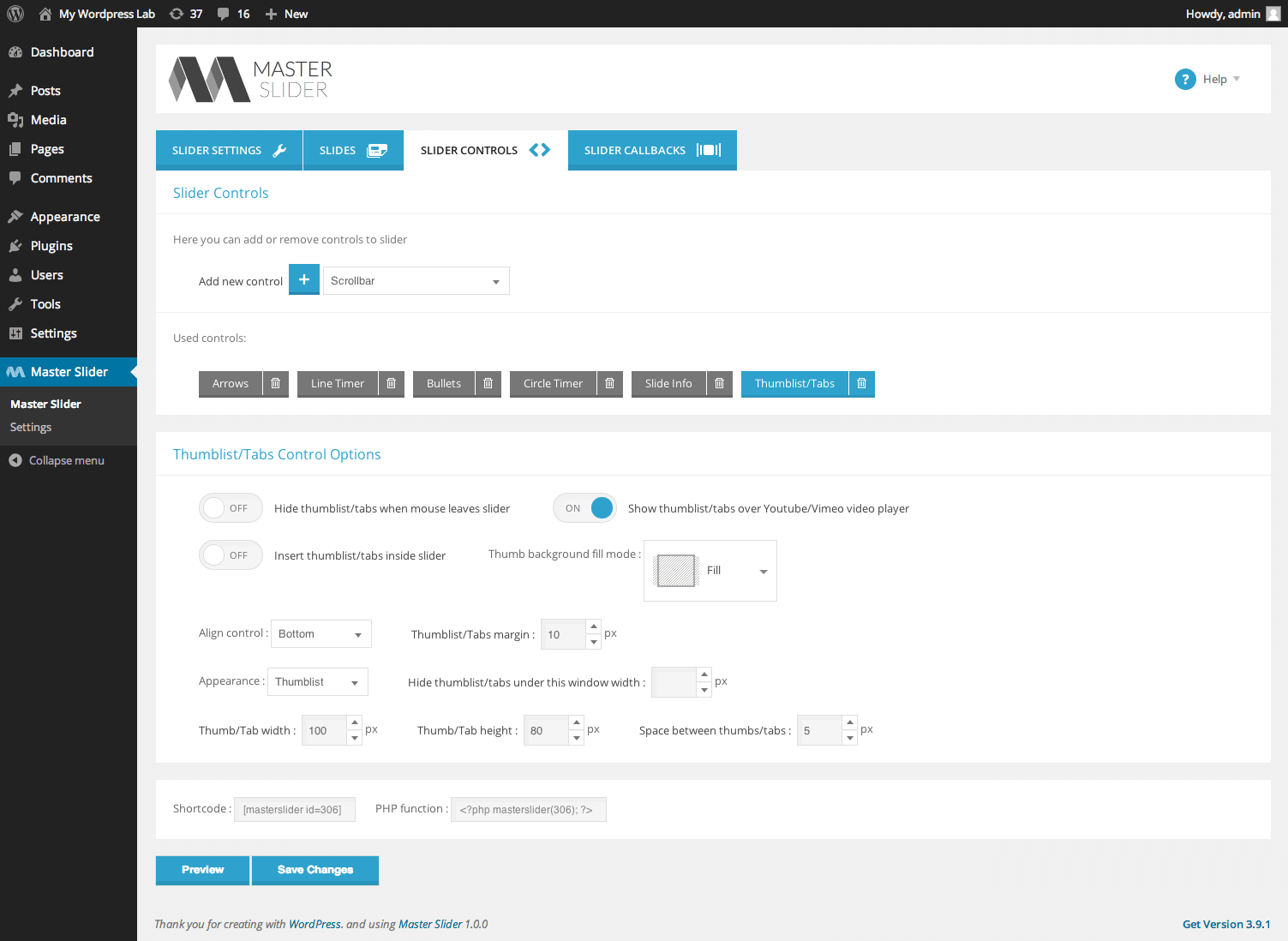
Flexible slider controls


Installation
Minimum Requirements
- WordPress 4.6 or greater
- PHP version 5.4 or greater
- MySQL version 5.0 or greater
This section describes how to install the plugin and get it working
Automatic installation (easiest way)
To do an automatic install of Master Slider, log in to your WordPress dashboard, navigate to the Plugins menu and click Add New.
In the search field type “Master Slider” and click Search Plugins. Once you have found it you can install it by simply clicking “Install Now”.
Manual installation
Uploading in WordPress Dashboard
- Download
master-slider.zip - Navigate to the ‘Add New’ in the plugins dashboard
- Navigate to the ‘Upload’ area
- Select
master-slider.zipfrom your computer - Click ‘Install Now’
- Activate the plugin in the Plugin dashboard
Using FTP
- Download
master-slider.zip - Extract the
master-sliderdirectory to your computer - Upload the
master-sliderdirectory to the/wp-content/plugins/directory - Activate the plugin in the Plugin dashboard
The WordPress codex contains instructions on how to install a WordPress plugin.
Updating
You can use automatic update to update the plugin safely.
FAQ
-
Where can I find Master Slider documentation and user guides
-
If you have any question about working with “Master Slider”, you can take a look at online documentations
-
When I preview the slider in admin page everything looks fine, but when I add it to my website the slider looks different. How can I fix that?
-
It is a known issue with few poor coded themes that can be easily fixed. In fact, some styles in your theme conflicts with the styles in Master Slider. You can simply submit a ticket in support section, our support agents will advice you how to fix the conflicts.
-
Will Master Slider work with my theme?
-
Master Slider works with any theme, including the default WordPress themes.
-
Can you recommend a free theme that is optimized for Master Slider
-
Fortunately there are plenty of options out there, including the default WordPress themes too. But the one that we recommend most is Phlox theme which is a free, versatile and optimized theme for Master Slider.
-
I added text to slide (slide info), but it does not appear in slider
-
You need to add “slide info” control too. To do that, go for editing slider, under “slider controls” tab, select and add “slide info” control
-
After I’ve removed a slider, it still appears on my website
-
Maybe you have a cache plugin enabled on your website or Master Slider’s built-in cache is enabled.
-
Where can I report bugs?
-
Bugs can be reported in our support forums.
Reviews


Contributors & Developers
“Master Slider – Responsive Touch Slider” is open source software. The following people have contributed to this plugin.
Contributors

“Master Slider – Responsive Touch Slider” has been translated into 9 locales. Thank you to the translators for their contributions.
Translate “Master Slider – Responsive Touch Slider” into your language.
Interested in development?
Browse the code, check out the SVN repository, or subscribe to the development log by RSS.
Changelog
3.11.0
Version 3.11.0/ (09.08.2025)
- [Improvement]: Compatibility with WP 6.8.2 applied.