
Description
Blocks
SimpLy Gallery Blocks is a friendly, easy-to-use gallery plugin with advanced options for creating responsive image, video, and audio galleries in multiple layouts, including Slider / Carousel, Masonry, Justified, Grid, and more.
Albums
Combine multiple galleries into a single album with a dedicated splash page. Albums work as gallery collections, allowing you to group related galleries under one entry point.
Each gallery inside an album is loaded dynamically via AJAX and opened in a modal view, so visitors can browse galleries directly from the album splash page without reloading the page, keeping navigation fast and seamless.
Lightbox Plugin
SimpLy Lightbox Plugin easily displays all linked images from a post or page in highly customizable lightbox. Compatible with native WordPress gallery (Block or Classic Editor). Each Post or Page can have a unique lightbox setting.
Links
- Masonry, Justified, Grid, Slider, Viewer Gallery Blocks – Live DEMO
- Album Navigator Block – Live DEMO
- Albums Block – Live DEMO
- Viewer Gallery Block – Live DEMO
- Premium Showcase Gallery Block – Live DEMO
- Premium Diamond Gallery Block – Live DEMO
- Premium Horizon Gallery Block – Live DEMO
- Premium Split Carousel Block – Live DEMO
- Premium TagsBox Block – Live DEMO
- Premium Portfolio Block – Live DEMO
- Tags Filter – Live DEMO
- SimpLy Slider / Carousel – Live DEMO
- YouTube and Vimeo Gallery – DEMO
- SimpLy Lightbox and WordPress Native Gallery – DEMO
Features
- Albums
- Build dynamic video galleries by simply adding a YouTube Playlist *PRO
- Build dynamic Vimeo video galleries by simply adding a Video Showcase / Album, User Uploads, Channel or Category *PRO
- Advanced Tags Filter. DeepLinking for tags. Filter without button “All” Demo *PLUS/PRO
- WooCommerce Products list, Categories and Tags – Dynamic Gallery *PRO
- Media Library Assistant. Att. Cattegory and Att. Tag – Dynamic Gallery *PRO
- FileBird Media Folders – Dynamic Gallery *PRO
- Tags Filter
- Poster generator for a self-hosted video (.mp4). Just select a frame and set it as a featured image for your video.
- Hidden Gallery
- Supports Photo, Video MP4, YouTube, Vimeo and Audio *MP3 Lightbox is enabled by default
- HTML5 Browser History support – Deep linking. Disabled by default*
- Lightbox – Mouse wheel navigation and Fading Transition
- Automatic SlideShow support (with CountDown timer)
- Multi-touch gestures support
- Thumbnails support
- Fully Responsive
- Mobile Friendly
- Unlimited colors
- SVG icon
- Physics Based Animations
- FullScreen support
- Browser features control (scrollbar, mousewheel, right click prevention)
- Inactive State detection
- Smart Resizing
- HTML Caption (Attachment Caption or Alternative Text)
- Keyboard and mouse wheel support (navigate and zoom)
- Social Sharing (Facebook, Twitter, Pinterest)
- Smart Loading
Flexible gallery building
Mixed Media Gallery Blocks provides a flexible gallery building experience for images, video, and audio. Add media items to your gallery, adjust display settings, and publish galleries using different layouts depending on your content needs.
Transformable gallery layouts
Galleries can be transformed between different layouts such as Masonry, Grid, Justified, and fullscreen views. This allows you to reuse the same gallery content while changing its visual presentation without rebuilding it.
Responsive by design
Gallery layouts are responsive by default and adapt to different screen sizes. Separate styling controls for desktop and mobile help ensure galleries remain usable and visually consistent across devices.
Lightbox experience
The built-in lightbox supports touch gestures, keyboard navigation, and mouse wheel controls. Users can navigate, zoom, and interact with gallery items on both desktop and mobile devices.
The lightbox interface is designed to be familiar and intuitive, making it easy for visitors to browse media content without leaving the page.
Performance-focused
The plugin is designed with performance in mind, using dynamic loading and optimized rendering to keep galleries responsive and pages lightweight.
A short demo of SimpLy Gallery Blocks
In this video you will see how easily you can create photo gallery using SGB Gutenberg photo gallery block.
Please note that you easily convert block gallery from Masonry to Justified or to Grid or to WordPress image gallery and vice versa.
Included Gallery Gutenberg Blocks
- Albums Block
- Slider / Carousel Gallery Block
- Masonry Gallery Block
- Justified Block
- Grid Block
Screenshots
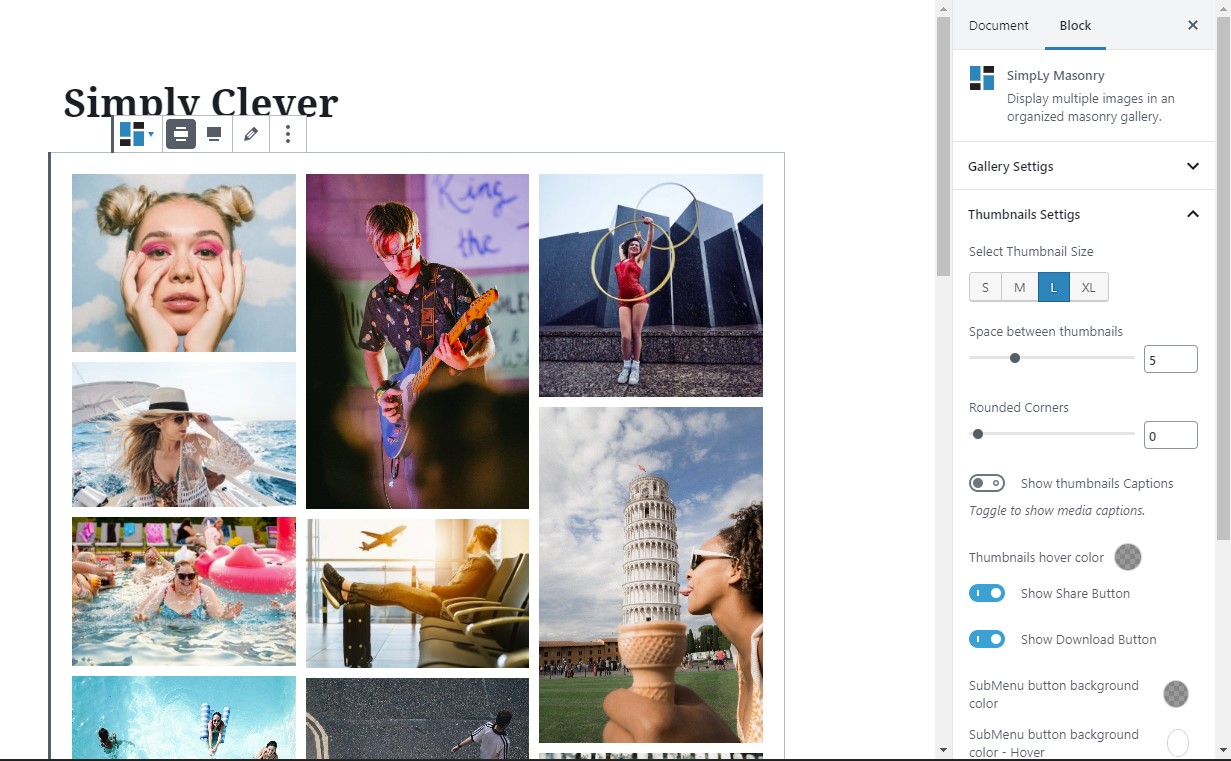
Masonry block 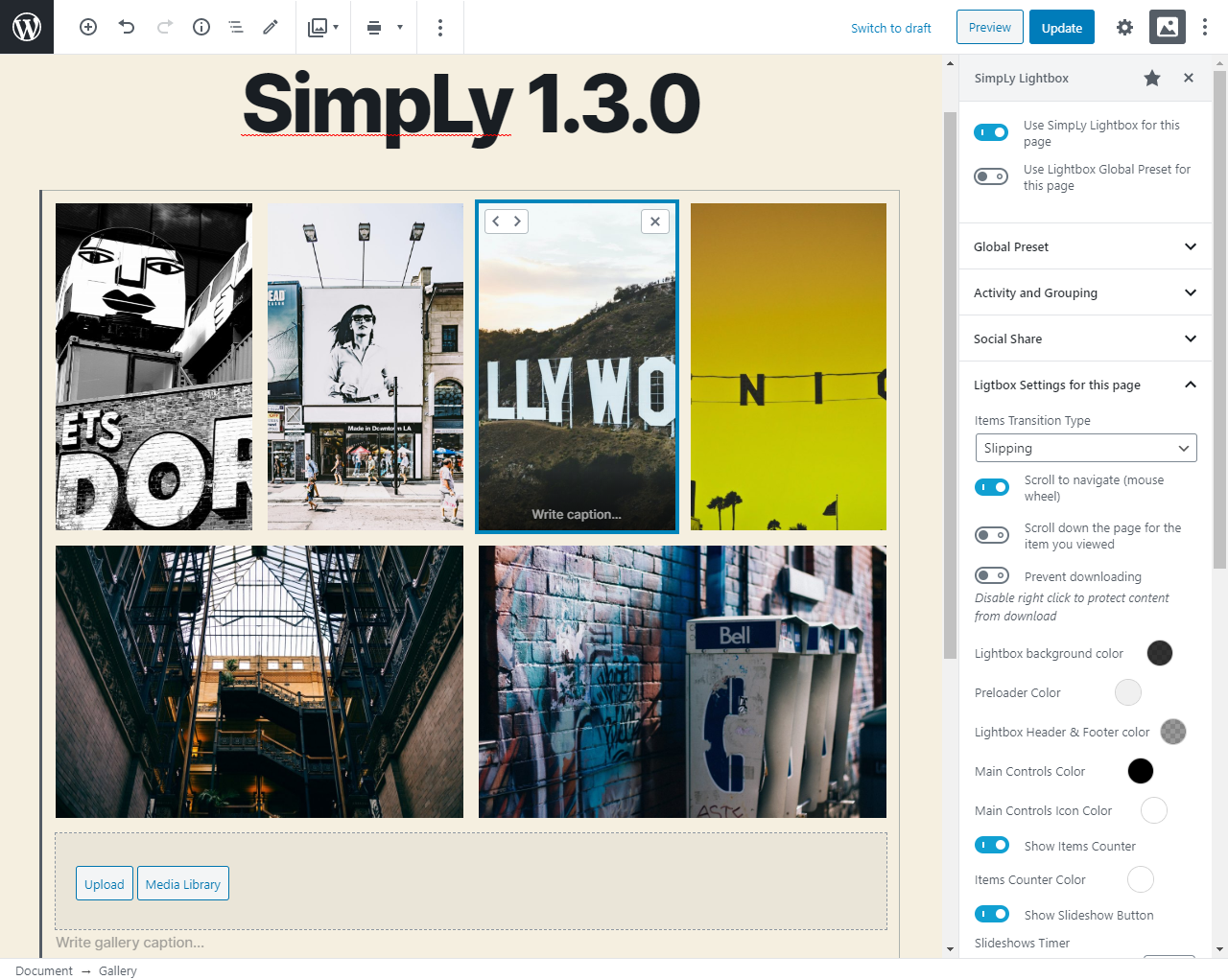
Page and Post Lightbox unique settings. Blocks Editor Plugin Sidebar 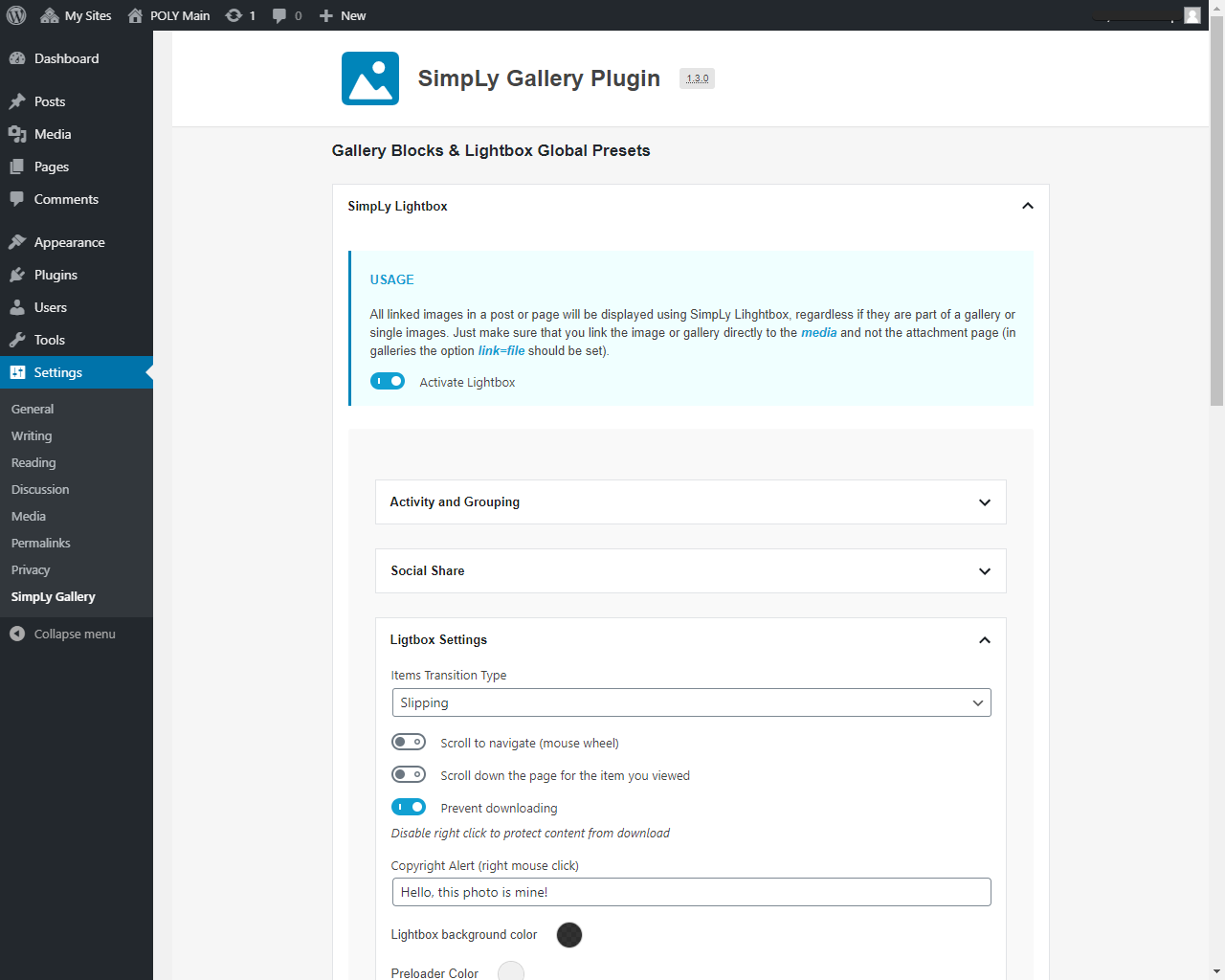
Lightbox Global Preset 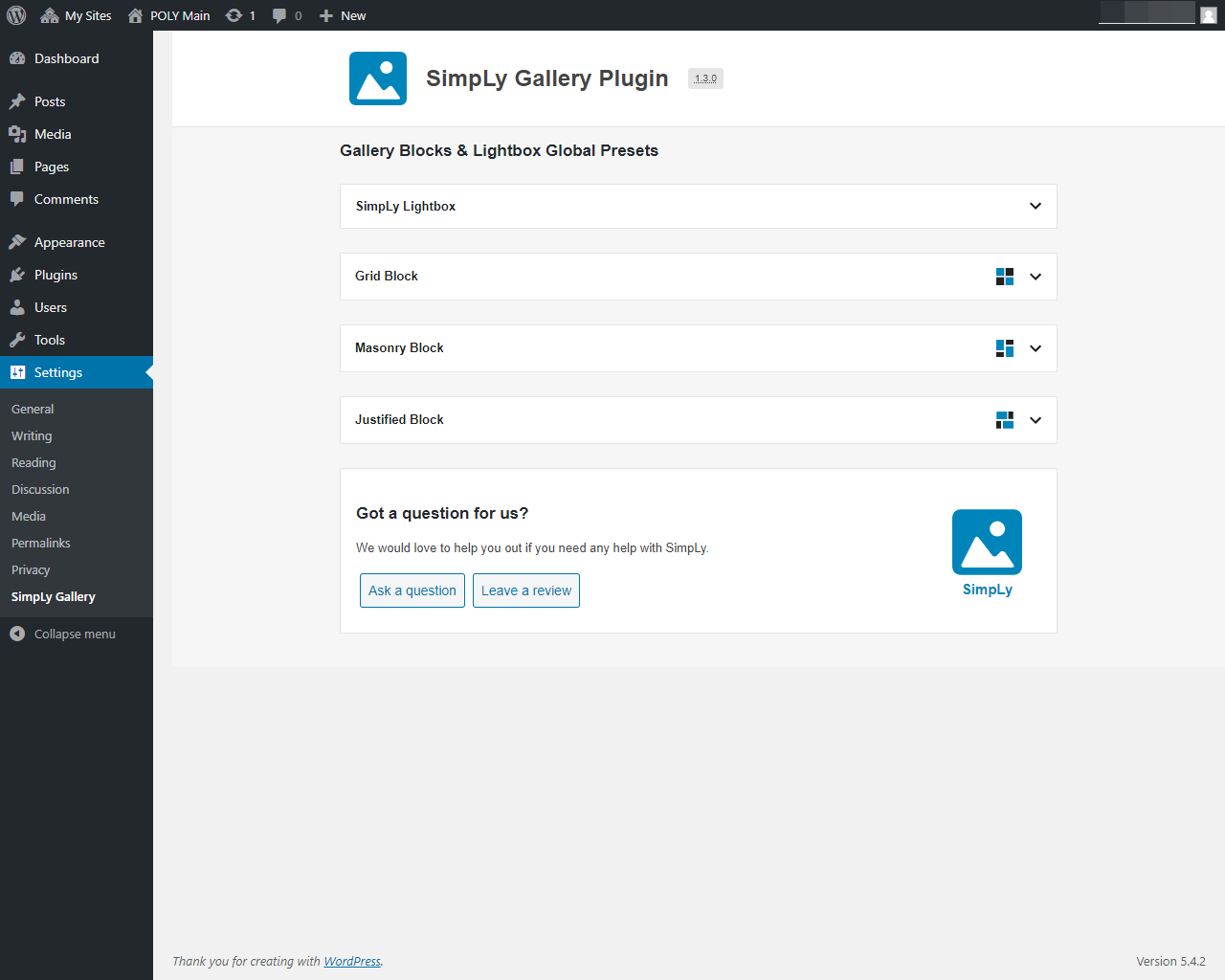
Plugin Settings Page 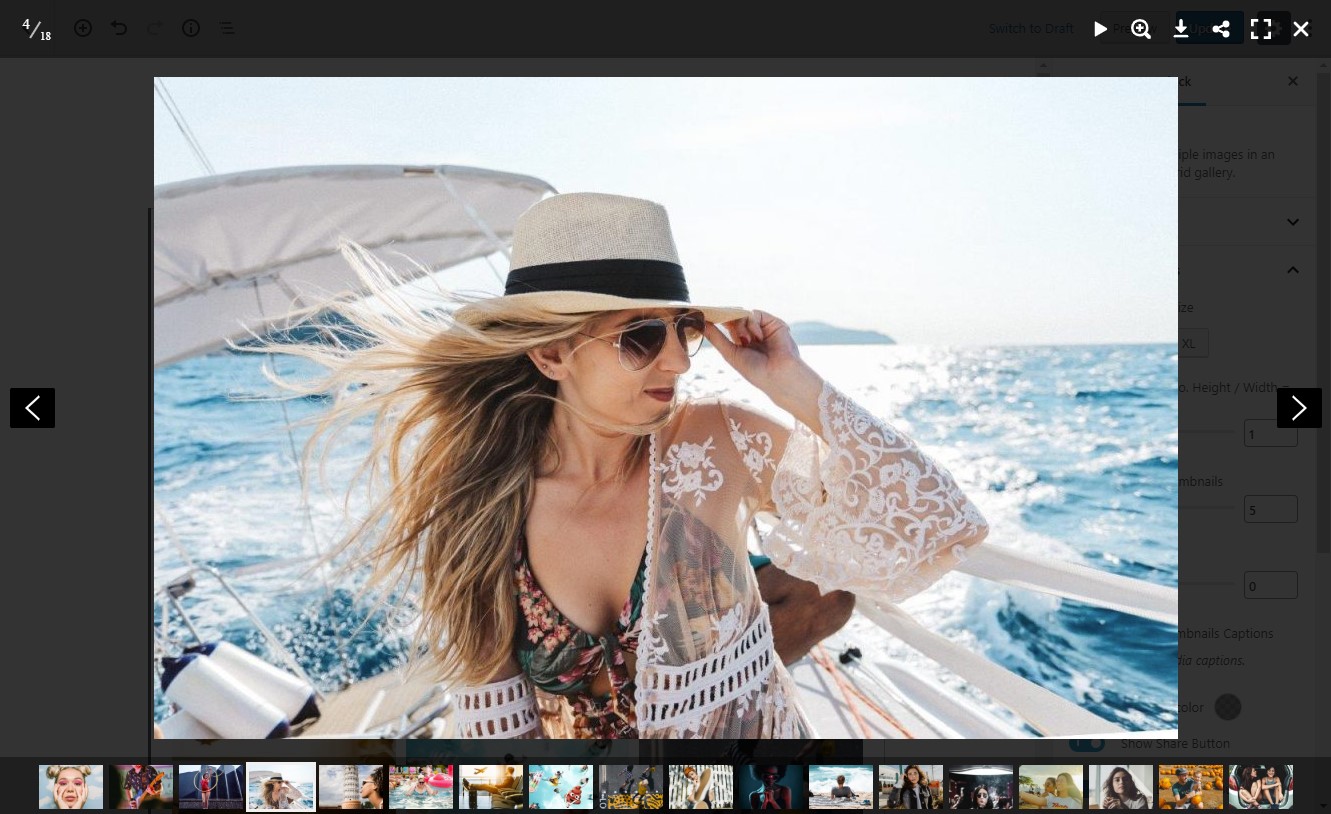
Lightbox layout 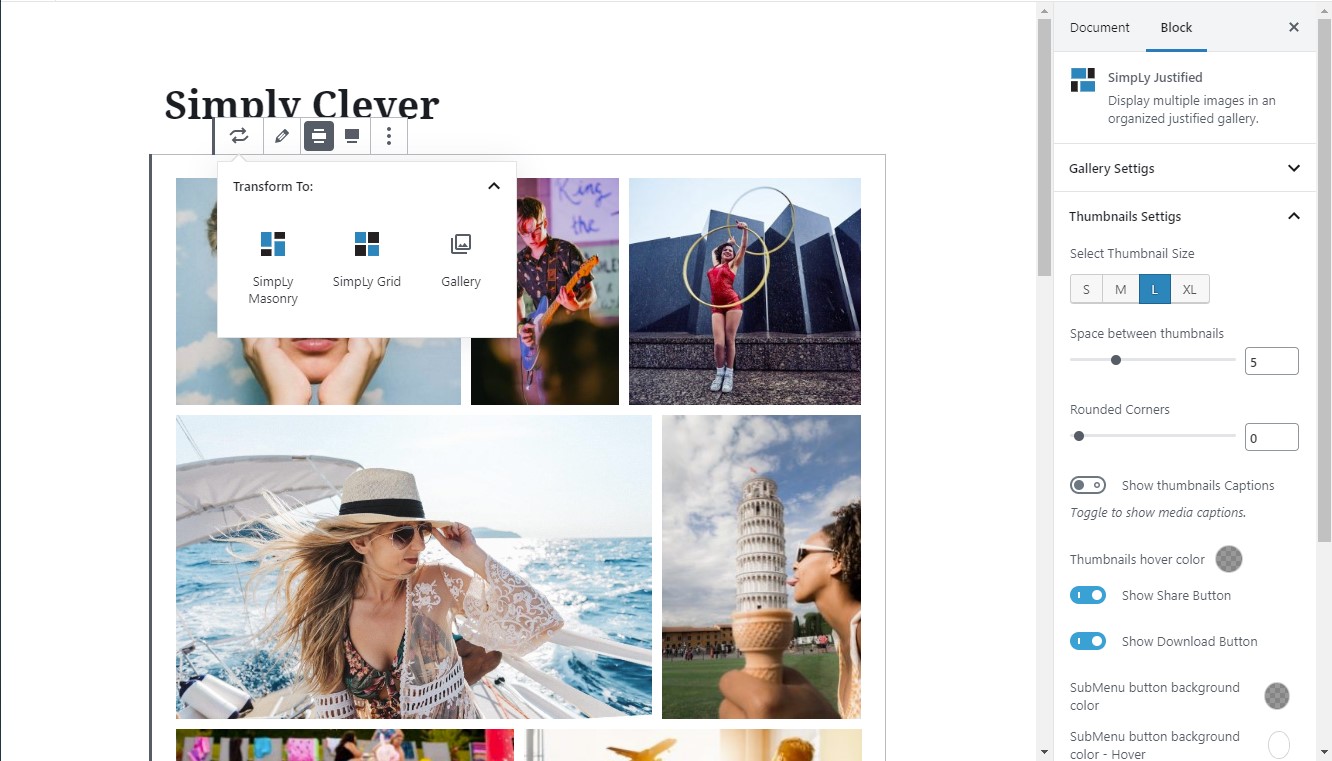
Block transform menu


Blocks
This plugin provides 8 blocks.
- Pgcsimplygalleryblock Masonry
- Pgcsimplygalleryblock Justified
- Pgcsimplygalleryblock Grid
- Pgcsimplygalleryblock Slider
- Pgcsimplygalleryblock Viewer
- Pgcsimplygalleryblock Galleries
- Pgcsimplygalleryblock Albums
- Pgcsimplygalleryblock Albumnavigator
Installation
- Upload the
simply-gallery-blockfolder to your/wp-content/plugins/directory or alternatively upload the block-gallery.zip file via the plugin page of WordPress by clicking ‘Add New’ and selecting the zip from your computer. - Install and activate the Gutenberg WordPress plugin (if pre WordPress 5.0).
- Activate the SimpLy Gallery WordPress plugin through the ‘Plugins’ menu in WordPress.
FAQ
-
Is SimpLy Gallery Blocks free?
-
Yes! SimpLy Gallery Blocks’s core features are absolutely free.
Reviews


Contributors & Developers
“Mixed Media Gallery Blocks” is open source software. The following people have contributed to this plugin.
Contributors
“Mixed Media Gallery Blocks” has been translated into 7 locales. Thank you to the translators for their contributions.
Translate “Mixed Media Gallery Blocks” into your language.
Interested in development?
Browse the code, check out the SVN repository, or subscribe to the development log by RSS.