
The Note field allows you to add notes about your form in the layout editor. Notes are not rendered on the public side of your website and can only be seen in the layout editor.

Adding a Note Field
To learn how to add, edit, clone, move, resize, offset, or delete a Note field, please click here.
Field Settings
To edit the settings for this field type, click the settings icon on the field itself. Click the Save & Close or Save button to save your changes. If you do not want to save your changes, you can click the Cancel button or click any other form element to close the field settings sidebar.
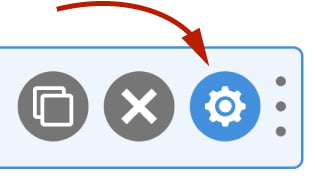
The settings for a Note field are explained below:
Label
The label is used solely for identifying the text editor field when editing your form. The label is not shown to the website visitor.
Note
Enter the note you would like to appear in the layout editor.