Child Safety
Committed to building a safe and trusted platform for kids.
Committed to building a safe and trusted platform for kids.

A Child Account enables safeguards based on a child’s age and provides access to powerful parental controls.

Screen Time shows parents how a child has been using their device, with new controls to quickly adjust access.

We provide parents with guidance when setting Time Allowances shaped by expert health research.

Privacy and security are built in from the beginning to help keep children safe.

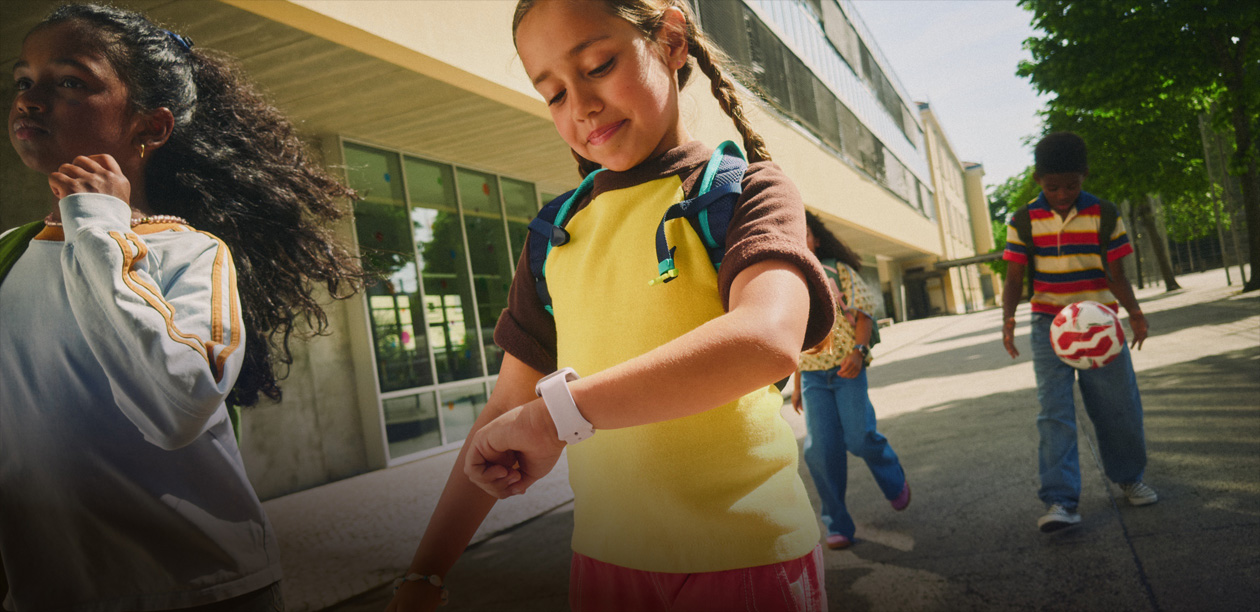
If a child isn’t ready for an iPhone, Apple Watch For Your Kids gives them independence and parents peace of mind.


For more information, visit Apple Support.
In Setup Assistant, parents can choose exactly which system apps to allow. They can select a few essential apps, a recommended set, or the specific ones they want.

Available on iPhone, iPad