

Successful blog editing makes sure your blog aligns with your content quality standards, SEO goals, remains on-brand, and matches your writing style. Yet for many I know, editing a blog post can be a daunting task.
I know, because I’ve written and edited hundreds of blog posts, myself, over my more than an a decade as blogger, consultant for Fortune 500 brands, and Head of Content at fast-growing startups. I also know what my limitations are though, and I’m not the absolute best at blog editing in the world—it’s not my exact area of expertise.
So today, I’m calling in a guest post favor from my friend and expert, Whitney Wellman, whose made a name for herself in the content production & blog editing game through both client work and growing her own business, Excelsior Content. Here she is, doin her thang!

Over to you, Whitney! 🙏
As an 8-year blog editor and content slayer, I’m sharing my step-by-step blog editing best practices and tips. I’ll also outline top blog editing services, if you prefer to let editing experts handle this part of the blog writing process.
Keep reading to learn how I edit blog posts as an experienced content marketer. Oh! And if you haven’t yet, be sure to take Ryan’s forever free blogging tools for a spin—especially the grammar fixer 😉
Use My 50+ Powerful Free Blogging Tools Today
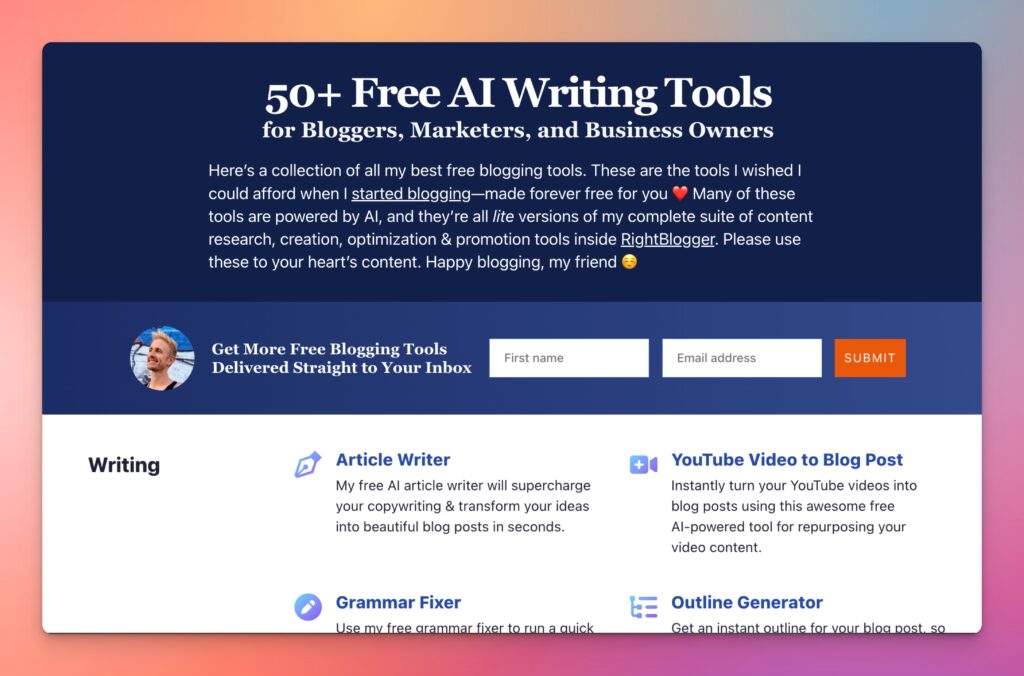
When I first started blogging, I couldn’t afford fancy tools. That sucked. And that’s why I’ve built a stable of powerful free blogging tools ranging from keyword research to an AI article writer, blog idea generator and more. Forever free for all to use—no strings attached.
Blog Editing 101: Step-by-Step Editing Tips for Bloggers
These are my top tips and best practices for blog editors. Both beginners and experienced content marketers can benefit from these helpful tips to improve your blog editing & writing skills.
1. Check Your Outline for Missing Topics (SEO Best Practices)
The editing process begins before the first draft is even written. When I’m writing my blog post outline, I make sure it includes all relevant subtopics that belong in the post.
But, how do I do this effectively without spending too much time?
Here’s what I consider when checking my blog post outlines:
The Blog Post Topic
Is the topic broad, covering a wide body of research—or highly specific, such as a long-tail keyword target? If you’re new to long-tail keyword targeting, here’s a great primer video from Ryan:
If you’re going after a broad topic, the subsections throughout the outline may also be more broad. If the second, the subsections will be highly specific as well.
A legal blog post on ‘Personal Injury Lawyer’ would cover a broader scope of topics than a post on the ‘Cost of Personal Injury Lawyers in Detroit, MI.’
For example, headings for a blog post on personal injury lawyers might look like:
- Personal Injury Lawyers
- Key Facts on Personal Injury Lawyers
- Reasons to Hire Personal Injury Lawyers
- Benefits of Personal Injury Lawyers
But an outline for a legal blog post on the cost of personal injury lawyers in Detroit might be:
- Average Cost of Personal Injury Lawyers in Detroit
- Factors That the Affect Cost of Michigan Personal Injury Lawyers
- Contingency vs Hourly Fee Rates
- Location
- Case Type
Key takeaway: I tailor my headings not just to the topic, but to the topic reach.
Consider the Goal of the Blog Post
Next, I ask if my blog post should entertain, inform, or cover a topic that doesn’t belong in my current content hubs. Knowing the goal of the post helps me know what sections need to be included in the outline.
For example, a post that is relevant to my audience but doesn’t belong in my content hubs could include sections that internally link to other pages on my site (and should!). And effective link placement requires strategic planning during the outlining process.
Understanding the goal of my blog post helps me marry it to my overall content strategy.
Consider Section Relevancy to Your Target Audience
Broader topics could include a great many sections within the page — but this doesn’t mean that each and every section is relevant to my purpose.
I know that each section on the page should: relate directly (not loosely) to the parent topic of the page; inform the user; move the content forward; drive action.
If a section doesn’t check off each of these important elements, it doesn’t belong on the page, no matter how beautifully written it may be.
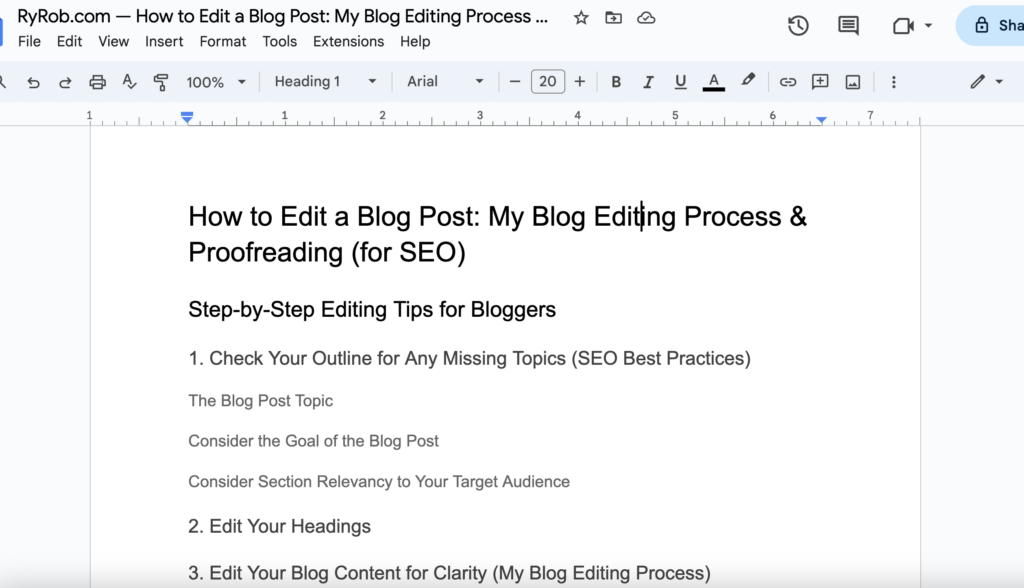
2. Edit Your Headings
After improving my blog post outline, I check my headings. This step ensures they are optimized not only for clarity and conciseness, but also for digestibility.
This is the test I use to make sure each blog post is digestible:
Before writing any content, a reader should be able to scan my outline and get an idea of the gist of the page just by reading the headings.
This is what we in content marketing refer to as a page’s scannability level. Can a reader scan my post and learn what it covers? If the answer is ‘no’, I’ve got to go through with a fine-tooth comb and clean up the headings.
Superb headings should be optimized for both site users and search engines, making it easy to crawl or scan the page for content relevancy and answers.
My best tips for editing blog post headings:
- Ensure each heading is worded in the most effective/succinct way. Match content style, but note that shorter, more succinct headings are easier for site users to read and scan. Eight words or less is a great starting target for writers who are new to blog editing.
- Include relevant keywords in headings whenever possible. Do NOT keyword stuff. Understand that if your content is well-outlined and covers topics important to your subject matter, keyword inclusion will happen naturally in headings.
- Aim for important keyword variations. Headings can feature different use cases of the target keyword. Use this opportunity to include relevant keyword variations. If your blog post is on ‘blog editing’, include ‘blog editing’, ‘blog post editing’, ‘blog content editing’, and ‘self-editing’ as variations, for example.
- Vary heading structure. Include a combination of short/long headings, questions, and statements/phrases (observe the headings in this blog post). Including too many of one type of heading makes the content mundane.
3. Edit Your Blog Content for Clarity (My Blog Editing Process)
After completing the basics of SEO editing, I knock out editing for clarity.
I ask myself one crucial question as I read a blog post for clarity:
– Does each sentence make sense, and can it only be interpreted in one way? If the answer is ‘yes’ to both parts of that question, I’m good to go!
If I find room for interpretation or inconsistencies, I may change wording, add examples, or omit some sentences or paragraphs.
Some ways I ensure content clarity include:
- Always illustrate your main points by offering direct examples or tips.
- Keep a consistent point-of-view throughout your blog post (no switching back and forth, as this can confuse readers).
- Trim sentences that include filler content (see below).
- Cut sections/paragraphs that veer off the main point (no falling down the rabbit hole in my blog posts).
4. Align Your Blog Post Content for the Target Audience
Alright, so you’ve edited your blog post for clarity… now, how does it land with the people in your target audience? If your blog post doesn’t resonate with the very real people you’re hoping to build connection with, it’s not going to achieve your content goals.
Smart SEO strategies, like link building to the page and having a strong internal linking structure, contribute a lot to your blog post’s eventual reach. But, you can also do some important on-page SEO work to optimize your blog post for the right people or businesses.

So, next I read through my blog post again. This time, I consider my target audience. Is the piece geared toward them at every turn? If not, it’s time to make some revisions.
For example, this blog post is primarily for both beginner bloggers, copywriters, and experienced SEOs—to improve their blog editing skills.
When I’m done writing this post, I’ll edit once more to ensure the post is geared toward the audience I intend.
Here’s what I consider during proofreading for the target audience:
- The target audience’s level of understanding of the topic. I know that this audience understands what a blog post is, and likely how to write one. They may or may not have a thorough understanding of SEO.
- My target audience’s pain points. My audience wants to become better at blog content editing in all its forms
- The ‘why’. Blog editors reading this post may need help with word choice, reducing filler content, providing clarity, or another editing aspect. It’s my job to identify the points I want to make and how they help solve the audience’s pain points.
- Whether I’m offering a fresh perspective. My blog post will appeal most to my target audience if it offers an original, fresh take. How am I helping them solve their pain points in a way that hasn’t been covered by other competitor blog posts?
5. Fix the Blog Post’s Formatting
Checking the formatting of a blog post is so important for copy editors, I placed this above some of the more SEO-focused tips. Why? To put it simply: looks are nothing—and everything!
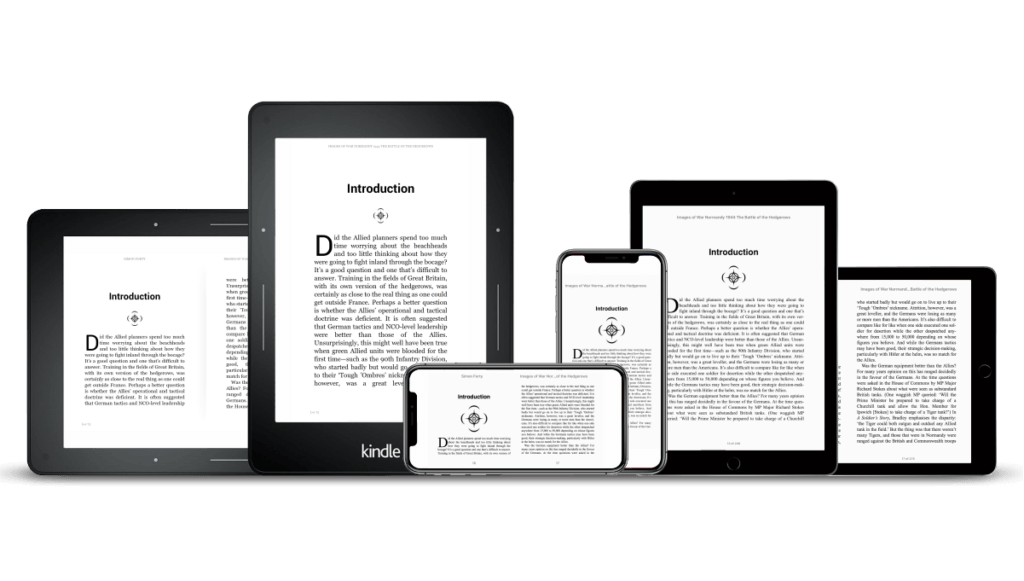
Of course, formatting may be removed in Wordpress, but getting the formatting right is important for a few reasons. First, I want to offer my site users consistency among my content.
Adhering to a certain style means my audience knows what to expect on my site. And style covers everything from my content’s tone to how it’s formatted on the page.
Second, formatting the content helps me identify large chunks of text that should be broken up or trimmed down. For example, maybe some heading sections need to be transformed into other formatting elements—or leveled up or down based on the flow of the content.
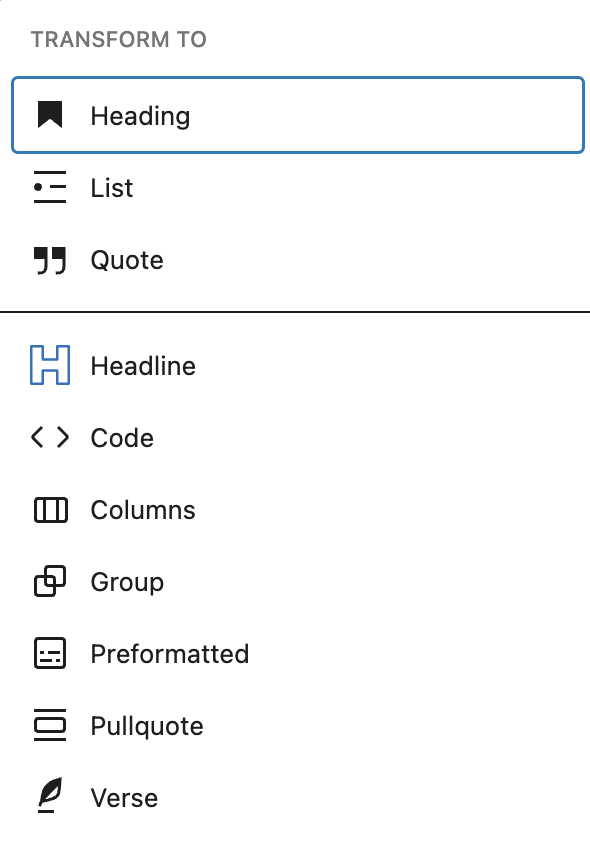
Fixing the formatting of my blog post helps me: