💥 TRENDING: Gallery - High Quality

Wednesday, January 19, 2022

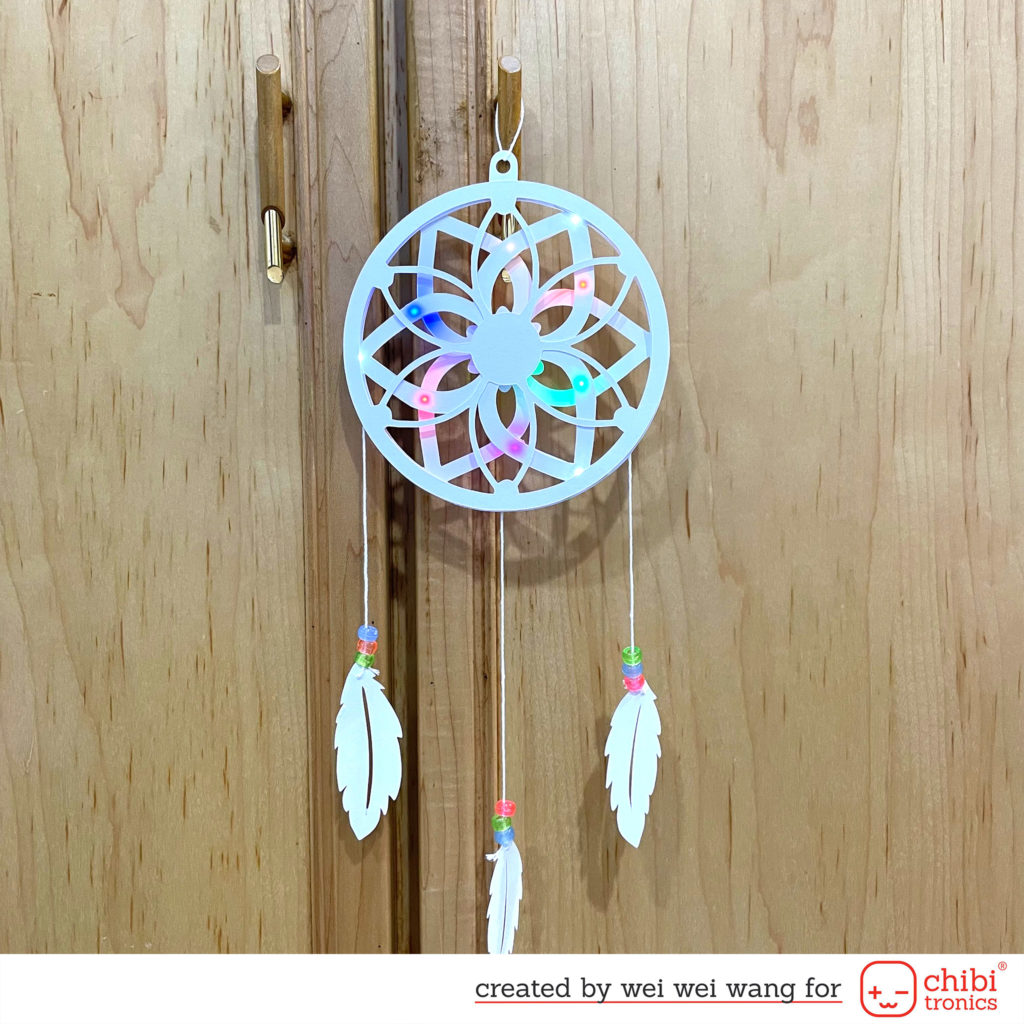
Light Up 3D Paper Dreamcatcher

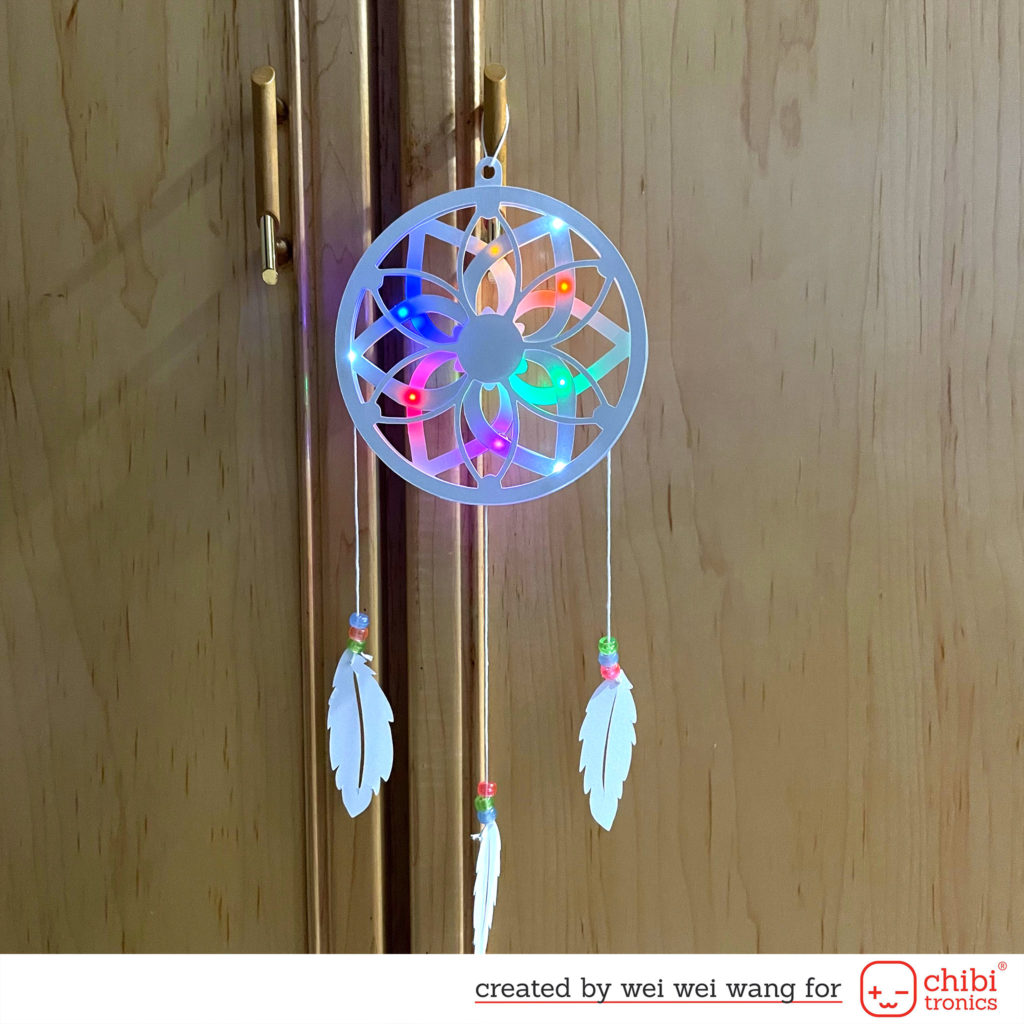
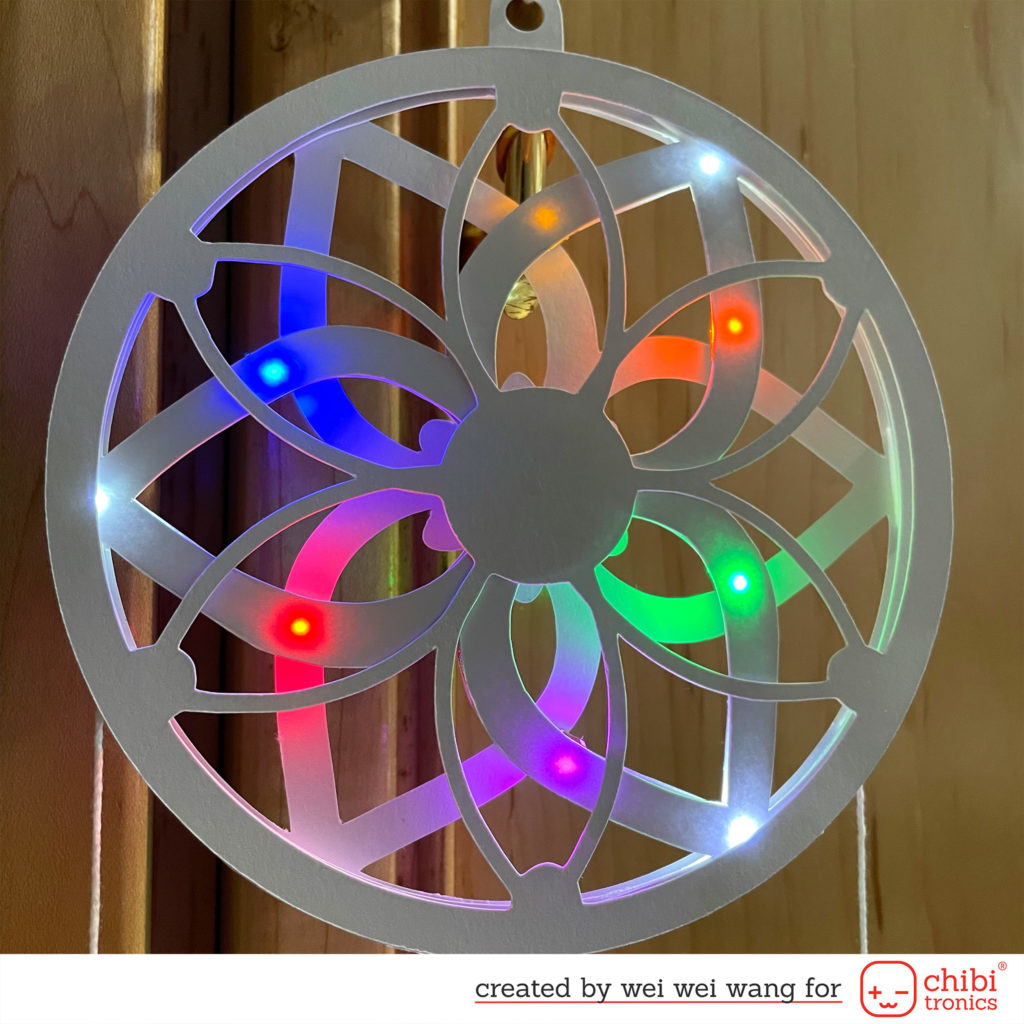
Hello, friends! It’s Wei Wei here with this Light Up 3D Paper Dreamcatcher featuring Chibitronics LED!
This image has an empty alt attribute; its file name is image_50391809-1024x1024.jpg

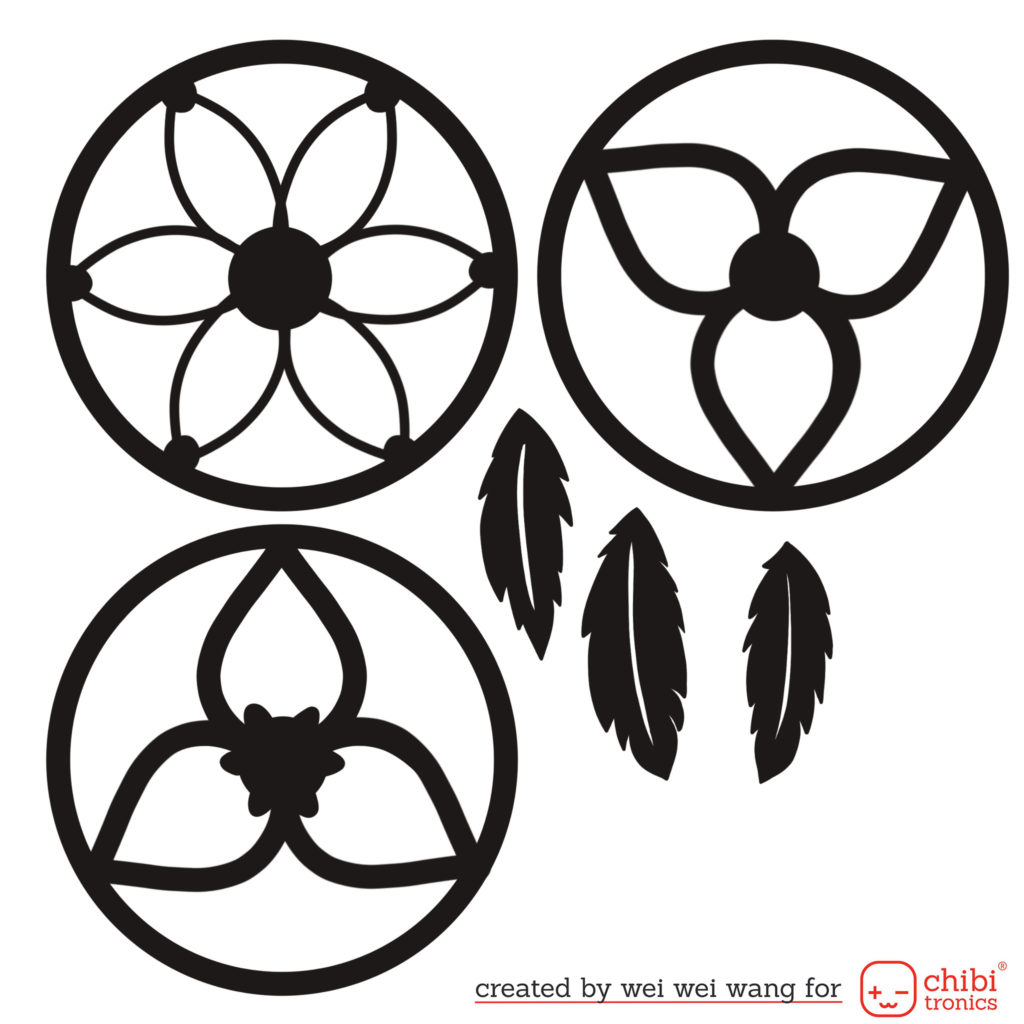
This Dreamcatcher is designed by myself. It made of 3 different and separate layers. I provide the template here, enjoy these free designs for your personal crafty projects!
This image has an empty alt attribute; its file name is 未命名的作品-12-1024x1024.jpg

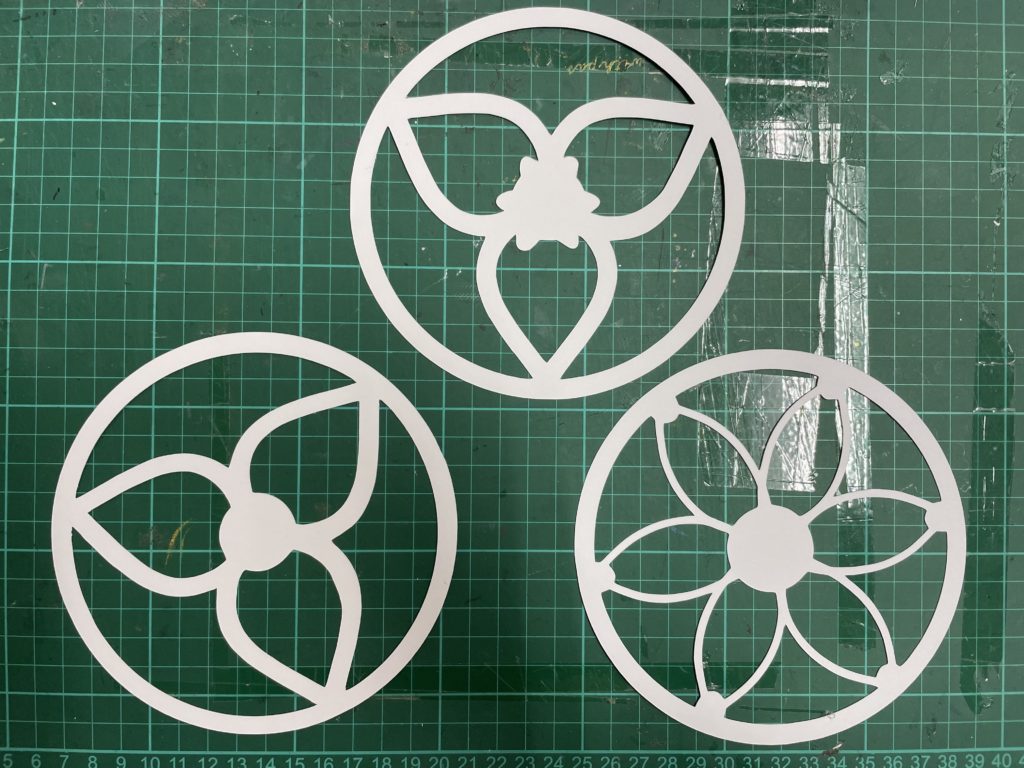
First, I cut my dreamcatcher layers and feathers with my cutting machine.
This image has an empty alt attribute; its file name is image_50430465-1024x768.jpg

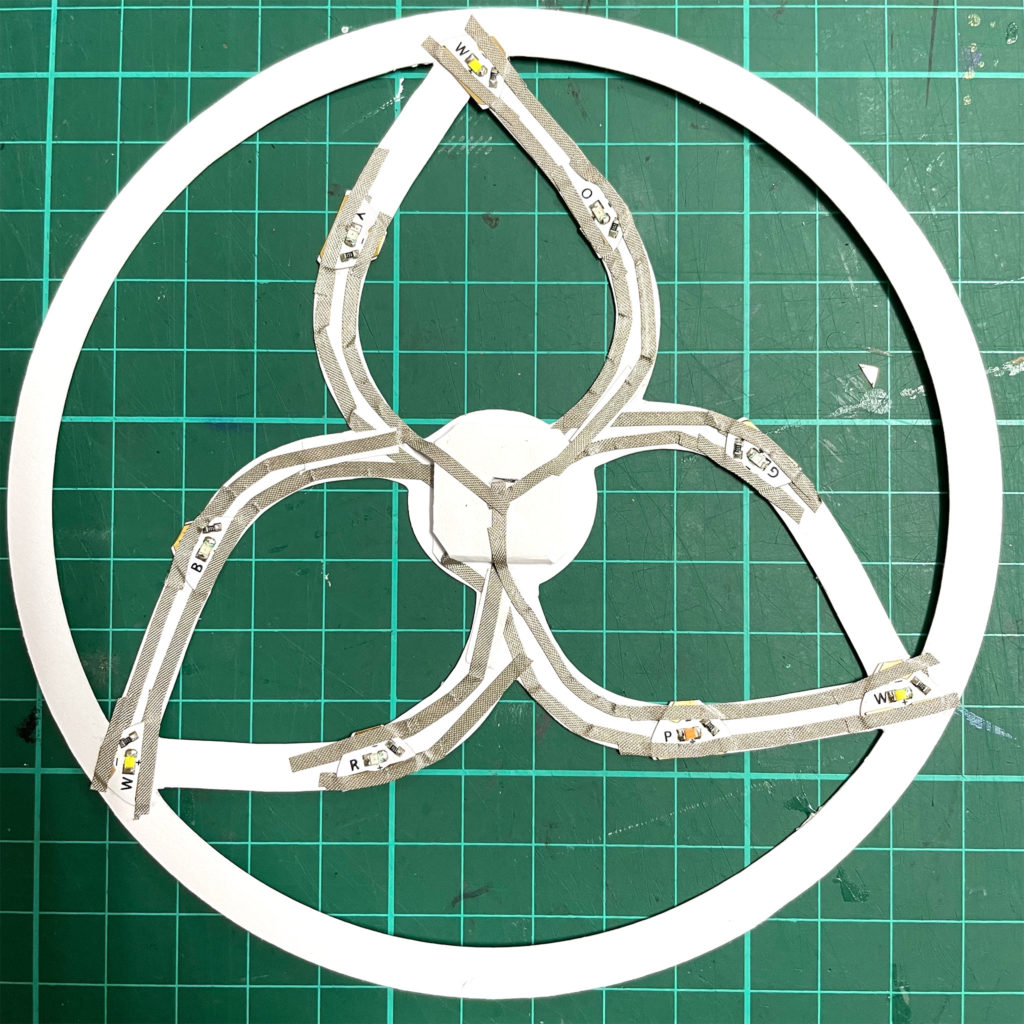
Check out the circuit I used as shown below:
This image has an empty alt attribute; its file name is image_50756609-1024x1024.jpg

To turn on multiple LEDs with a 3V single battery, I used the parallel circuit! The colorful LEDs are from Lights Sampler MegaPack (30 LED Stickers) Red, Yellow, Blue, Pink, Orange, Green and White. Because the circuit was complex and long, I used the Conductive Fabric Tape to build circuit. This tape is soft, flexible, sturdy and has a nice conductive adhesive.
This image has an empty alt attribute; its file name is image_50454273-1024x1024.jpg

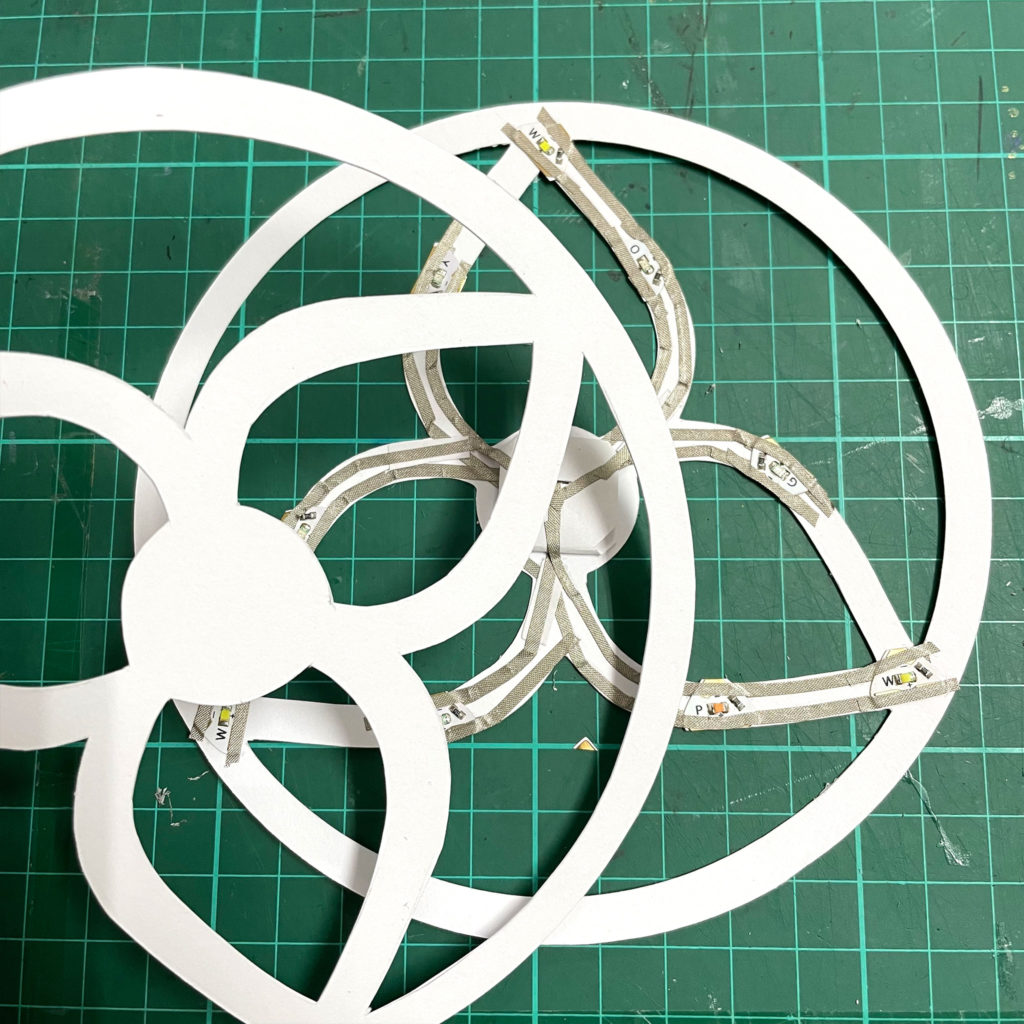
After I completed the circuit, I covered the circuit with another dreamcatcher layer.

To finished, I assembled all the layers with foam tape.
This image has an empty alt attribute; its file name is image_50428417-1024x1024.jpg
This image has an empty alt attribute; its file name is image_50385665-1024x1024.jpg

Wednesday, September 15, 2021

Light up Halloween traveler’s notebook cover

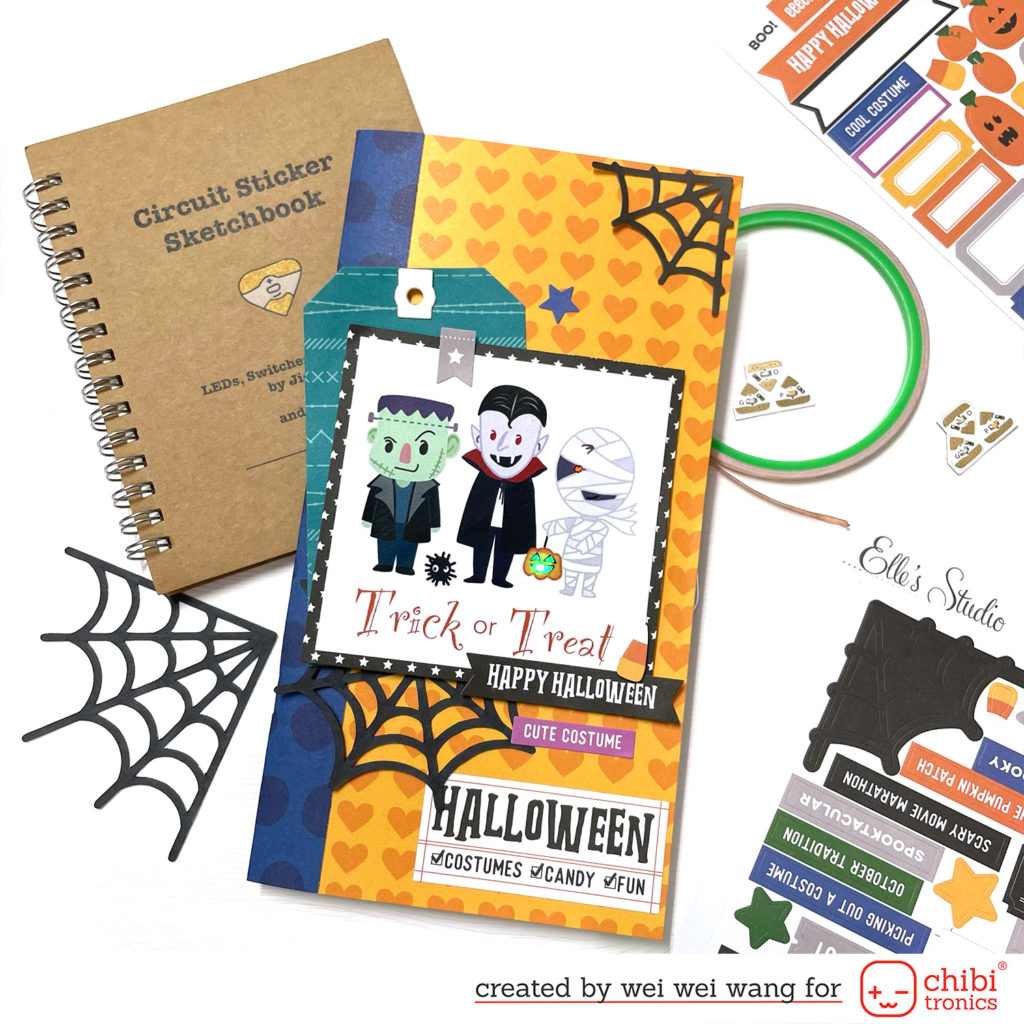
 Hi friends! I'm up on the Chibitronics blog whit this Halloween traveler’s notebook cover using Chibitronics  Pink, Orange, Green MegaPack (30 stickers).

Besides cardmaking, I love scrapbooking. Documenting my daily life in the traveler’s notebook is my favorite, so I decided to bring Chibitronics LED stickers into my layout.

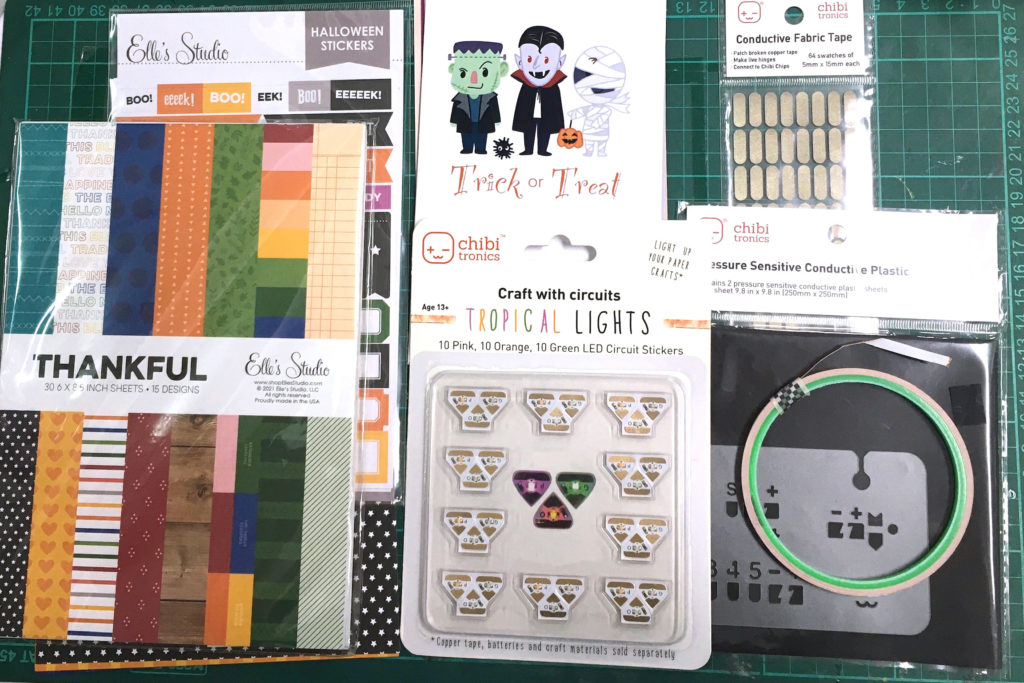
For my project today, I wanted to make my Halloween TN cover more interesting and filled with spooky vibes, so I included Chibitronics LED stickers and some Elle’s Studio scrapbooking papers and stickers to showcase how well they work together.  Let’s see how it came together!

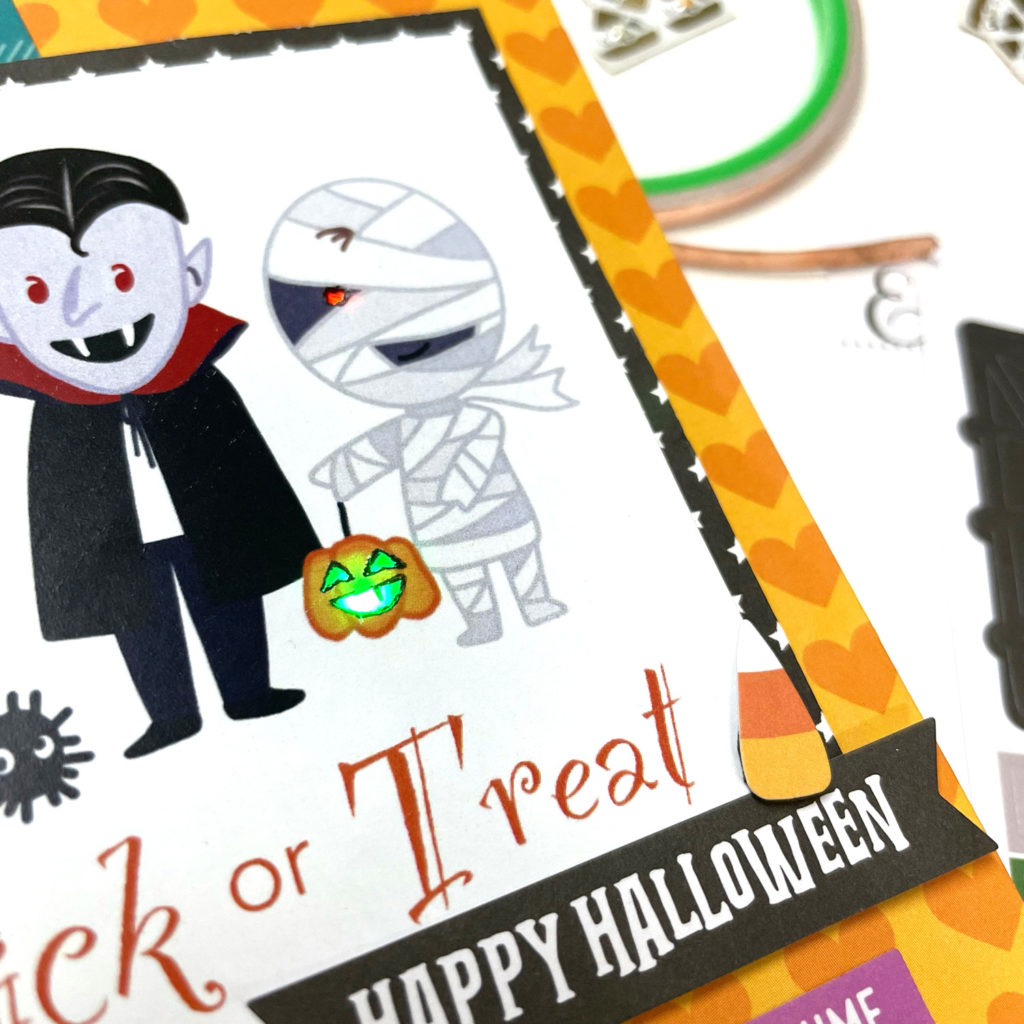
First, I prepared some patterned papers and stickers. The cute costume image which was designed by myself. I started by making the TN cover base. Then, I used the cute costume image as my theme and cut little holes on the face of the pumpkin and the mummy in order to make the LEDs light through.

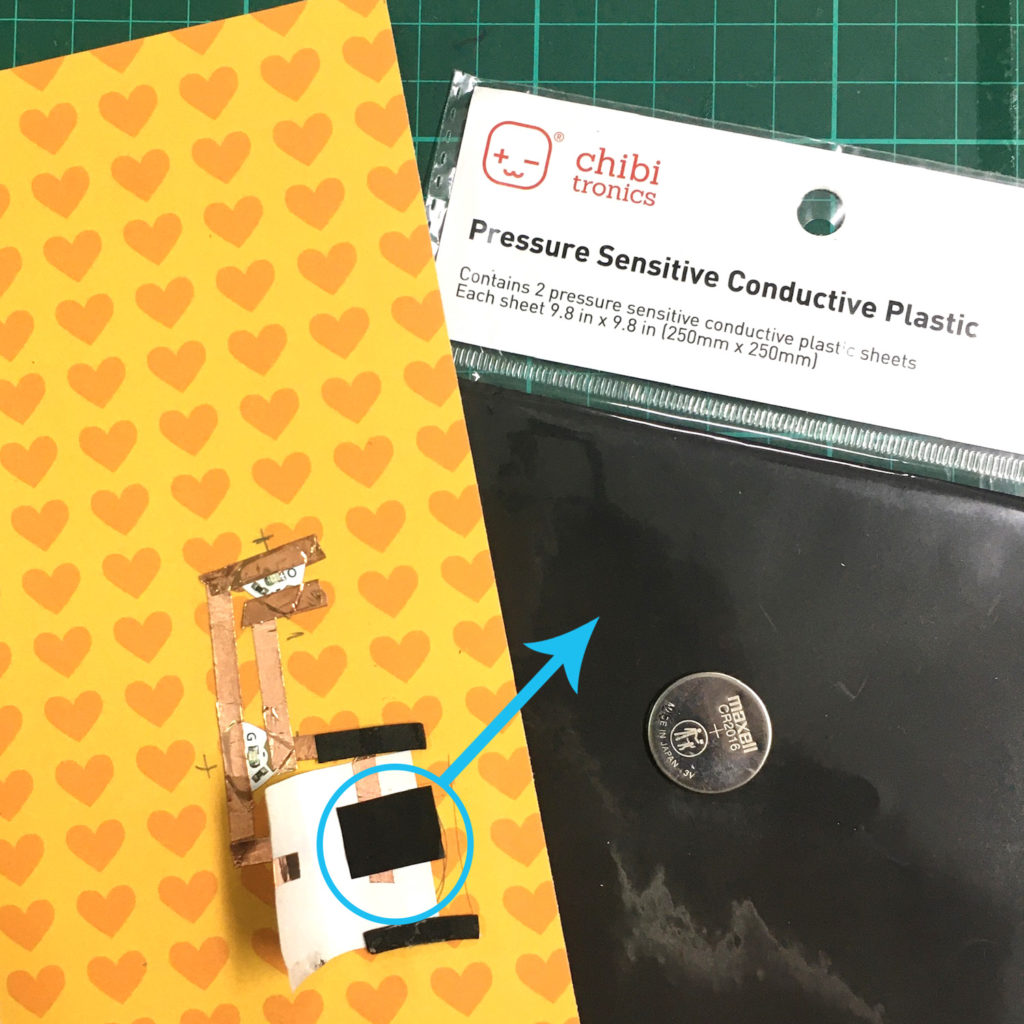
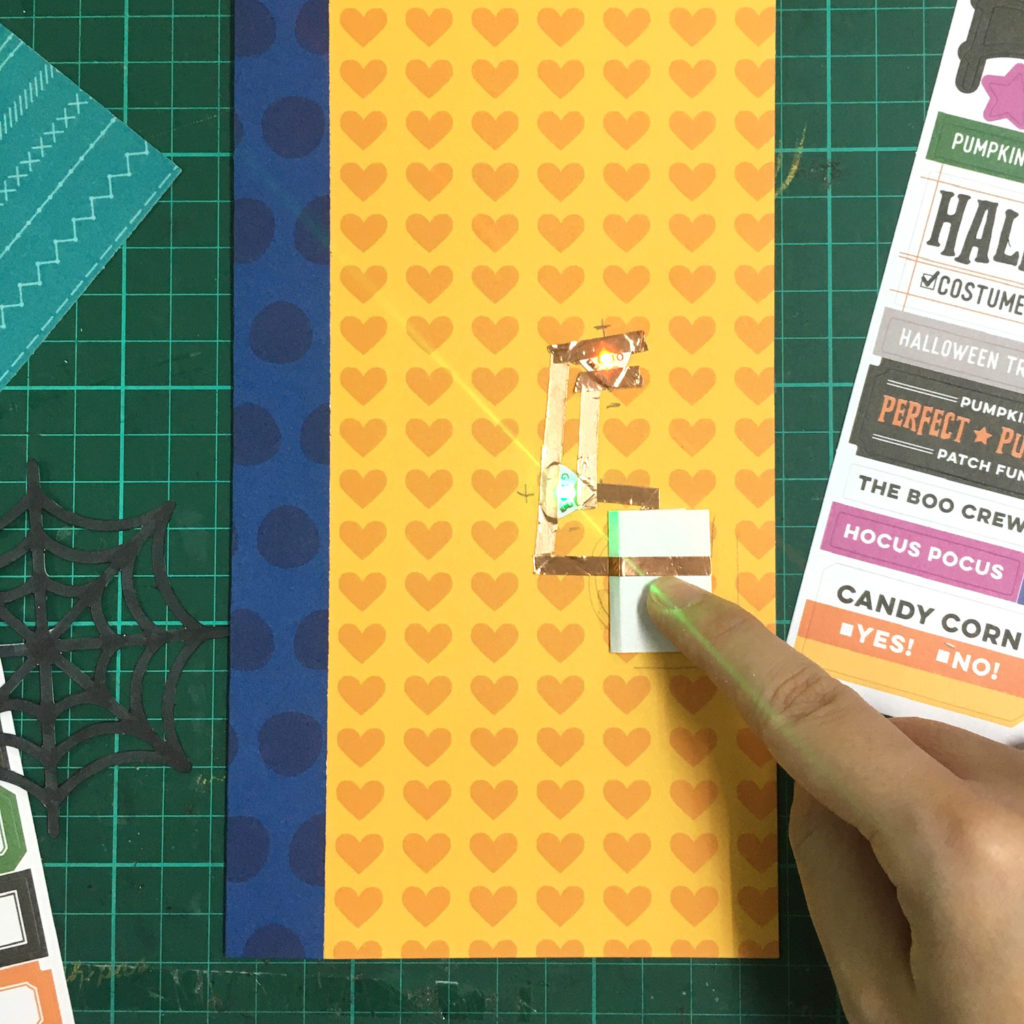
Second, I drew the parallel circuit template on the TN cover base. After sticking the Copper Tape over the template, I added two Pink, Orange, Green MegaPack (30 stickers). I also put a piece of pressure sensor conductive plastic on the battery holder. When you press, the light will become brighter the harder you press. This conductive plastic sheet is perfect for making DIY pressure sensors and adding a gentle fade in and fade out effect to your project.

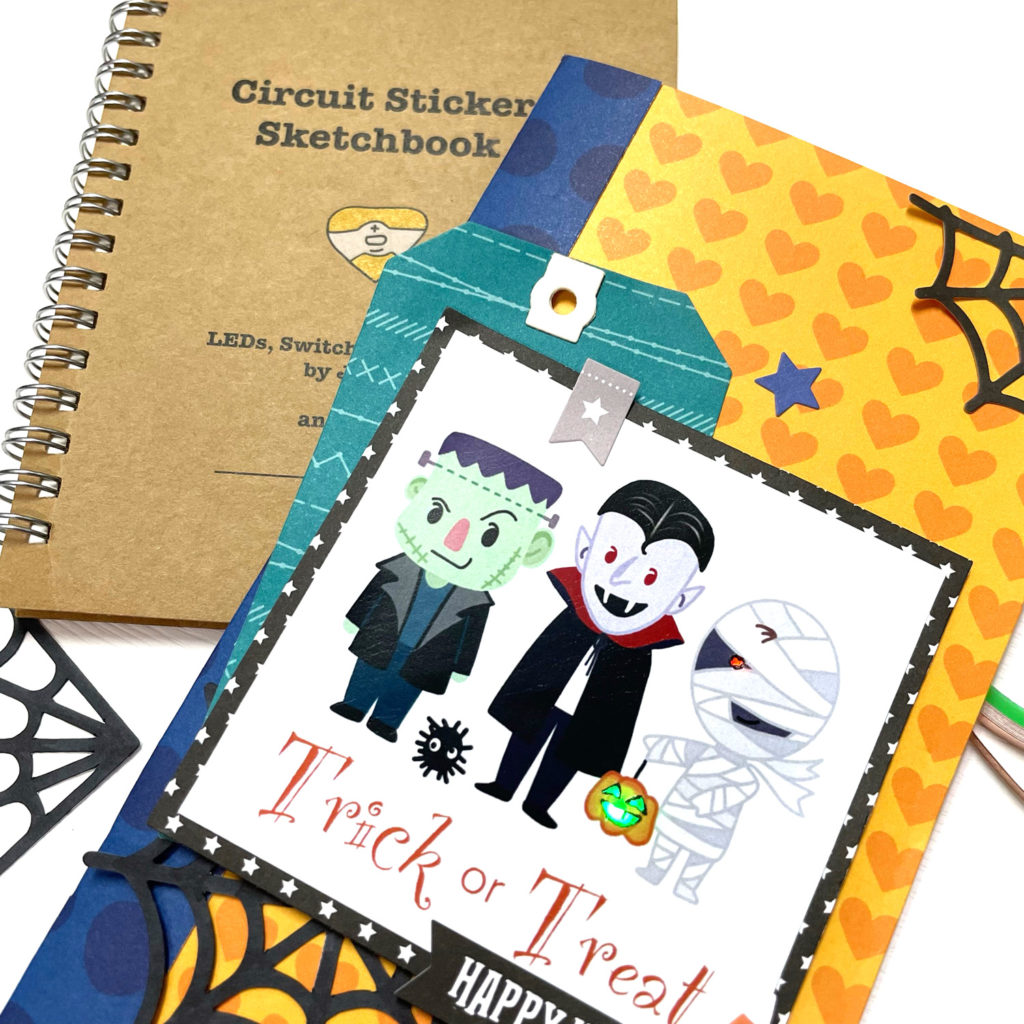
After finishing the circuit, I adhered the cute costume image with foam tape to my TN cover. To finish, I added some adorable stickers for more interest.

The supplies I used are: Copper TapePink, Orange, Green MegaPack (30 stickers)pressure sensor conductive plastic.

Hope you liked today inspiration project!

Thank you!

Wednesday, July 28, 2021

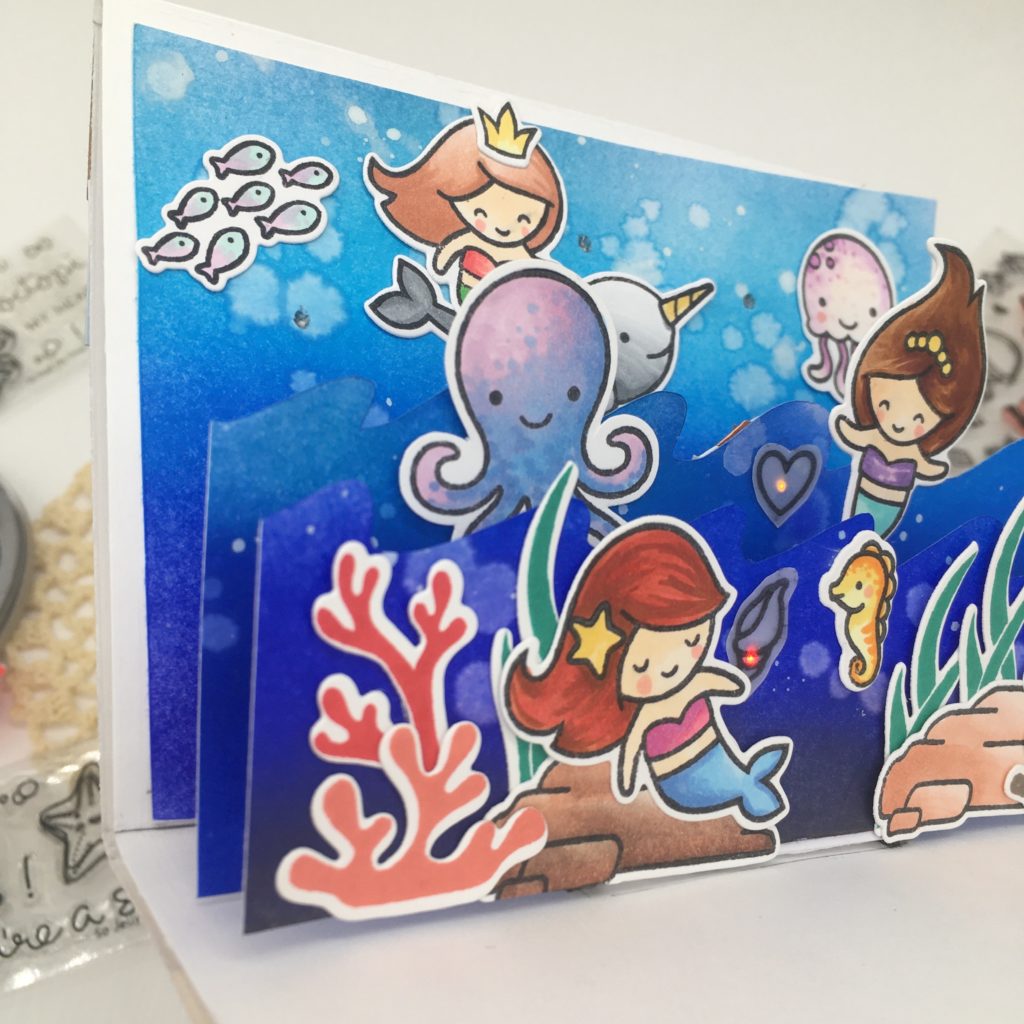
Light Up Pop Up Mermaid Card

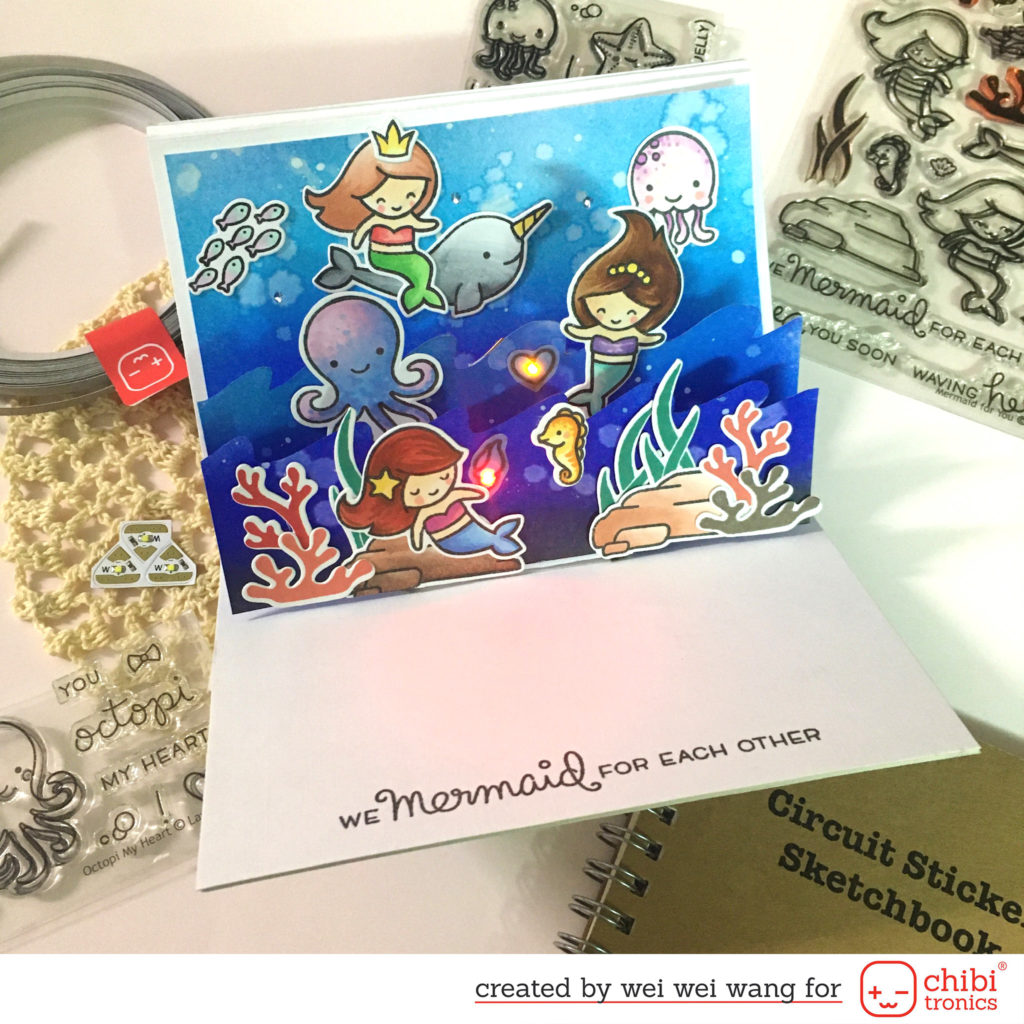
Hello, friends! Today I'm up on the Chibitronics blog  with this cute light up pop up card featuring Chibitronics LED and Lawn Fawn Mermaid For You stamp set.

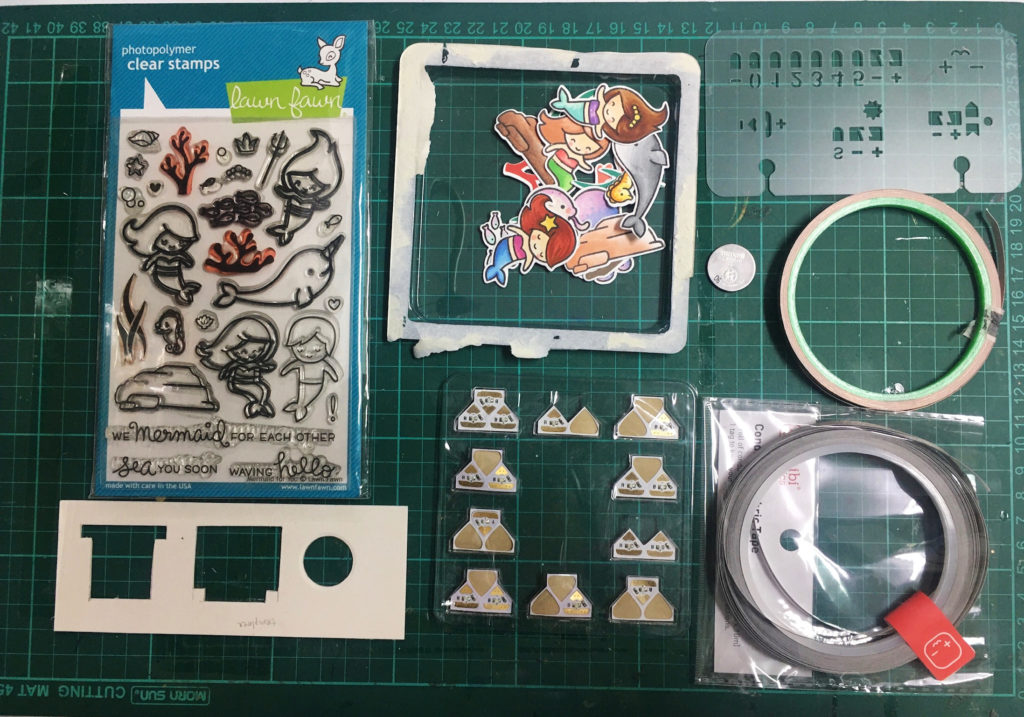
Here are my supplies:

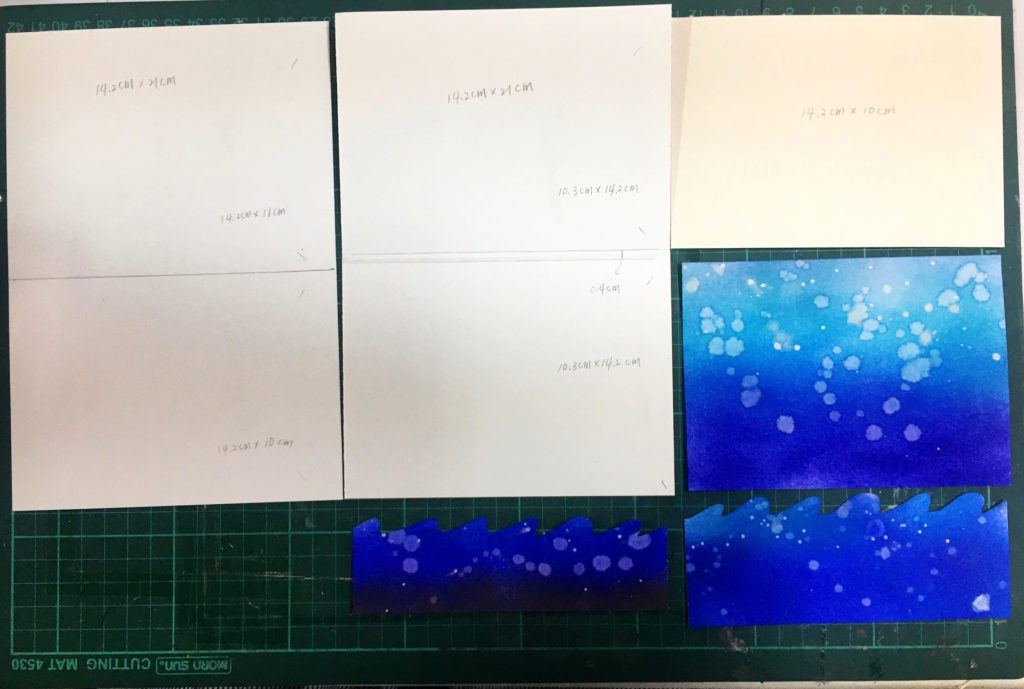
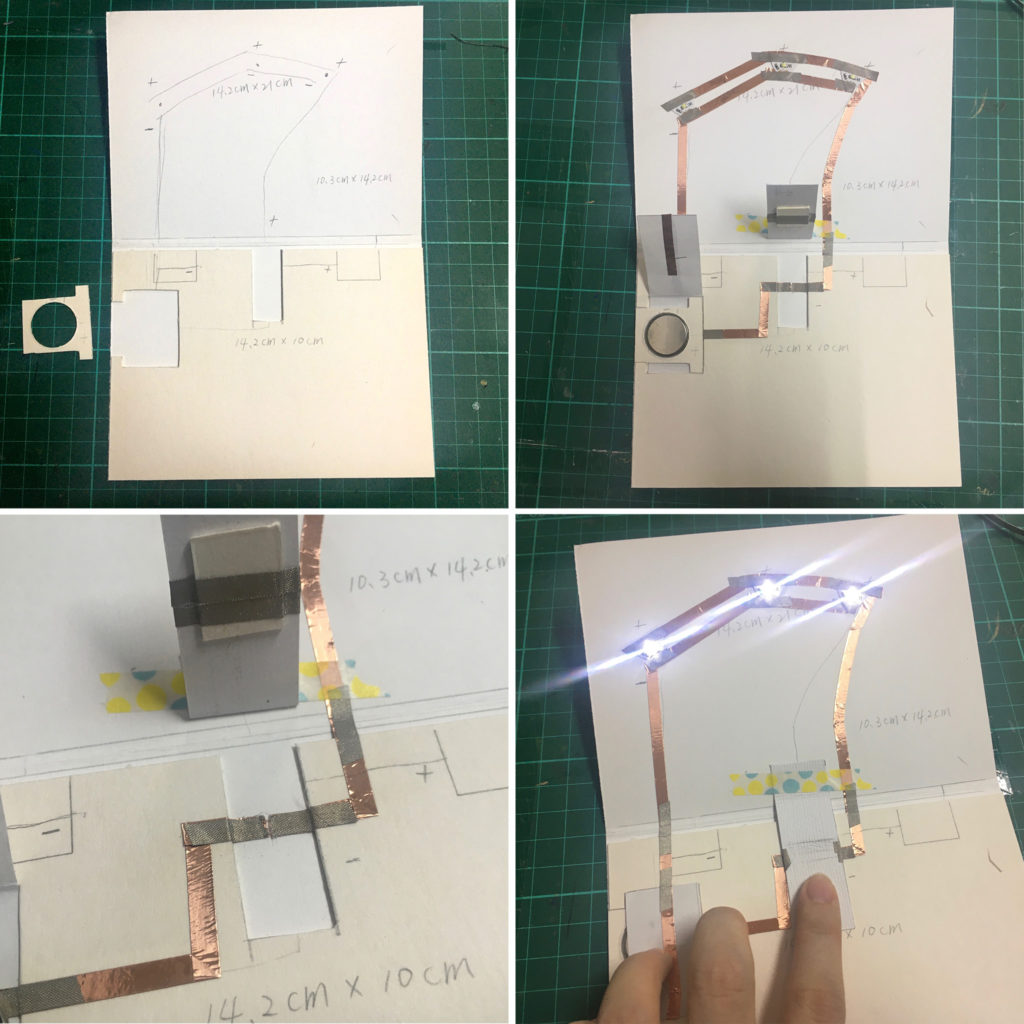
First, I drew the position of the battery holder and switch on the 14.2 x 20 cm white chipboard, and cut out. Then, I adhered the chipboard to the cardstock (14.2 x 21 cm white cardstock which is measured 10.3 cm, 0.4 cm, 10.3 cm in lengthwise and folded). Next, I built my circuit with Copper tape and Conductive Fabric Tape. I cut a tiny gap at the place where the switch made at there. For the switch, I adhered one piece of rectangle paper to the cardstock and I added a chipboard wrapped with Conductive Fabric Tape underneath the rectangle. The function of rectangle paper is just like pull tab.

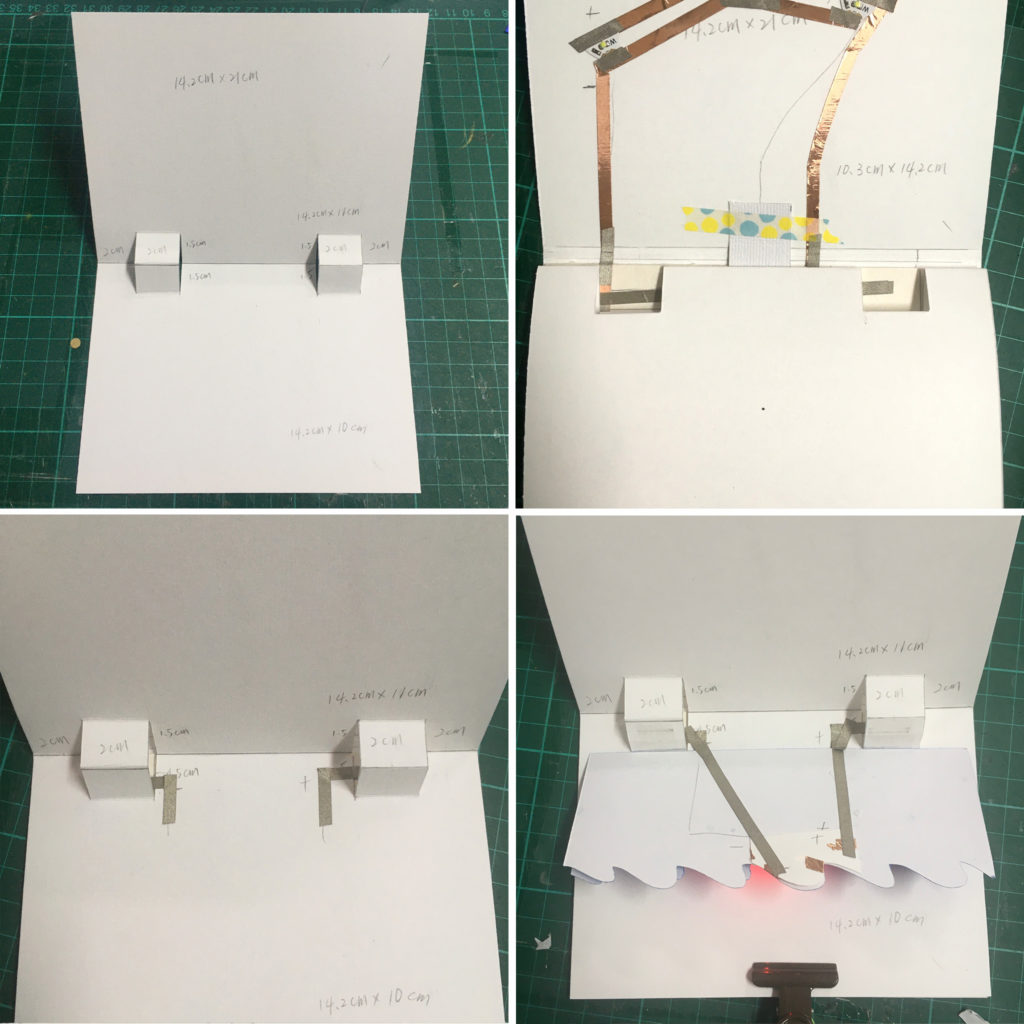
Next, I cut two pop ups on the another 14.2 x 21 cm white cardstock. (Measured 11 cm and 10 cm in lengthwise and folded ). I adhered the pop up cardstock on the chipboard and used Conductive Fabric Tape to connect the background circuit with wave circuit.

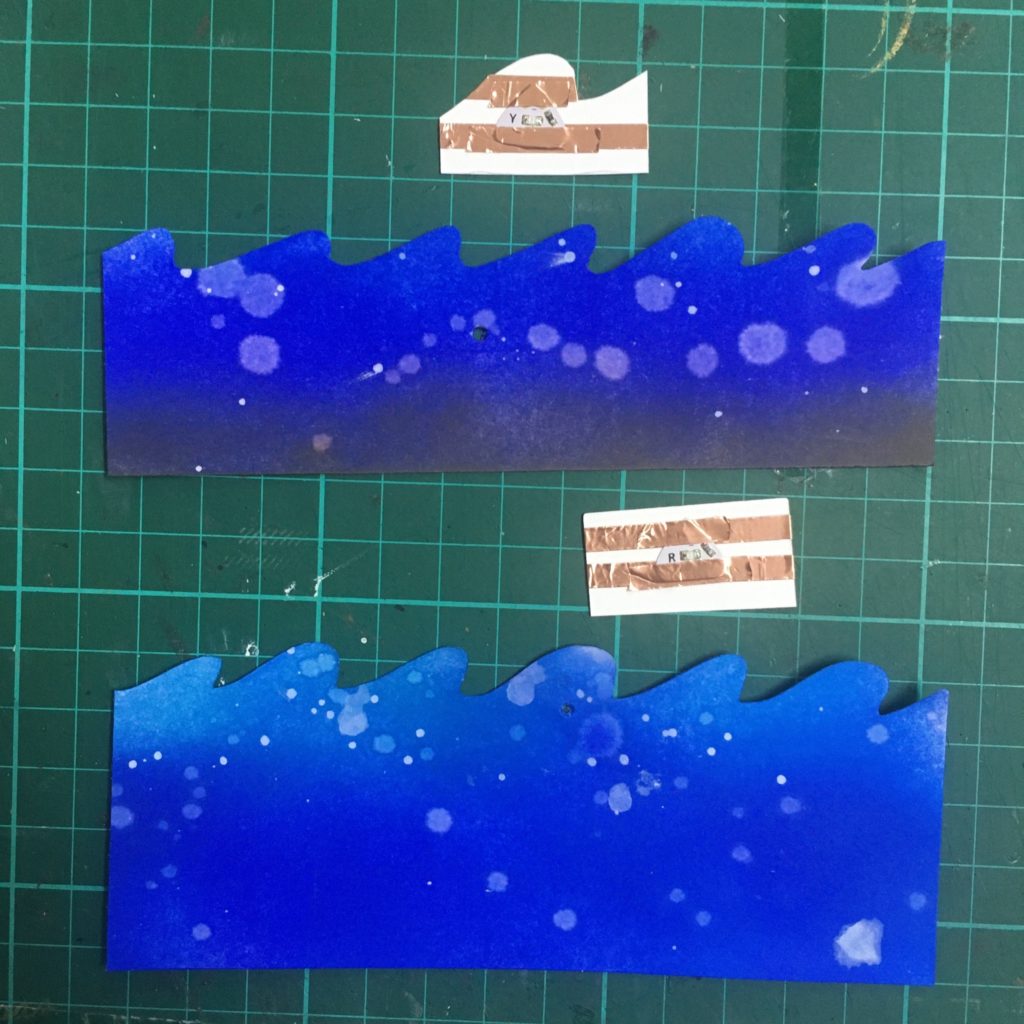
As you see, I added the yellow LED sticker and red LED sticker to other paper piece, and then adhered them behind the waves. To complete the whole circuit, I connected the wave circuit and LEDs with Conductive Fabric Tape.

I made a step by step video or you can watch it over on my YouTube Channel:

https://youtu.be/YRoOVXTwhuA

That is all from my side today. I hope you were inspired and give Chibitronics products a try!

Have a great day.

Thank you 

Wednesday, June 23, 2021

Light up volcano card

 Hello, friends!

Today I'm up on the Chibitronics blog with this cute volcano light up card featuring Chibitronics LED and Heffy Doodle Geology Rocks Clear Stamp Set.


For this card, I created a new switch which is different from what I used to do.

This switch is just like the simple single-pole (ON/OFF) switch in our real life. When you pull it to the right (turn on), the LED lights up, and in the opposite direction you turn off the light.


Here is the circuit I used:


I used a basic and simple circuit. What I want to introduce is the switch. In fact, the switch mechanism is the same as usual, I just reformed the “pull tab” to the “horizontal switch”.


There is a little gap on the bottom right corner in the circuit. When you toggle the level to the ON position (to the right direction), the copper on the switch closes the gate, completing the circuit. When you flip the toggle lever to the OFF position (to the left direction), the gateway opens up, interrupting the flow of power to the light.


The idea of battery holder is from our talented DT member June Lee, but I adjusted a little.

Here's the tip, the thickness of the battery holder should be the same as the battery.


I made a step by step video or you can watch it over on my YouTube Channel:


 The supplies I used are: Copper Tape, Red, Yellow, Blue MegaPack (30 stickers